Desktop guide
Gaming PC Overheating and Losing FPS? Fix Thermal Throttling
Stop your gaming PC from slowing down mid-game by fixing its cooling.
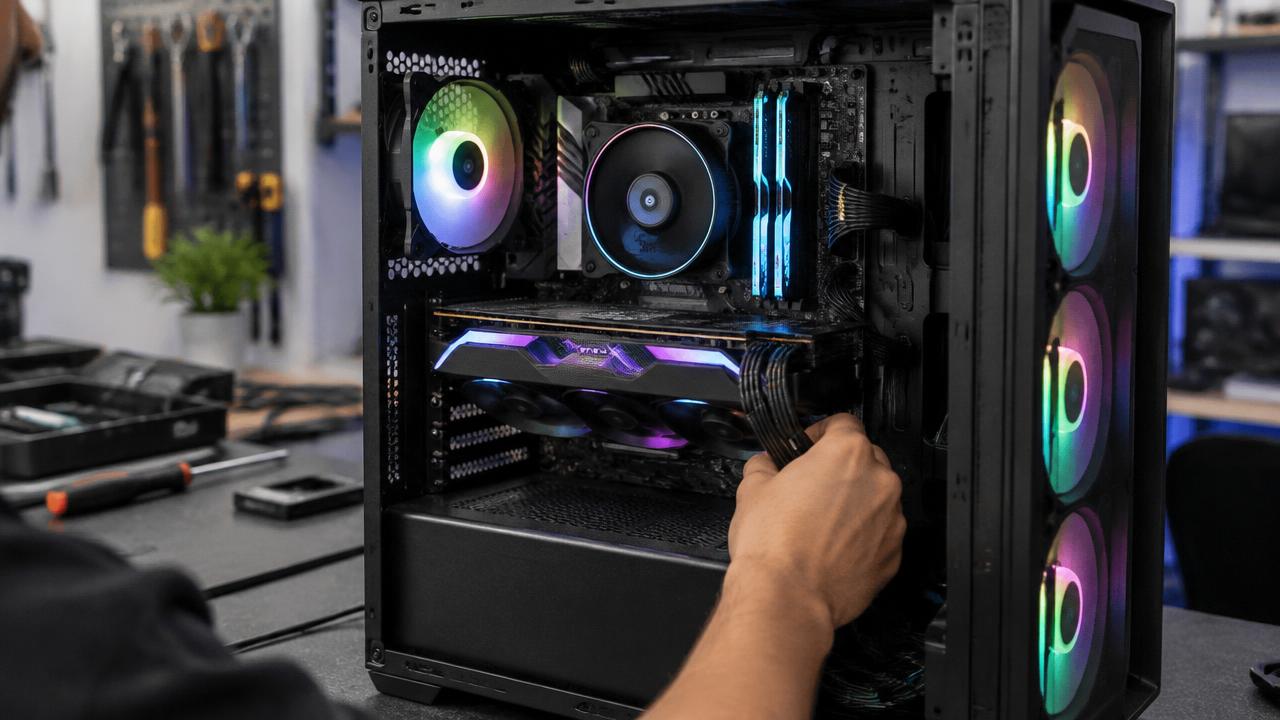
A gaming PC that starts fast then loses frames after ten minutes is almost certainly thermal throttling — the processor or graphics card slowing itself to survive the heat.
What the symptoms can mean
FPS that drops as the machine warms up, fans spinning at maximum and a hot case are the classic throttling pattern. Shutdowns during games indicate temperatures beyond safe limits.
What to do next
Check that all fans spin, clean dust from filters and heatsinks, and monitor temperatures with a free tool during a game. Sustained high temperatures call for a deep clean and fresh thermal paste.
What throttling costs you
When a processor or graphics card hits its temperature limit, it cuts its own speed — sometimes by a third or more — which is exactly the mid-game FPS drop players notice. The hardware is protecting itself, but running at the limit for months ages components faster, so fixing the cooling pays twice.
The proper fix
A thorough service removes dust from heatsinks and fans, replaces dried thermal paste on the processor and graphics card, and verifies airflow direction through the case. Temperatures before and after tell the story: a well-serviced gaming PC typically runs dramatically cooler and holds its full speed through long sessions.
When to arrange a diagnosis
If the problem continues after safe basic checks, a proper diagnosis is the best next step. It helps separate a replaceable part from a deeper board, power or software issue before any repair is approved.
Common questions
How hot is too hot for a gaming PC?
Sustained processor or graphics temperatures above the mid-80s Celsius under load are worth addressing; repeated trips into the 90s mean the cooling needs attention now.
Will more case fans fix overheating?
Sometimes, but only if dust and old paste are not the real cause. Cleaning and repasting first is cheaper and usually the actual fix.