
iPhone•6 min read
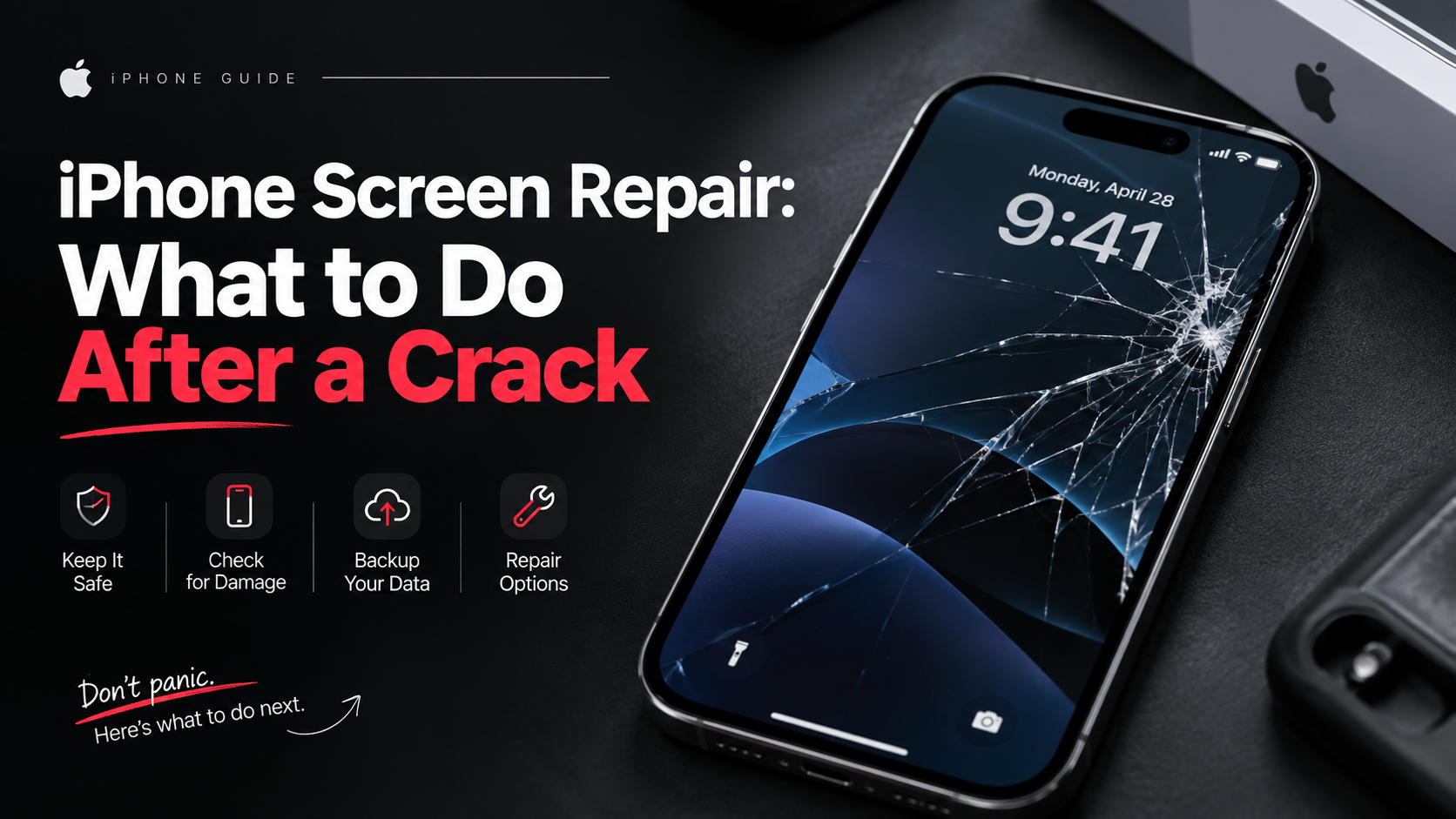
iPhone Screen Repair: What to Do After a Crack
A practical guide to protecting your iPhone, checking damage and deciding when the screen needs professional repair.
Read guideAbu Dhabi workshop • Free diagnosis • Same-day repairs
Fixora Journal
Practical device-care guides for people across Abu Dhabi—written to help you understand the problem before choosing the next step.
A practical guide to protecting your iPhone, checking damage and deciding when the screen needs professional repair.
Read guide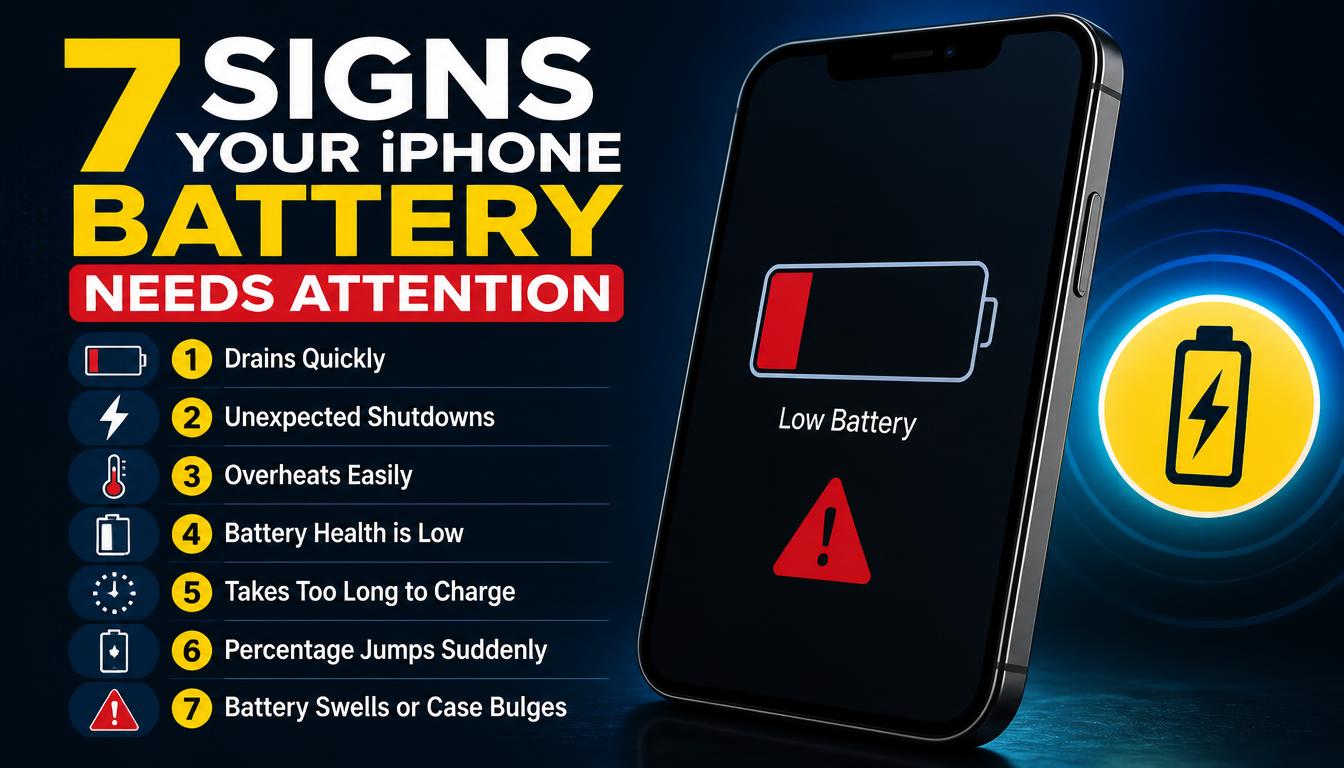
Learn the common signs of iPhone battery wear, from rapid drain and shutdowns to heat and swelling.
Read guide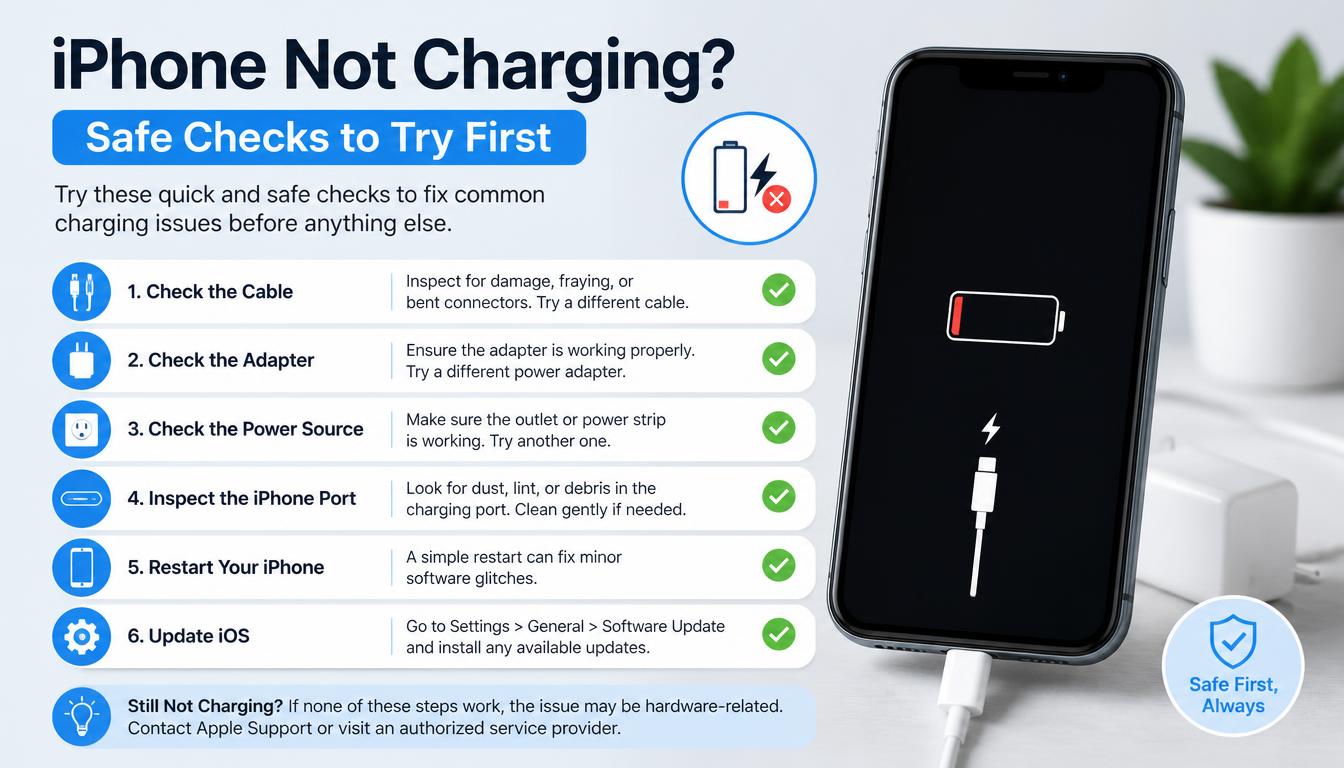
Work through safe iPhone charging checks before arranging charging-port or battery repair.
Read guide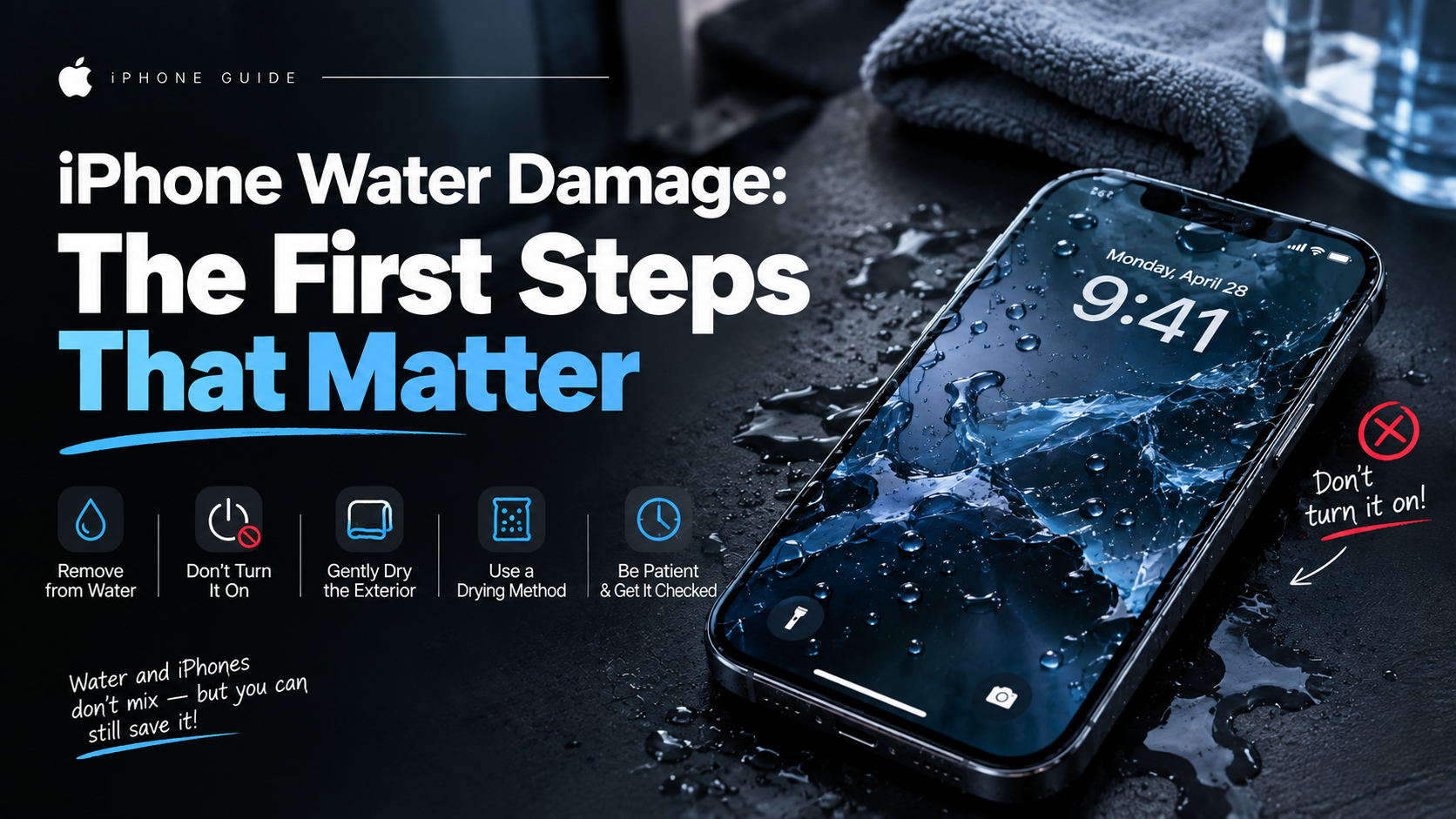
What to do—and avoid—after an iPhone gets wet to reduce the chance of further damage.
Read guide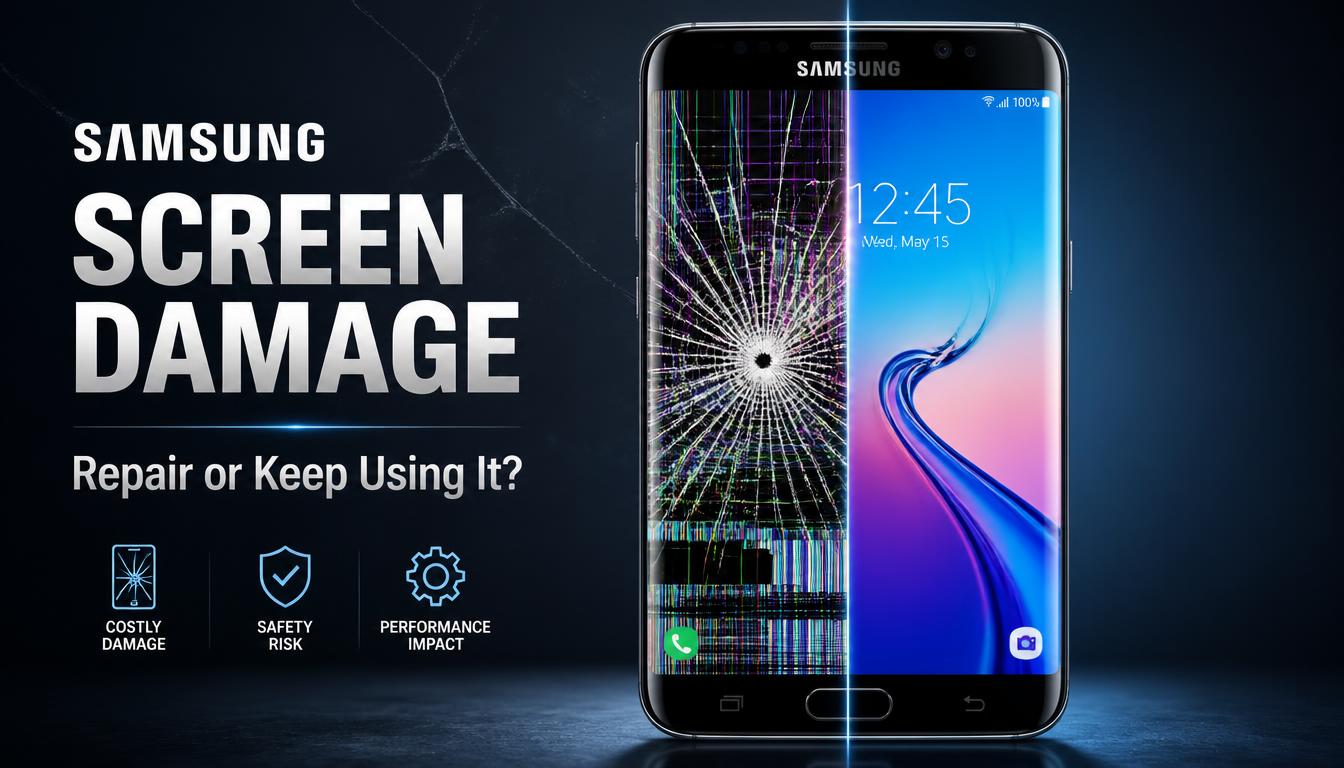
Understand Samsung display cracks, touch faults and OLED damage before the problem gets worse.
Read guide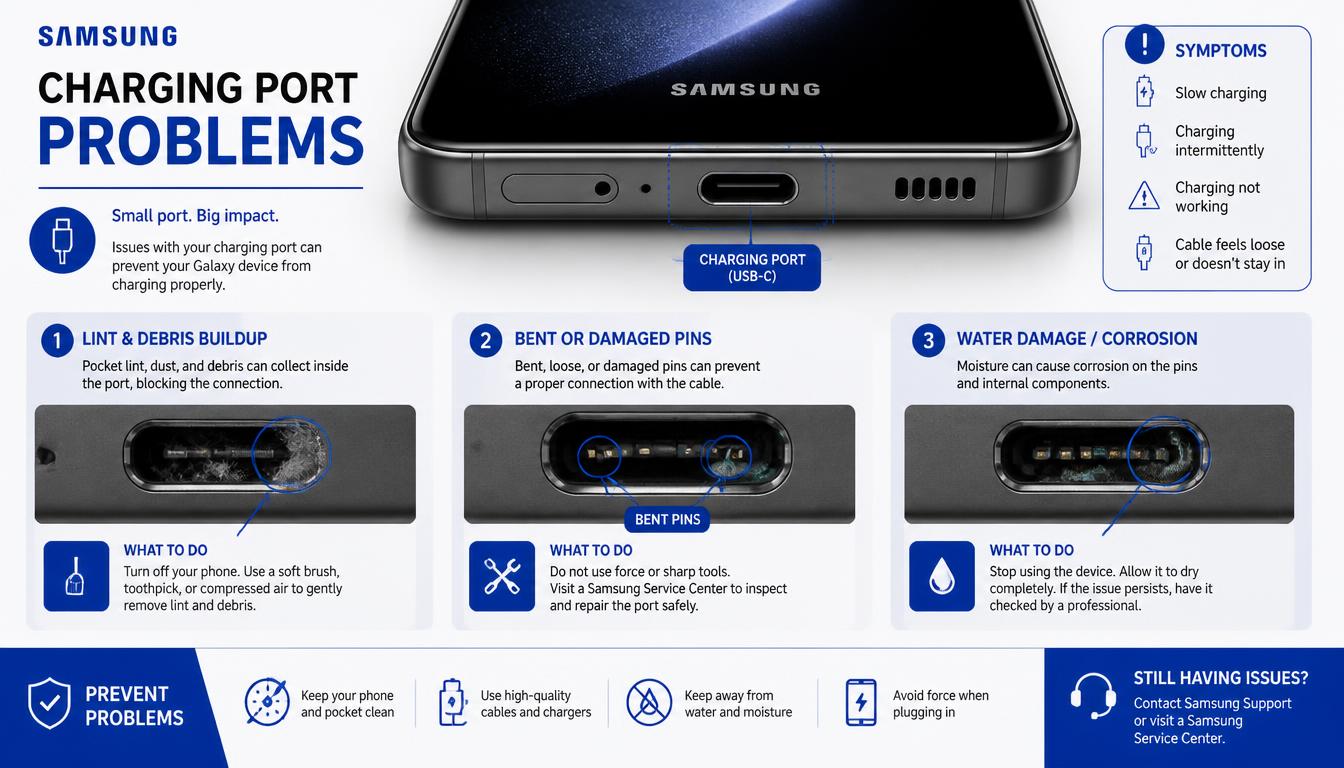
Common causes of slow, loose or failed Samsung charging and the safe checks you can make.
Read guide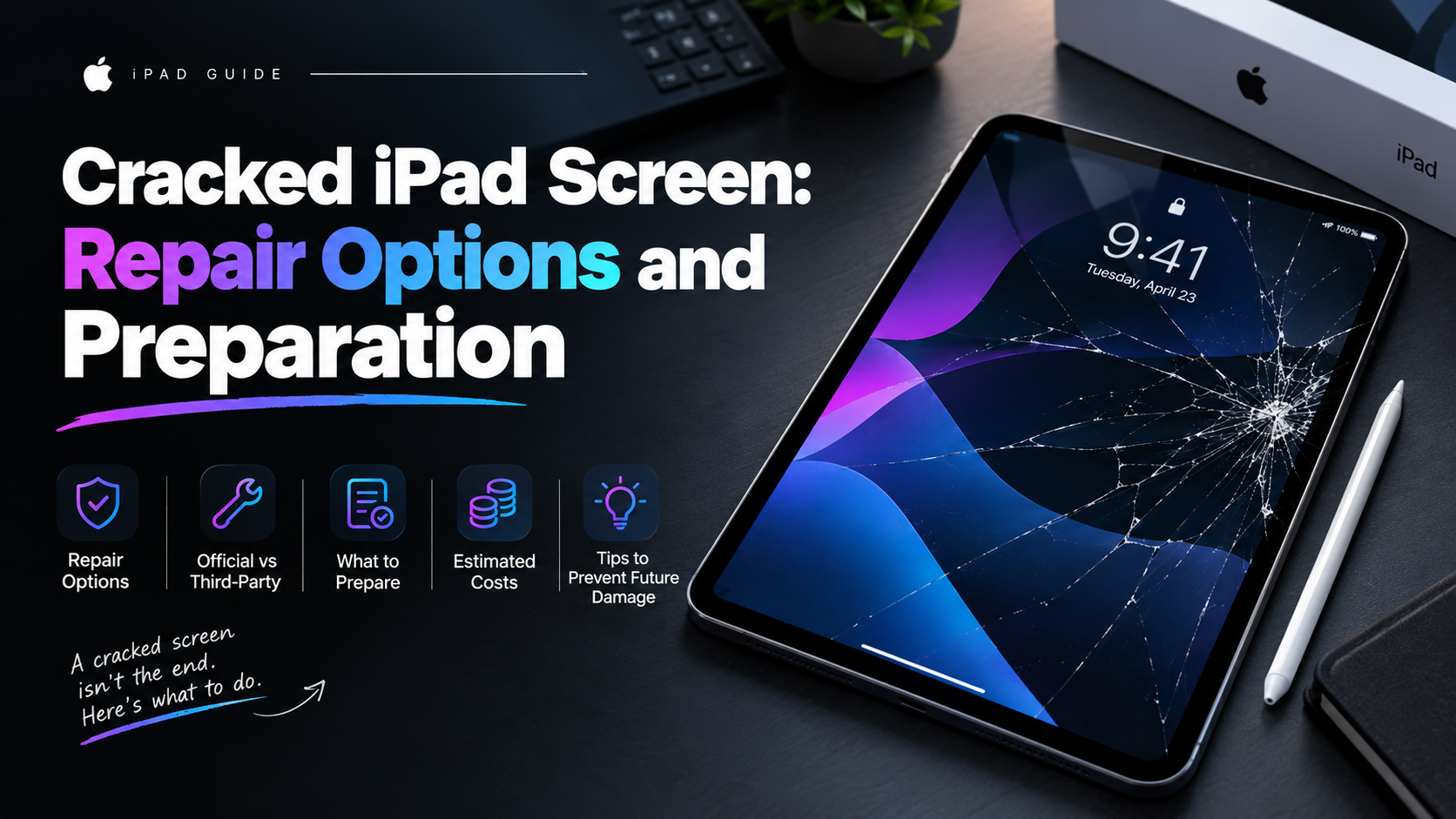
Know what to check when an iPad has broken glass, touch faults or display damage.
Read guide
Find the likely reasons for fast iPad battery drain and know when a battery check is sensible.
Read guide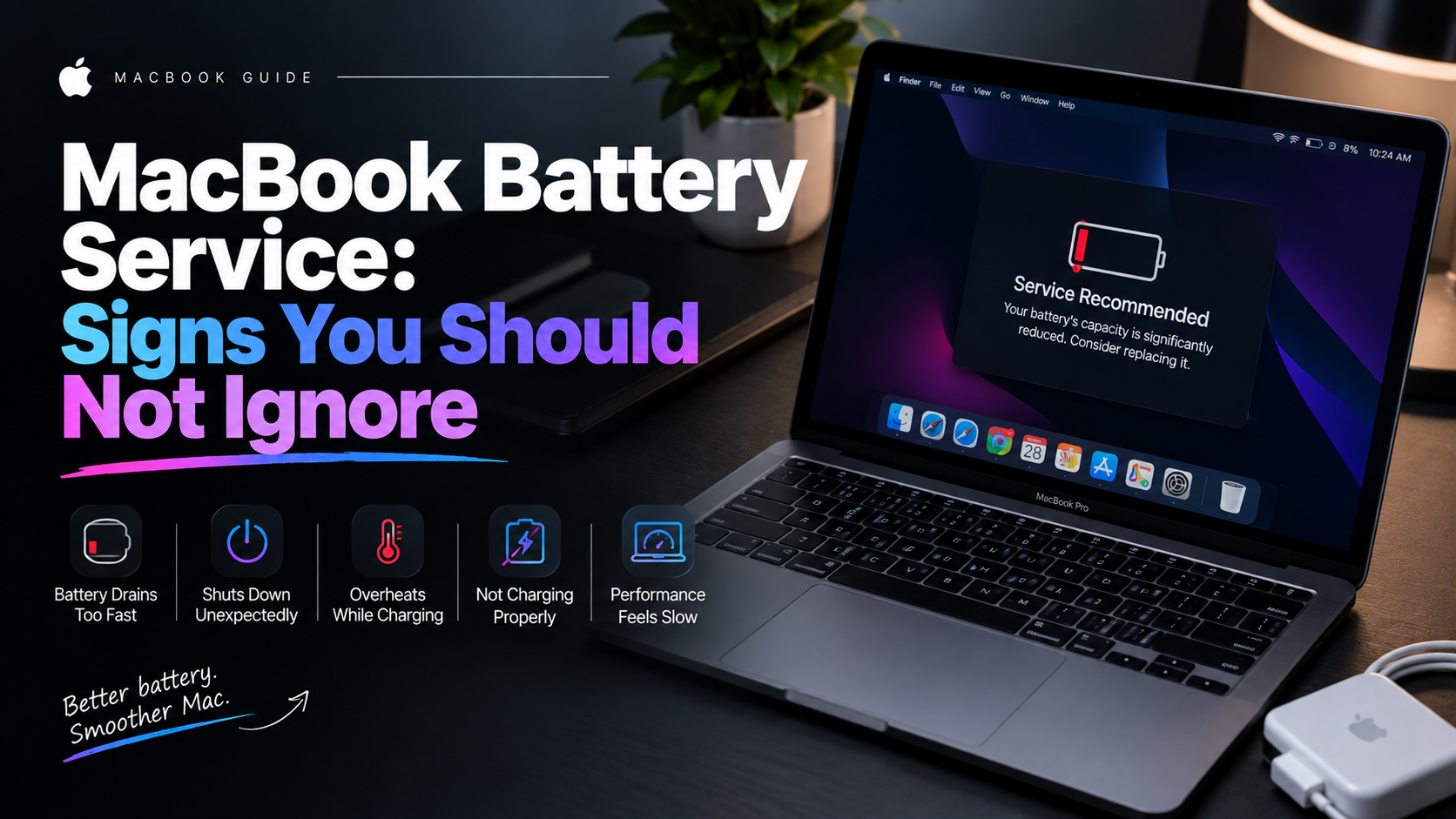
Recognise battery warnings, swelling, short runtime and charging issues on a MacBook.
Read guide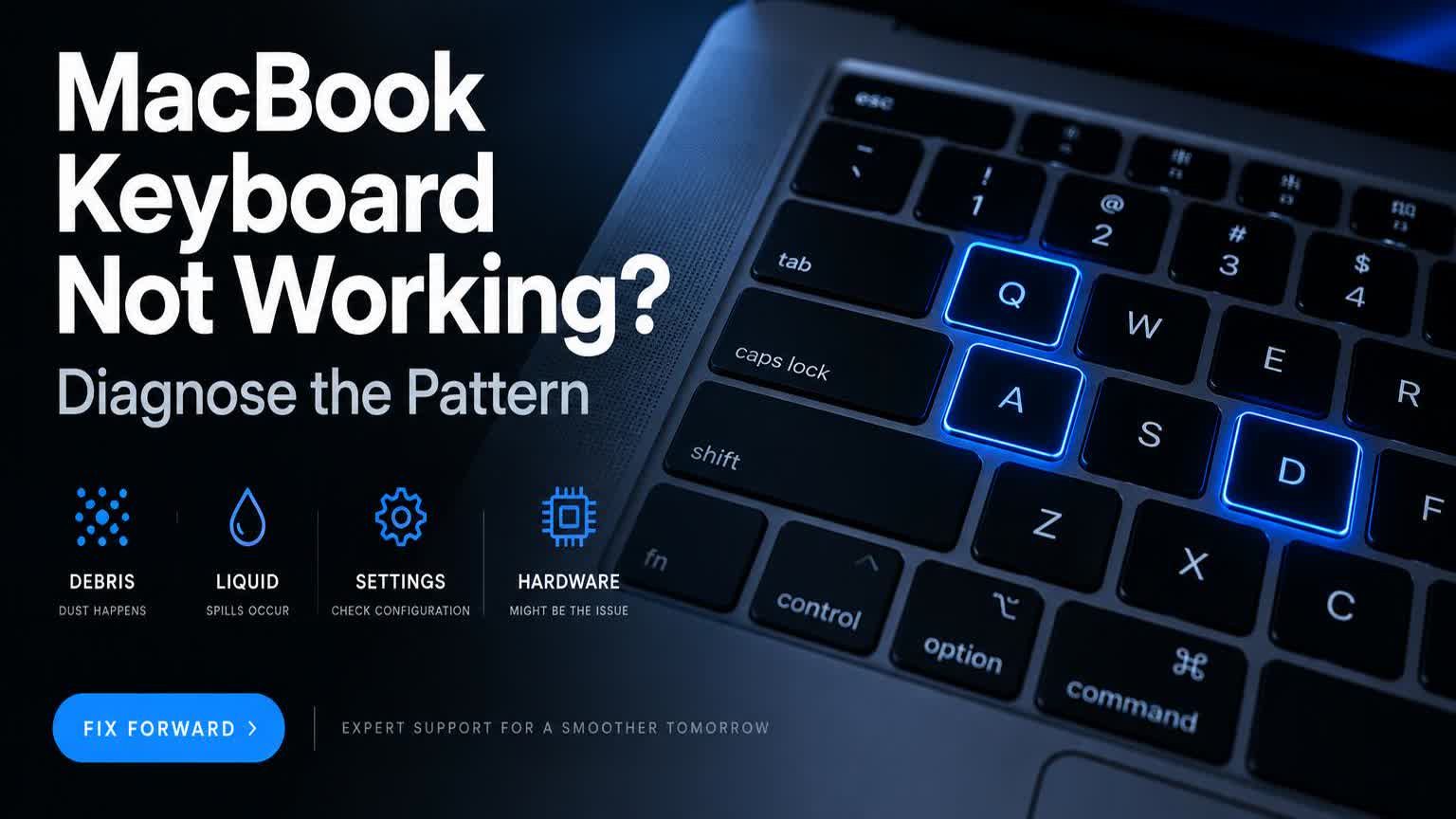
Use the pattern of failed MacBook keys to identify debris, liquid, settings or hardware issues.
Read guide
Immediate, safe steps after a drink spill on a MacBook and why internal inspection matters.
Read guide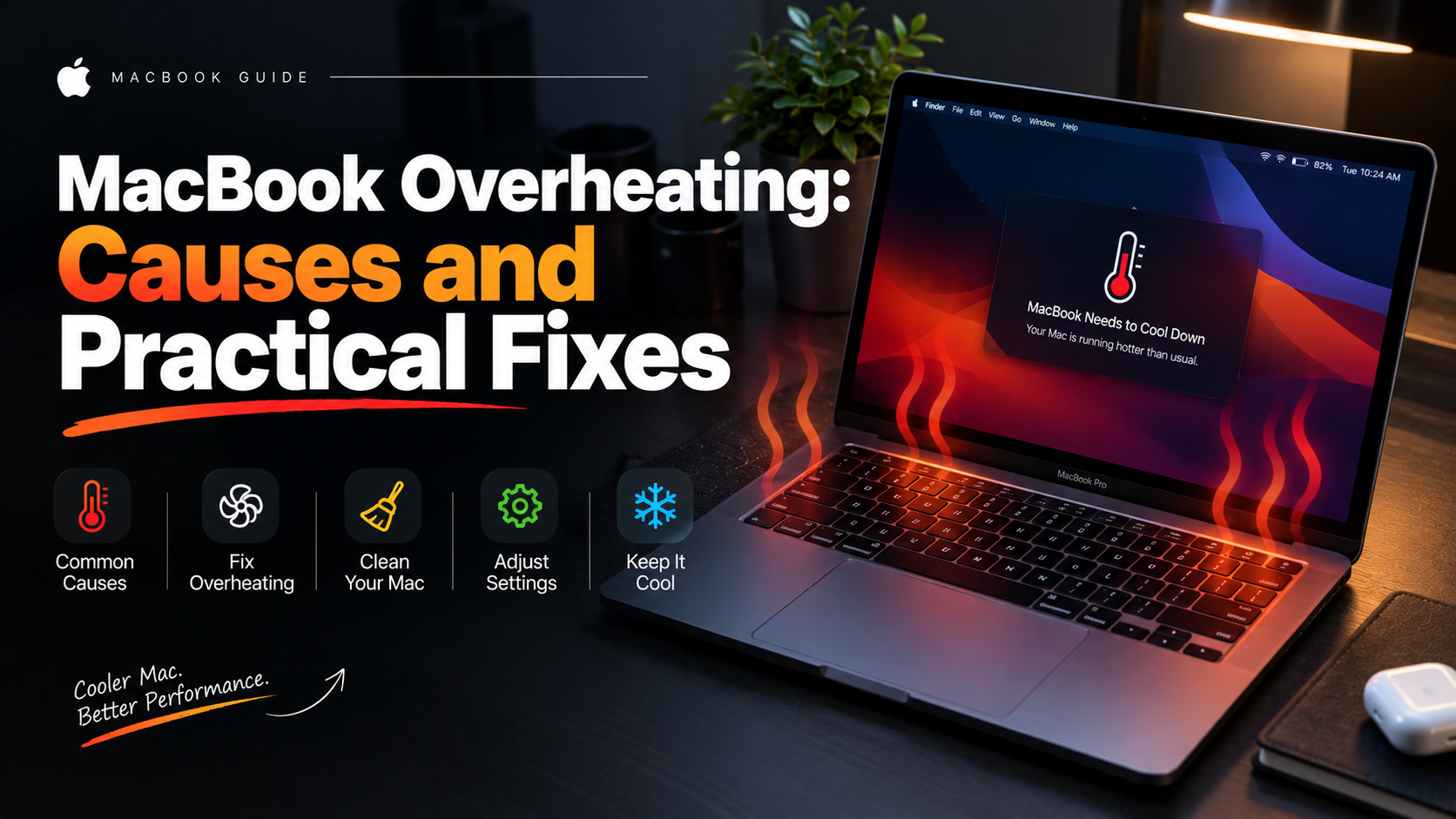
Understand MacBook heat, loud fans and slow performance before arranging a thermal service.
Read guide
Separate power, display and startup problems when a Windows laptop appears completely dead.
Read guide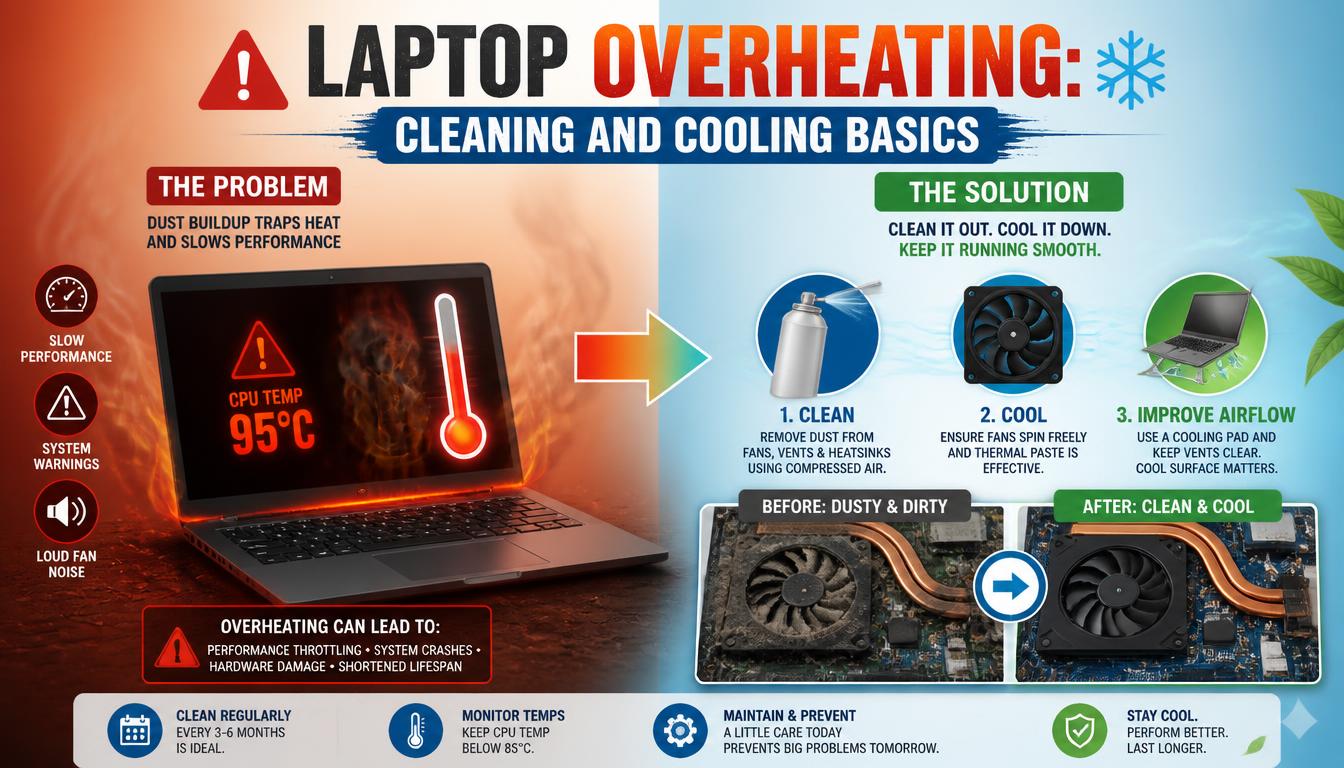
Reduce Windows laptop heat safely and recognise when internal cleaning or fan service is needed.
Read guide
Learn when an SSD upgrade can improve laptop startup and responsiveness—and when it cannot.
Read guide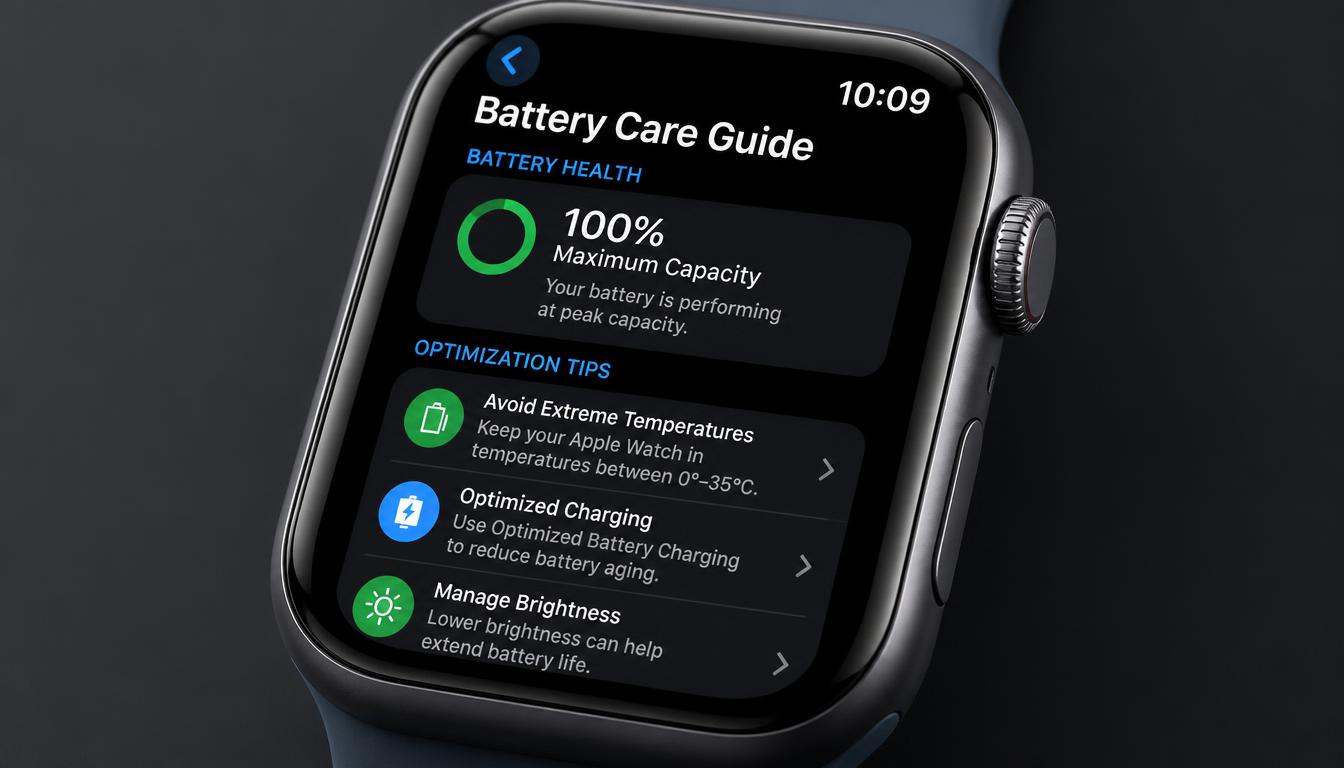
Protect an Apple Watch display and recognise battery, charging and screen faults.
Read guide
Identify PS5 HDMI port damage, cable issues and display-setting problems before repair.
Read guide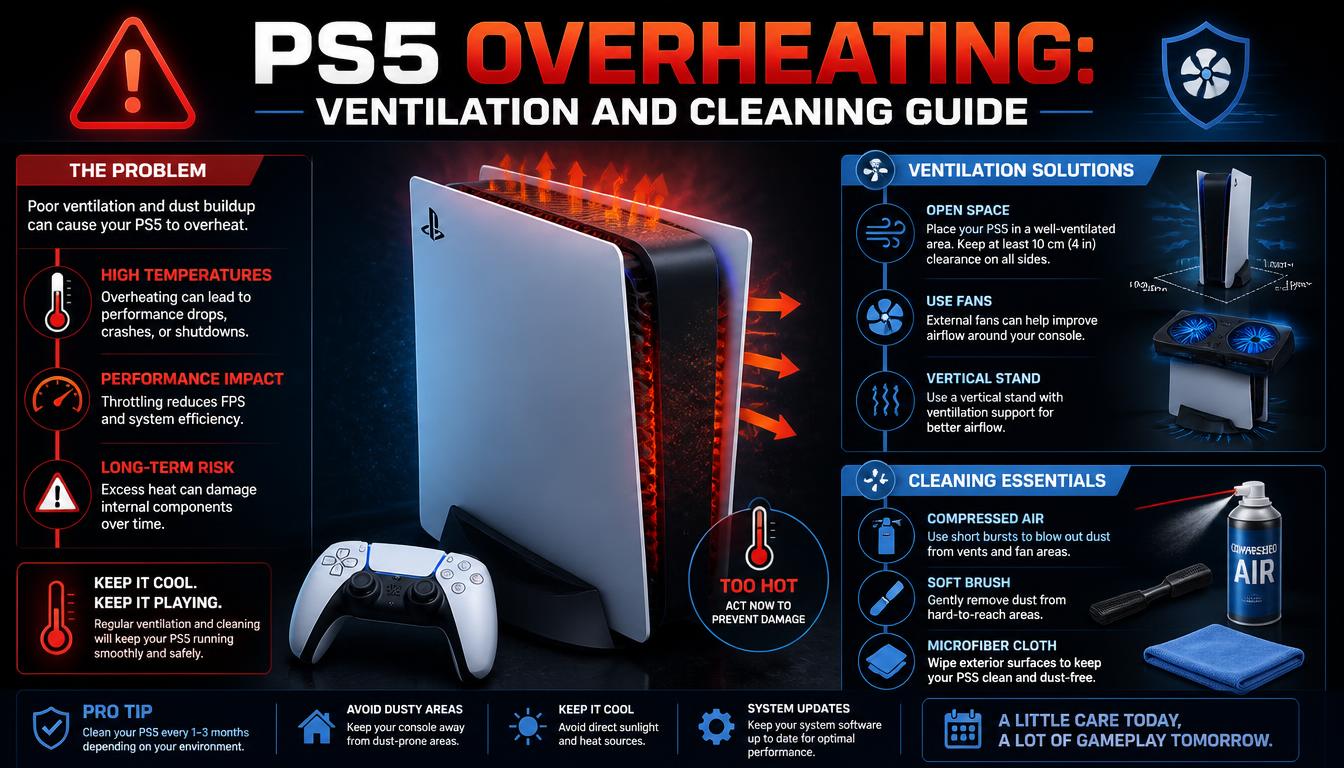
Improve PS5 airflow safely and understand shutdowns, fan noise and overheating warnings.
Read guide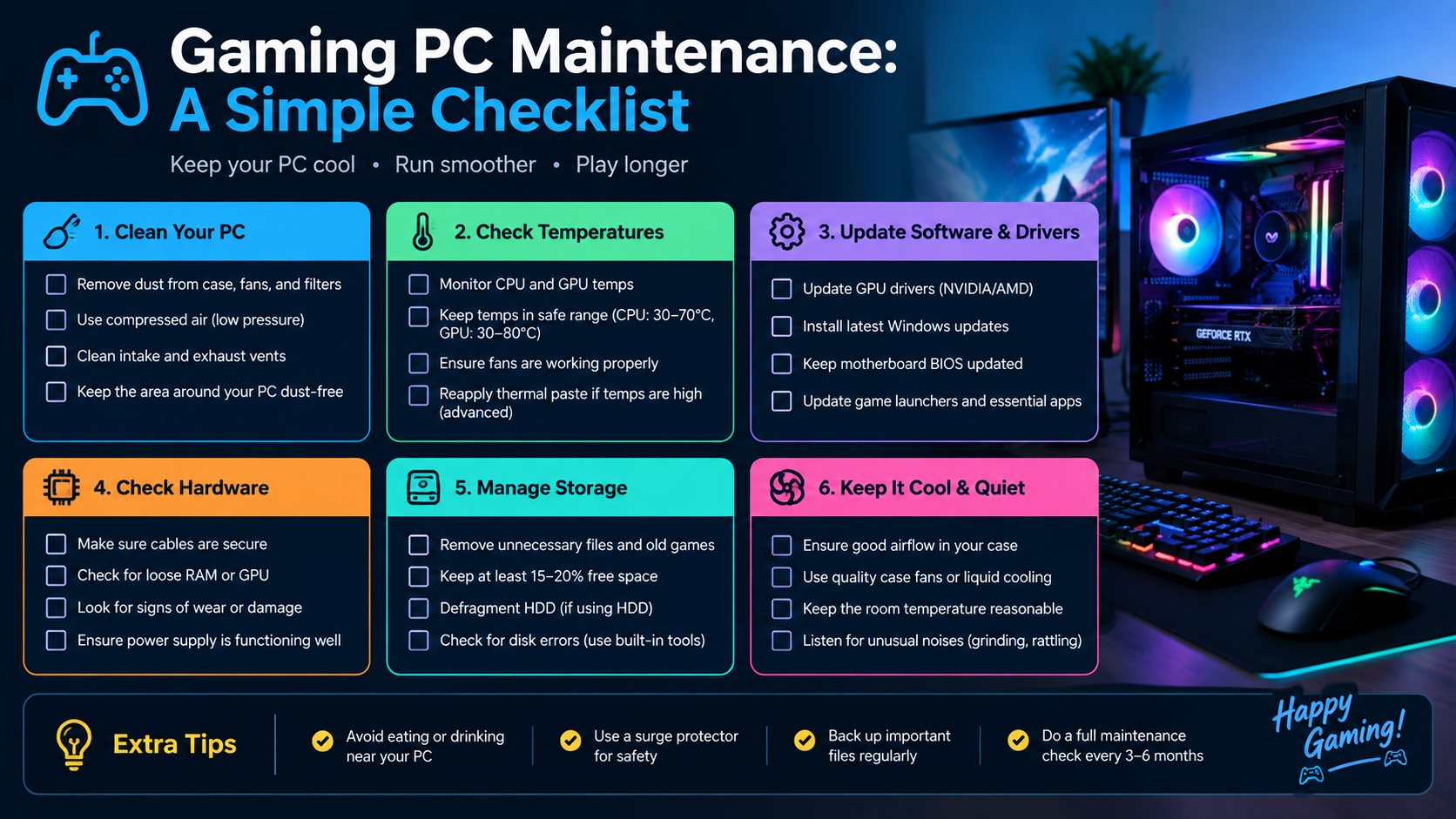
Keep a gaming PC clean, cool and reliable with sensible software and hardware checks.
Read guide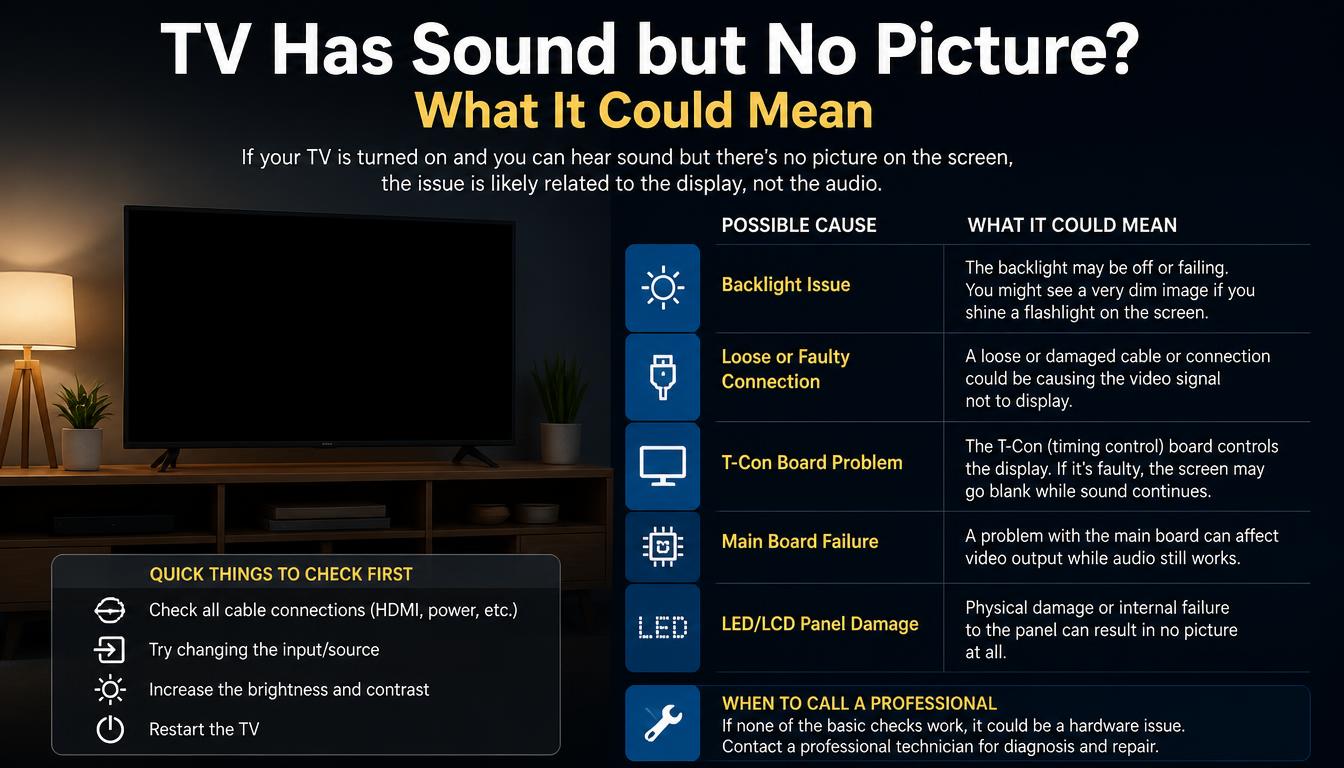
Understand common TV picture, backlight, input and power faults before arranging a diagnosis.
Read guide
Find out why Face ID may stop working and which safe checks can narrow down the cause.
Read guide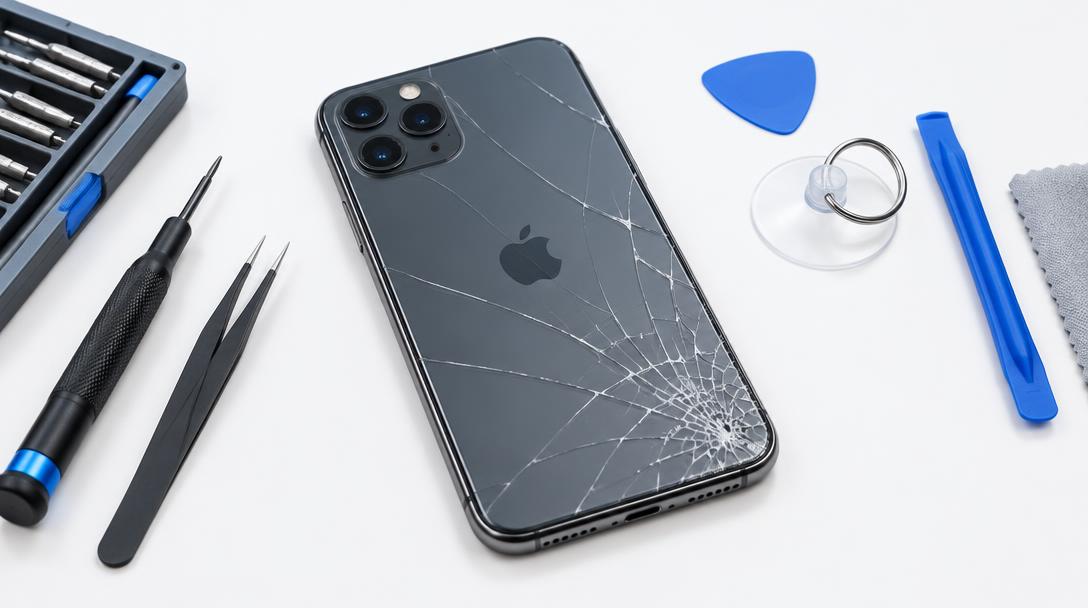
Understand cracked iPhone back glass, why it matters and how repair is approached.
Read guide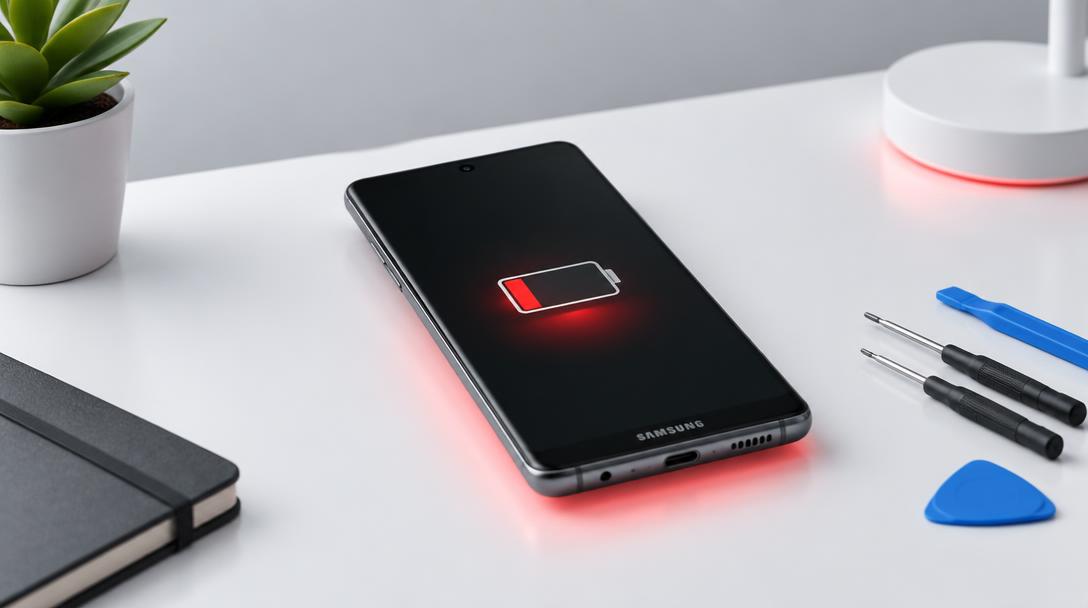
Learn the common causes of fast Samsung battery drain and which checks help before repair.
Read guide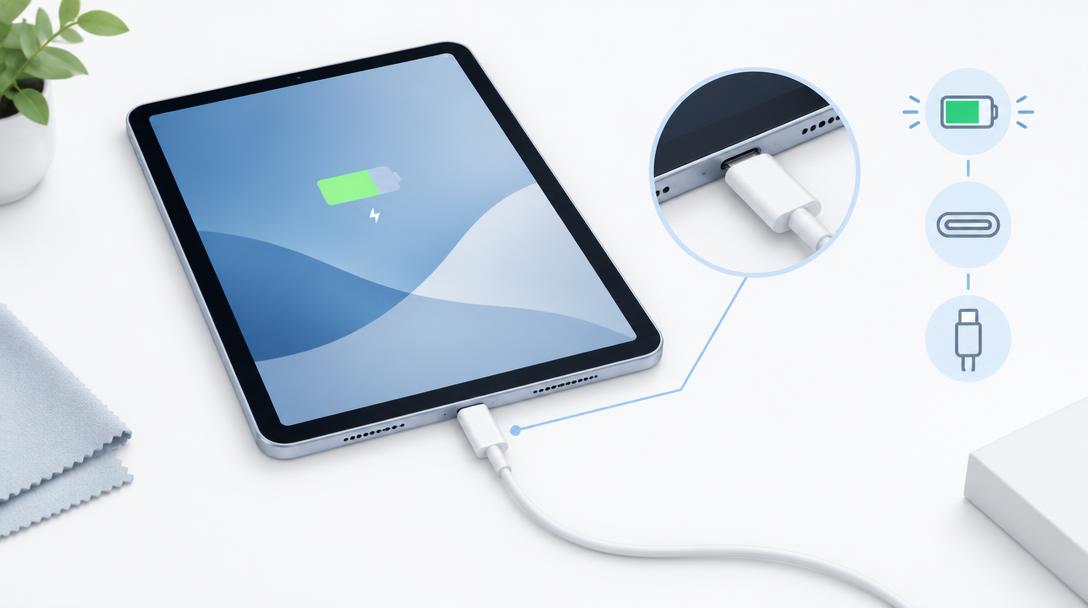
Work through safe iPad charging checks to rule out cables, ports and power sources.
Read guide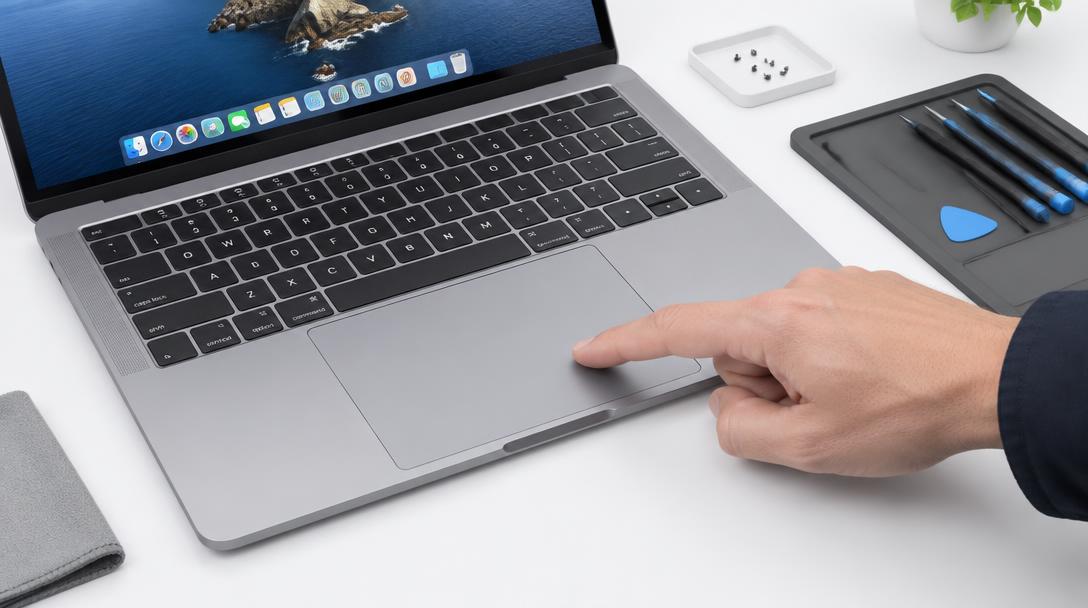
Understand why a MacBook trackpad may fail to click, drag or respond and what checks help.
Read guide
Separate power, display and startup faults when an iMac shows no signs of life.
Read guide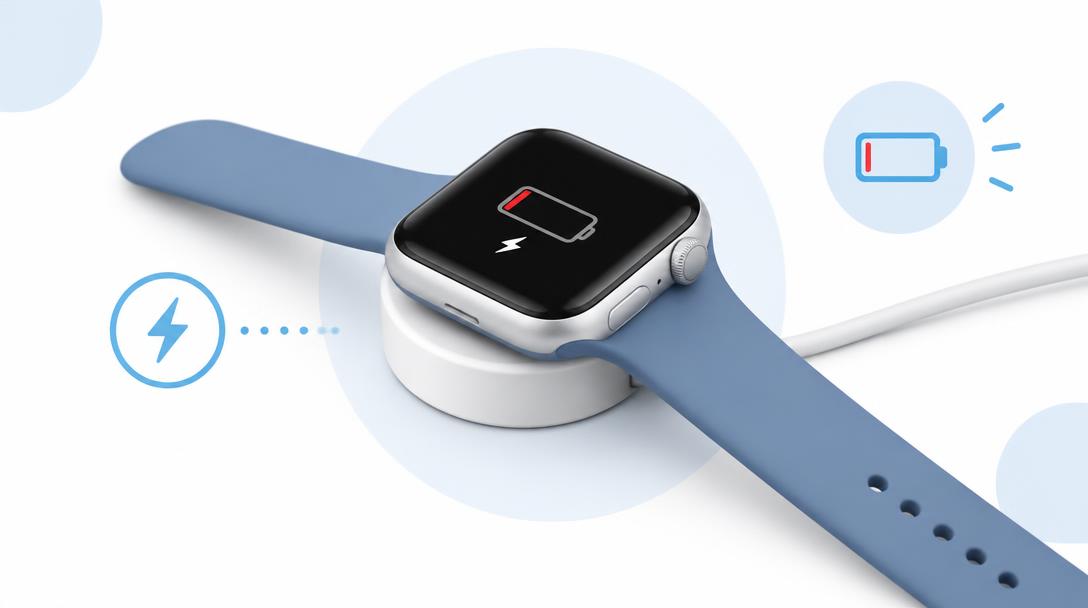
Rule out charger, cable and pairing issues when an Apple Watch will not charge.
Read guide
Identify the software and hardware reasons a computer slows down and what actually helps.
Read guide
Understand horizontal and vertical TV screen lines and when a repair is realistic.
Read guide
Find out why a game controller's thumbstick drifts and what can be done about it.
Read guide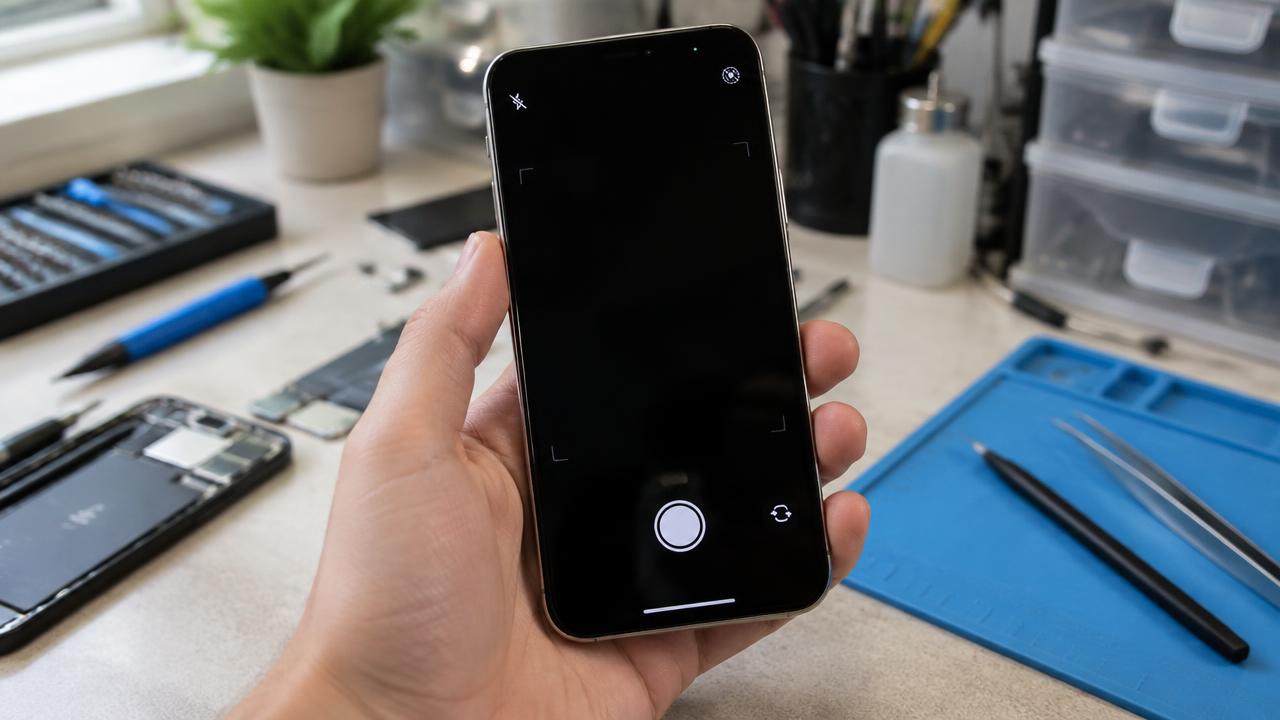
Work out why an iPhone camera shows a black screen, blur or errors before booking a repair.
Read guide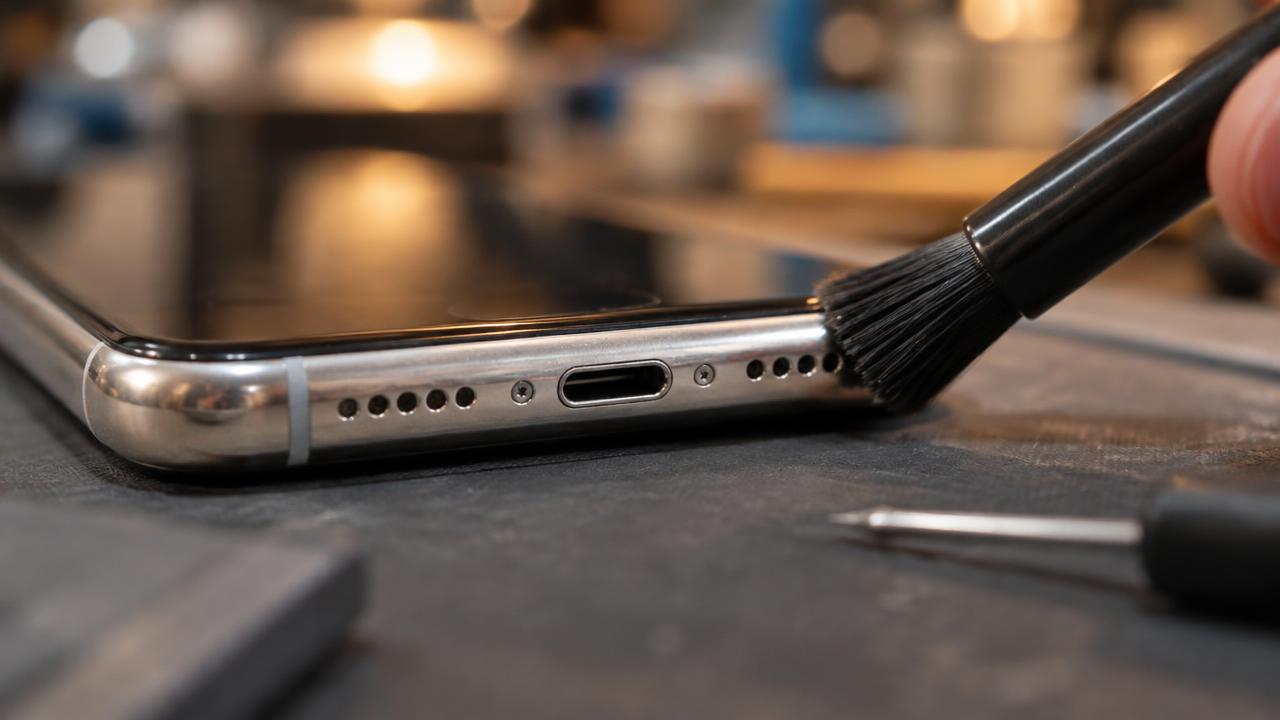
Understand muffled iPhone sound, from blocked grilles to speaker and water damage.
Read guide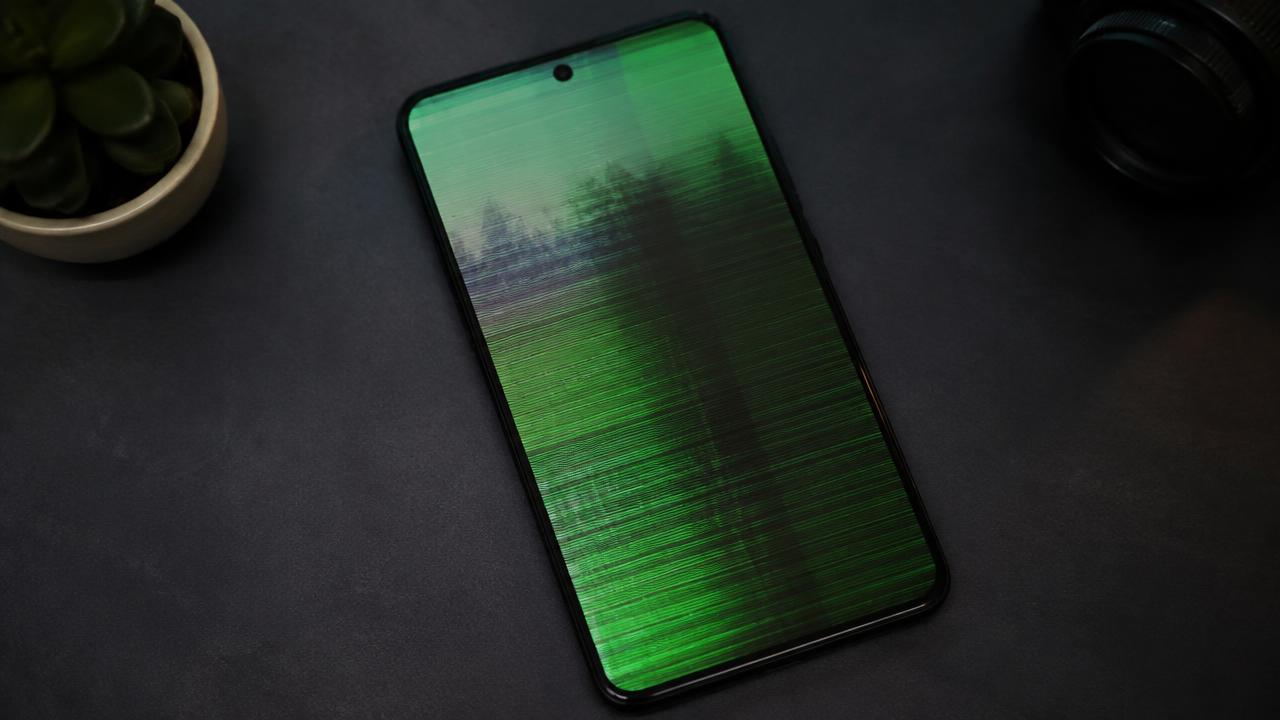
Find out why a Samsung display flickers and when it signals hardware damage.
Read guide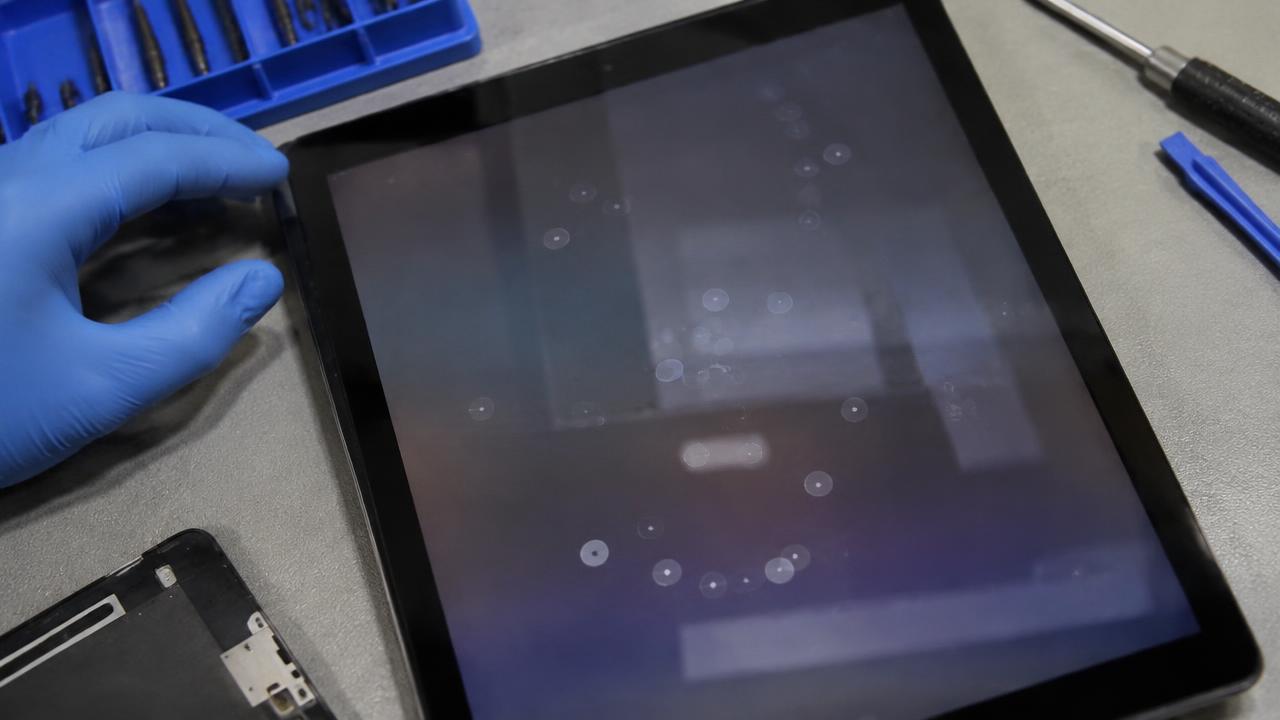
Understand phantom touches and flicker on an iPad and when the screen needs service.
Read guide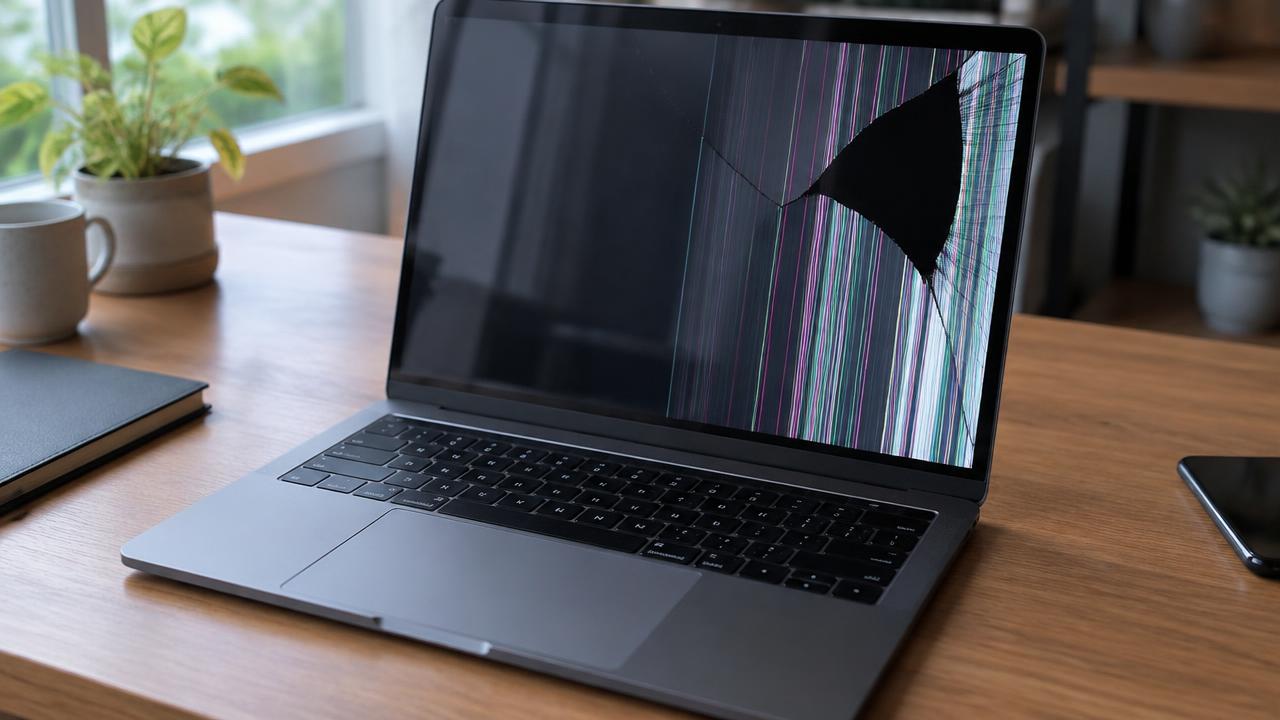
Recognise MacBook display faults — cracks, lines, backlight patches — and your repair options.
Read guide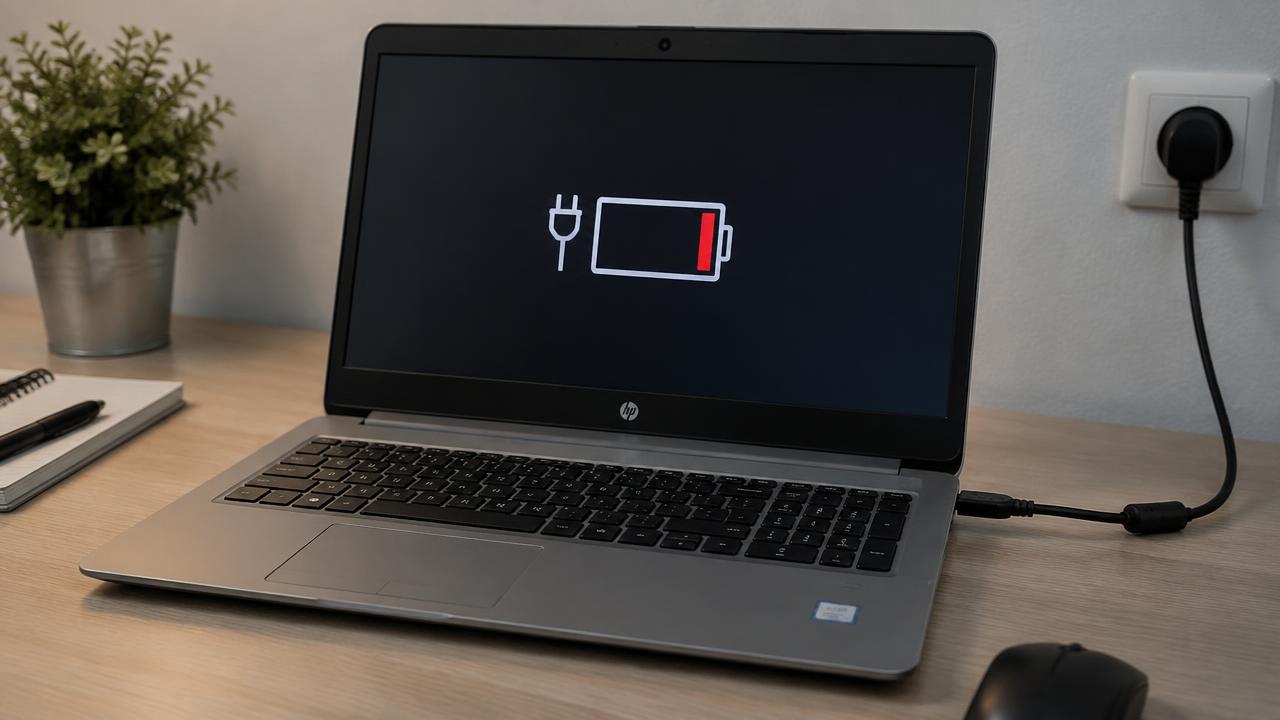
Separate charger, battery and charging-circuit faults when a laptop will not charge.
Read guide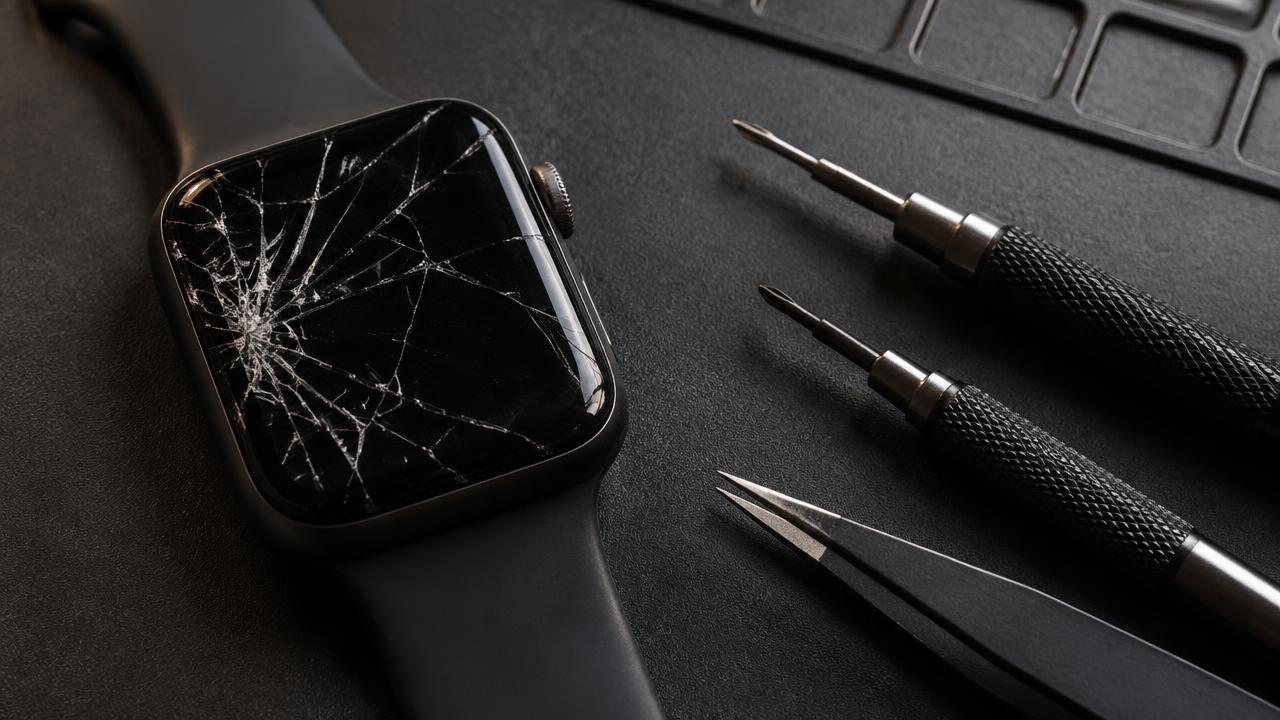
Handle a cracked Apple Watch display safely and understand the repair process.
Read guide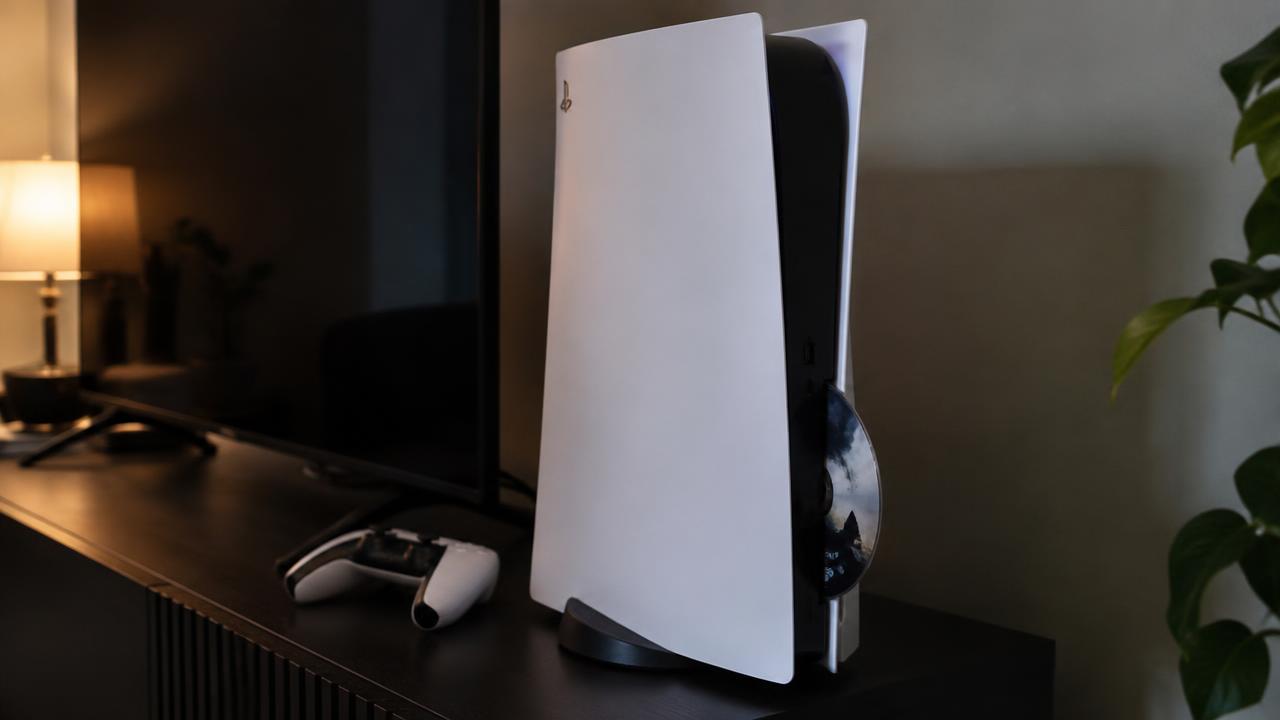
Understand why a PS5 rejects, won't read or won't eject discs and what helps.
Read guide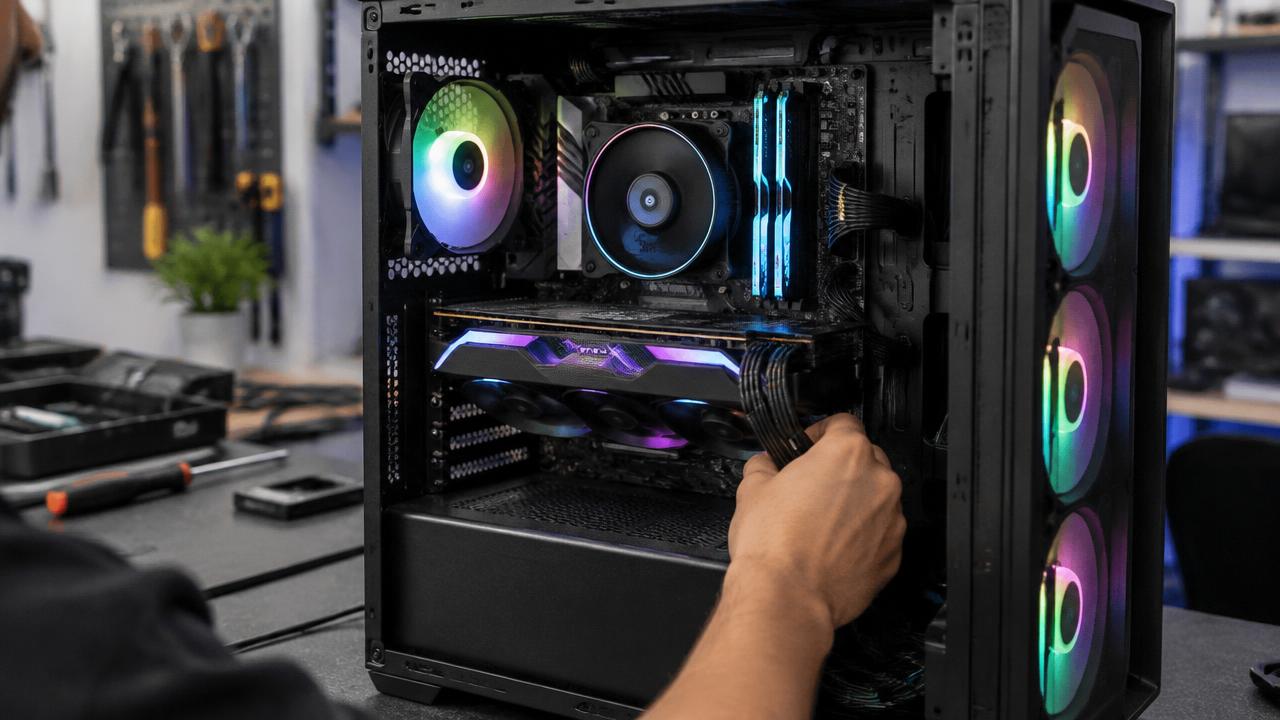
Narrow down power, memory, graphics and storage faults when a gaming PC will not start.
Read guide
Rule out sockets, remotes and standby faults when a television shows no signs of life.
Read guide
Trace iPhone connection dropouts from settings glitches to antenna and board faults.
Read guideFind out why a Samsung phone runs hot and when heat signals a battery or board problem.
Read guide
Free up iPad storage and restore speed without losing photos, apps or files.
Read guideUnderstand constant MacBook fan noise, from dust and heat to runaway background processes.
Read guideDecode blue screen crashes and learn when they signal failing hardware.
Read guideWhy older iMacs boot slowly and which upgrades make them feel new again.
Read guideFix an Apple Watch touchscreen that ignores taps, from simple restarts to screen faults.
Read guide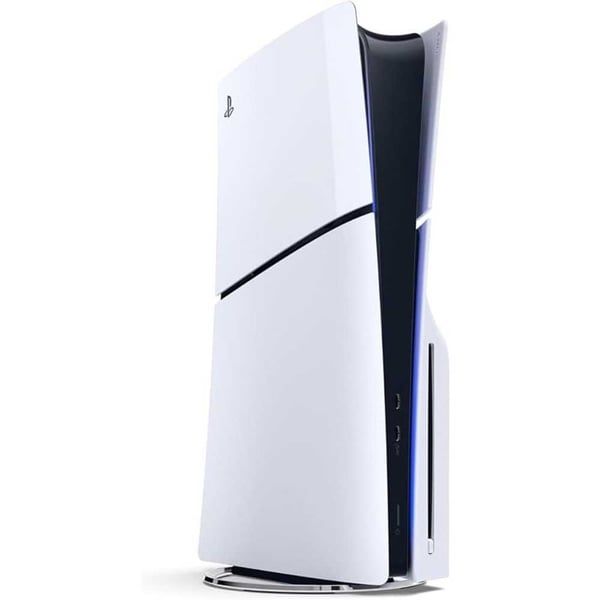
Solve PS5 dropouts, slow downloads and lag with the right checks in the right order.
Read guideStop your gaming PC from slowing down mid-game by fixing its cooling.
Read guideGet Netflix, YouTube and streaming apps working smoothly on your smart TV again.
Read guide