
iMac guide
iMac Slow to Start? Speed Up an Ageing iMac
Why older iMacs boot slowly and which upgrades make them feel new again.
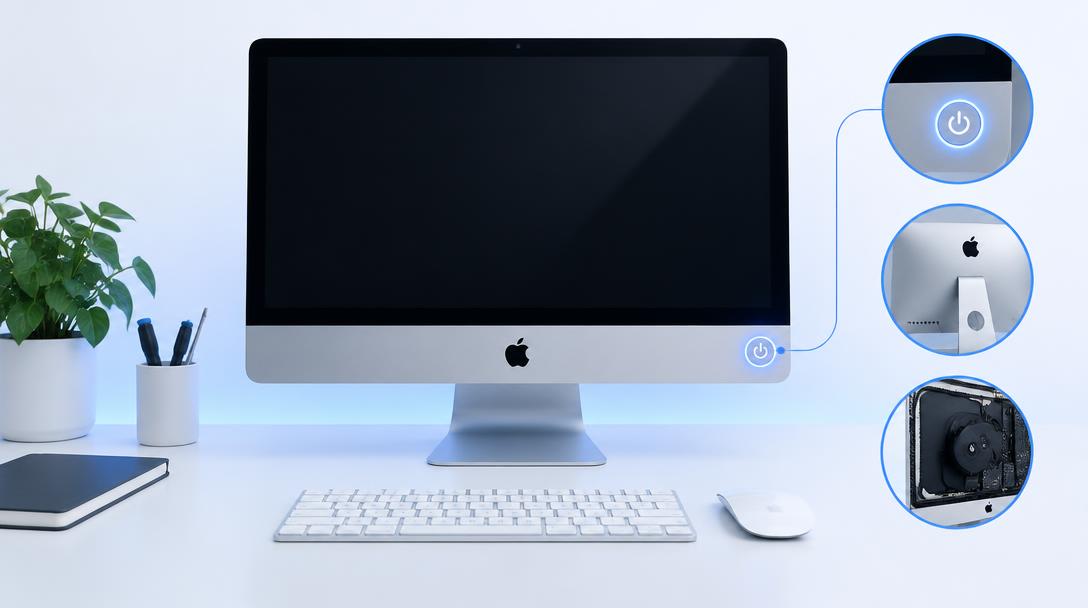
An iMac that takes minutes to reach the desktop usually has a slow mechanical hard drive, too many login items or a nearly full disk — and most of these are fixable.
What the symptoms can mean
Slow boot with a spinning-beachball cursor on an older iMac almost always means a mechanical hard drive. Slow boot that appeared suddenly on any iMac suggests a full disk, a failing drive or a problematic login item.
What to do next
Check free disk space, remove unneeded login items in System Settings and restart. On older iMacs with mechanical drives, an SSD upgrade is the single biggest speed improvement available.
The SSD transformation
Replacing a mechanical drive with an SSD changes an old iMac from frustrating to genuinely pleasant: boot times drop from minutes to seconds, and apps open instantly. The upgrade includes cloning the existing drive so files, apps and settings carry over exactly as they were.
When slowness warns of failure
A drive that grows steadily slower, clicks or throws file errors is often failing, not just old. In that case the priority is copying data off safely before any upgrade. A diagnosis checks drive health first, so the plan protects your files rather than risking them.
When to arrange a diagnosis
If the problem continues after safe basic checks, a proper diagnosis is the best next step. It helps separate a replaceable part from a deeper board, power or software issue before any repair is approved.
Common questions
Is upgrading an old iMac worth it?
For iMacs that are otherwise healthy, an SSD upgrade costs a fraction of a replacement machine and delivers most of the speed of one. Very old models are assessed case by case.
Will I lose anything in an SSD upgrade?
No — the existing drive is cloned to the SSD, so the iMac comes back with everything exactly where it was, only faster.