MacBook guide
MacBook Battery Service: Signs You Should Not Ignore
Recognise battery warnings, swelling, short runtime and charging issues on a MacBook.
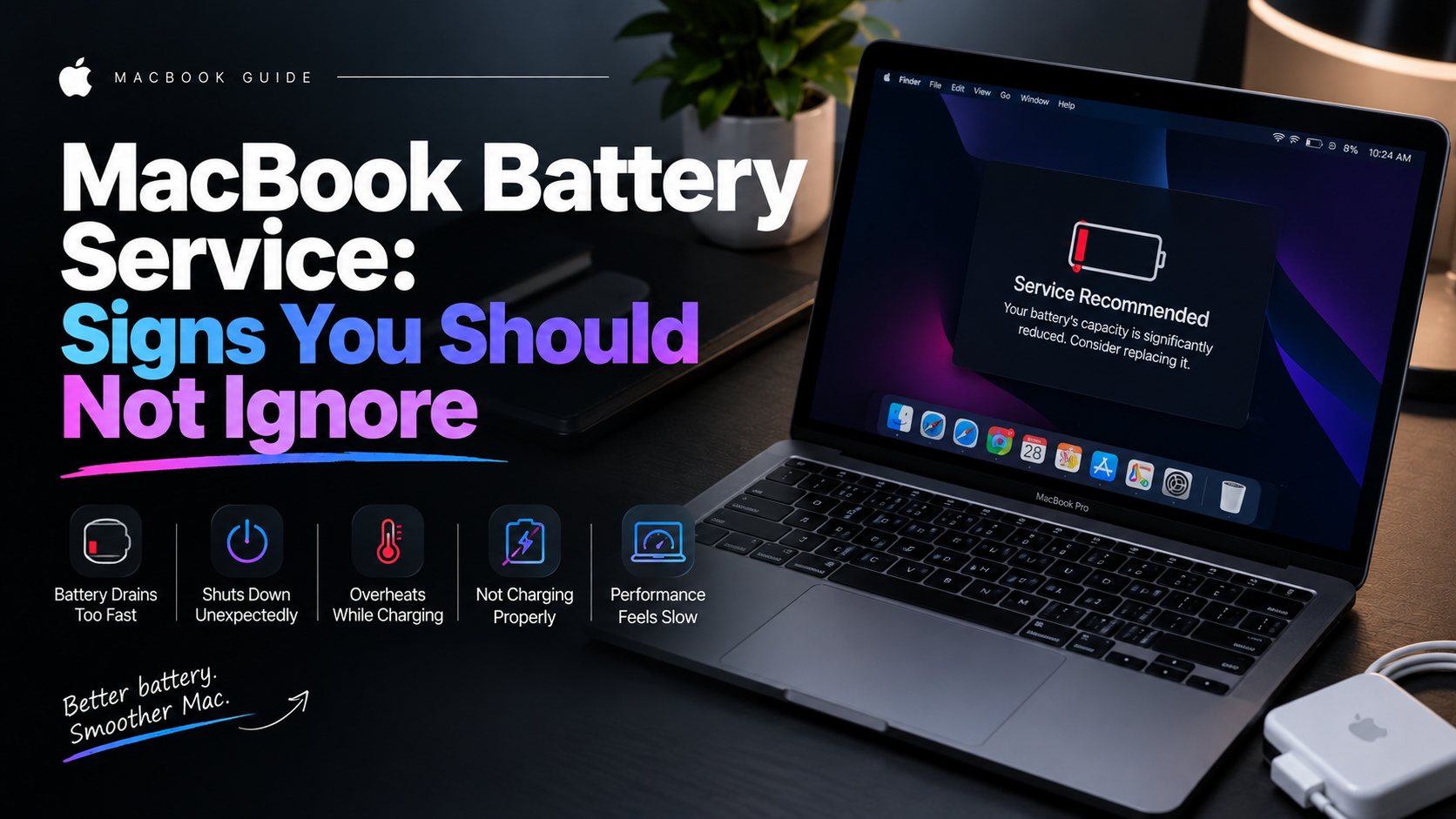
MacBook batteries naturally lose capacity over time, but heat, sudden shutdowns and physical swelling deserve closer attention.
What the symptoms can mean
A Service Recommended message, short runtime or shutdowns at a remaining percentage can suggest battery wear. A raised trackpad or uneven base may indicate swelling.
What to do next
Check Battery Health in System Settings and back up your Mac. If the case is distorted or the trackpad is lifting, stop charging and avoid pressing the chassis closed.
How a swollen MacBook battery is handled
A swollen battery is removed with the machine powered down, using the correct discharge and handling procedure — never prised out or punctured. The old cells are disposed of safely, the battery bay is cleaned, and the trackpad and bottom case are checked to sit perfectly level again. Swelling presses on the trackpad from below, so alignment is part of the repair, not an extra.
Battery health after replacement
A new battery reports its true full capacity from the first cycle, and the cycle count starts again from low numbers. Runtime returns to what the model delivered when new, and shutdowns at mid-charge disappear. Calibrated charging behaviour settles in over the first few days of normal use — no special procedure is needed.
When to arrange a diagnosis
If the problem continues after safe basic checks, a proper diagnosis is the best next step. It helps separate a replaceable part from a deeper board, power or software issue before any repair is approved.
Common questions
Can I keep using a MacBook with a swollen battery?
No. Swelling puts pressure on the trackpad and case and can worsen quickly. Stop charging, power down and bring it in for safe replacement.
How long does a MacBook battery replacement take?
Most are completed the same day or the next, depending on the model. The trackpad and case alignment are checked as part of the job.