MacBook guide
MacBook Fan Loud All the Time? What It Means
Understand constant MacBook fan noise, from dust and heat to runaway background processes.
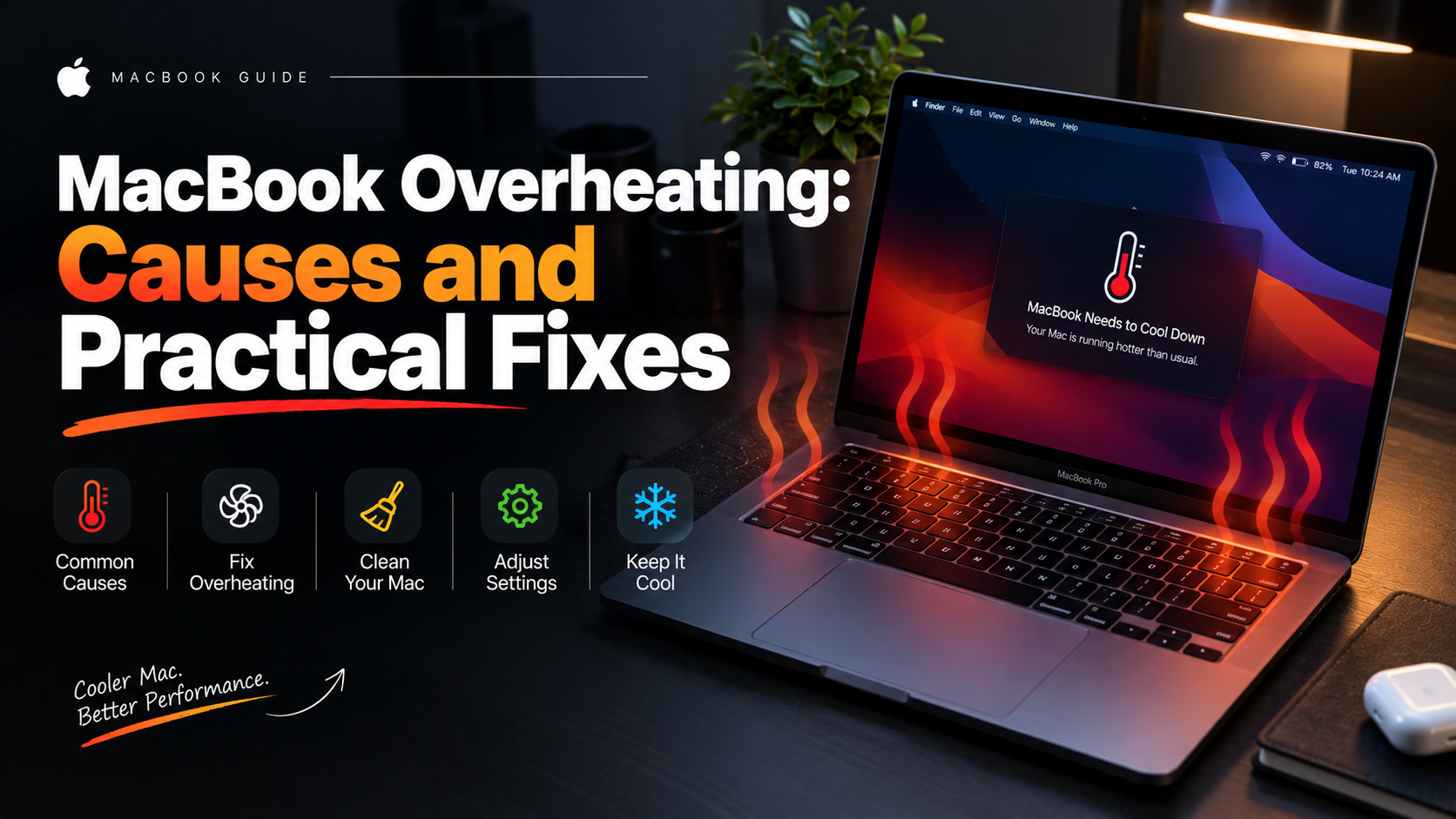
A MacBook fan that roars during light work is telling you something is generating heat the cooling system cannot shift — dust, a runaway process or dried thermal paste.
What the symptoms can mean
Fan noise with a hot underside during simple browsing suggests dust blockage or old thermal paste. Fan noise with a cool body often means a background process is consuming the processor, visible in Activity Monitor.
What to do next
Check Activity Monitor for processes using high CPU, restart the MacBook, and make sure the vents are unblocked. Fans that stay loud after a restart on a cool machine need a cleaning and thermal inspection.
Dust is the usual suspect
In Abu Dhabi's dusty environment, MacBook cooling fins clog faster than most owners expect. A fan pushing air through a blocked fin stack spins faster and louder while cooling less. A professional internal clean and fresh thermal paste typically restores quiet operation and noticeably lower temperatures.
Software causes
A single misbehaving app or browser tab can pin the processor at full load, and the fans respond accordingly. Activity Monitor's CPU column identifies the culprit in seconds. If the fans race with nothing running and a cool chassis, a sensor fault may be misreporting temperatures — a diagnosable hardware issue.
When to arrange a diagnosis
If the problem continues after safe basic checks, a proper diagnosis is the best next step. It helps separate a replaceable part from a deeper board, power or software issue before any repair is approved.
Common questions
Can I use compressed air on the vents myself?
Light external blows are safe, but blasting air into the vents can spin fans beyond their rated speed and push dust deeper. An internal clean with the bottom cover off is the thorough, safe option.
Is a loud fan a sign my MacBook is dying?
Usually not — it is most often dust or a software load. But ignoring it lets heat build up, which does shorten component life, so it is worth sorting promptly.