MacBook guide
MacBook Trackpad Not Clicking? Common Causes
Understand why a MacBook trackpad may fail to click, drag or respond and what checks help.
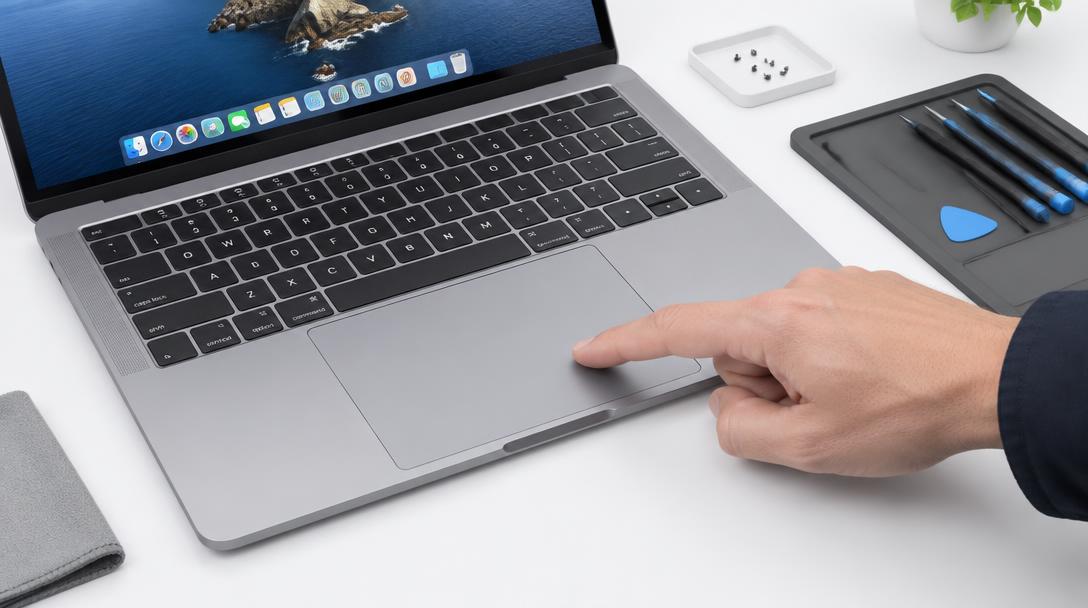
The trackpad sits above the battery, so swelling, debris and cable faults can all change how it feels and responds.
What the symptoms can mean
A trackpad that will not physically press, clicks that feel uneven or cursor jumps can point to battery swelling, trapped debris or a loose internal cable.
What to do next
Check whether the trackpad sits level, avoid forcing clicks and shut the lid gently. A raised or uneven trackpad should be inspected promptly to rule out battery swelling.
How trackpad faults are fixed
The battery is checked first, because swelling beneath the trackpad is both the most common cause and the most urgent. If the battery is healthy, the trackpad cable and its connector are inspected and reseated, and debris under the trackpad edge is cleared. When the trackpad mechanism itself is worn, the trackpad — or the complete top case, depending on the model — is replaced and aligned so clicks feel even across the whole surface again.
After a trackpad repair
A repaired trackpad should sit perfectly flush, click with the same resistance at every point and support force-touch settings as configured. Click feedback that feels identical corner to corner is the sign of correct alignment. If you use tap-to-click, it is worth re-testing your settings after the repair since the new surface may respond slightly differently.
When to arrange a diagnosis
If the problem continues after safe basic checks, a proper diagnosis is the best next step. It helps separate a replaceable part from a deeper board, power or software issue before any repair is approved.
Common questions
Can I just use a mouse instead of fixing it?
Short term, yes. But if the cause is a swelling battery, waiting is risky — the swelling only grows and presses on other components. A quick diagnosis settles it.
Why is my trackpad raised on one side?
That is the classic sign of a battery swelling beneath it. Stop forcing clicks, power down when convenient, and have the machine inspected promptly.