Wearables guide
Apple Watch Screen and Battery Care Guide
Protect an Apple Watch display and recognise battery, charging and screen faults.
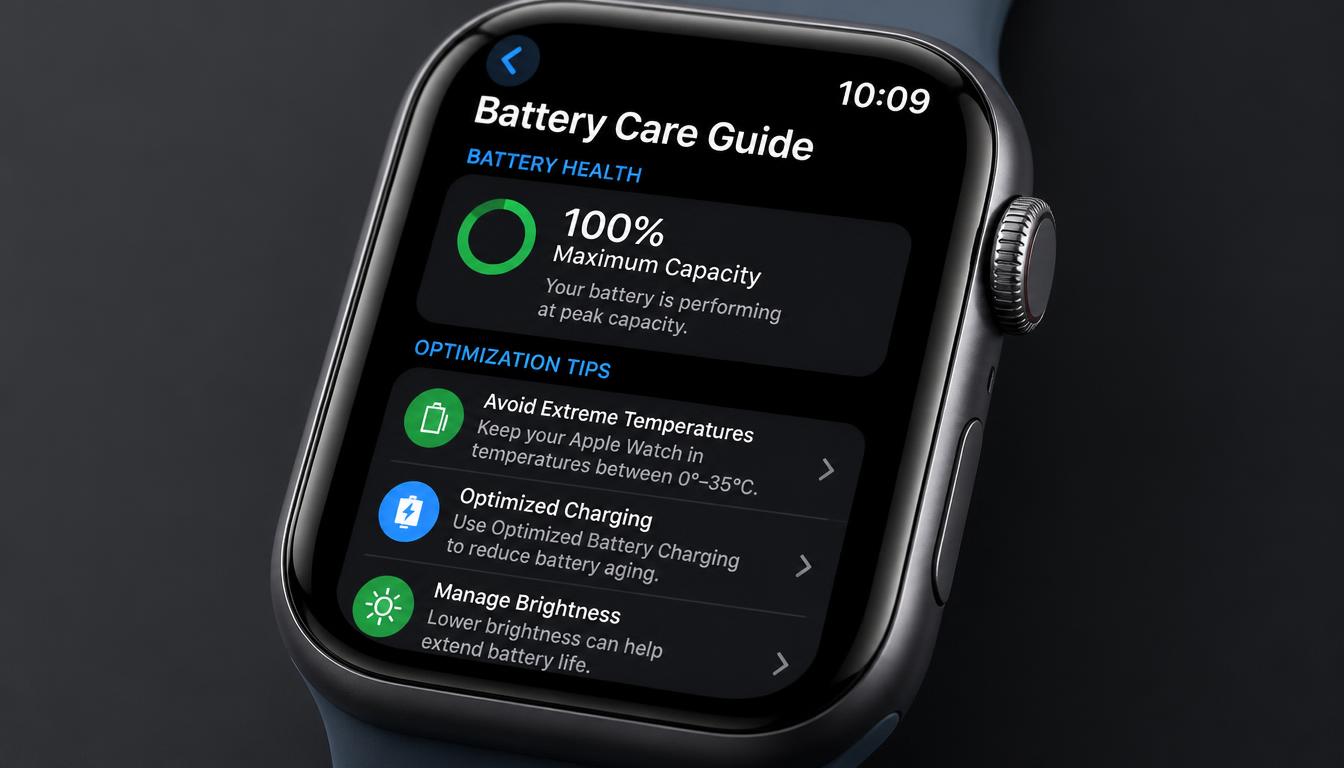
The Apple Watch combines a compact battery, display and sensors in a sealed body. Impacts and battery swelling can affect several parts at once.
What the symptoms can mean
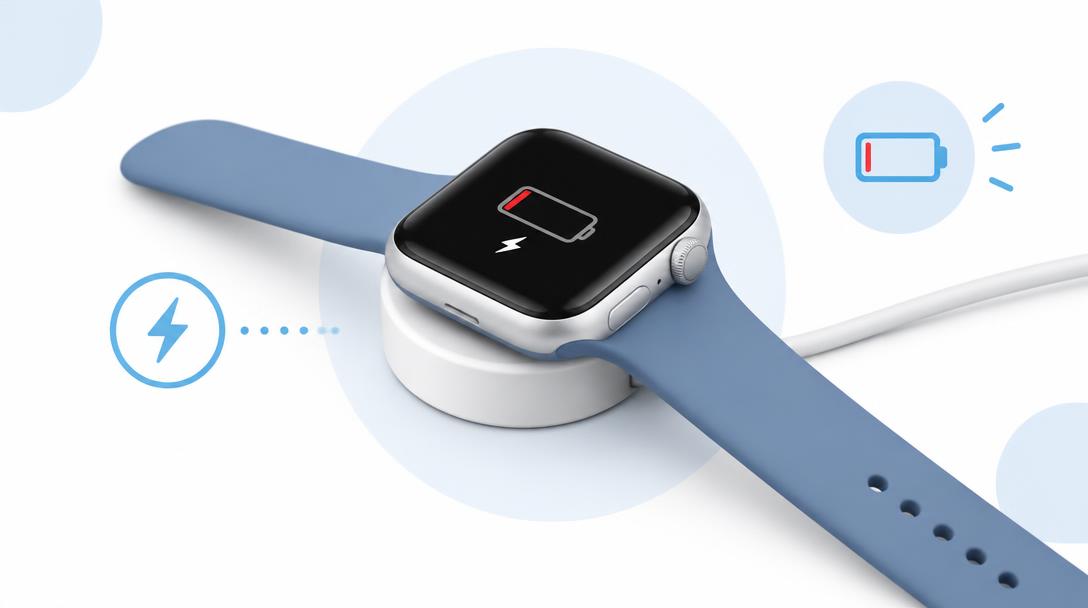
A lifting screen may indicate adhesive failure or battery swelling. Rapid drain, charging heat and touch faults should be assessed before normal use continues.
What to do next
Remove the watch from the charger if it becomes unusually hot, avoid water after screen damage and record whether buttons, touch and sensors still respond.
Why Apple Watch repairs are specialist work
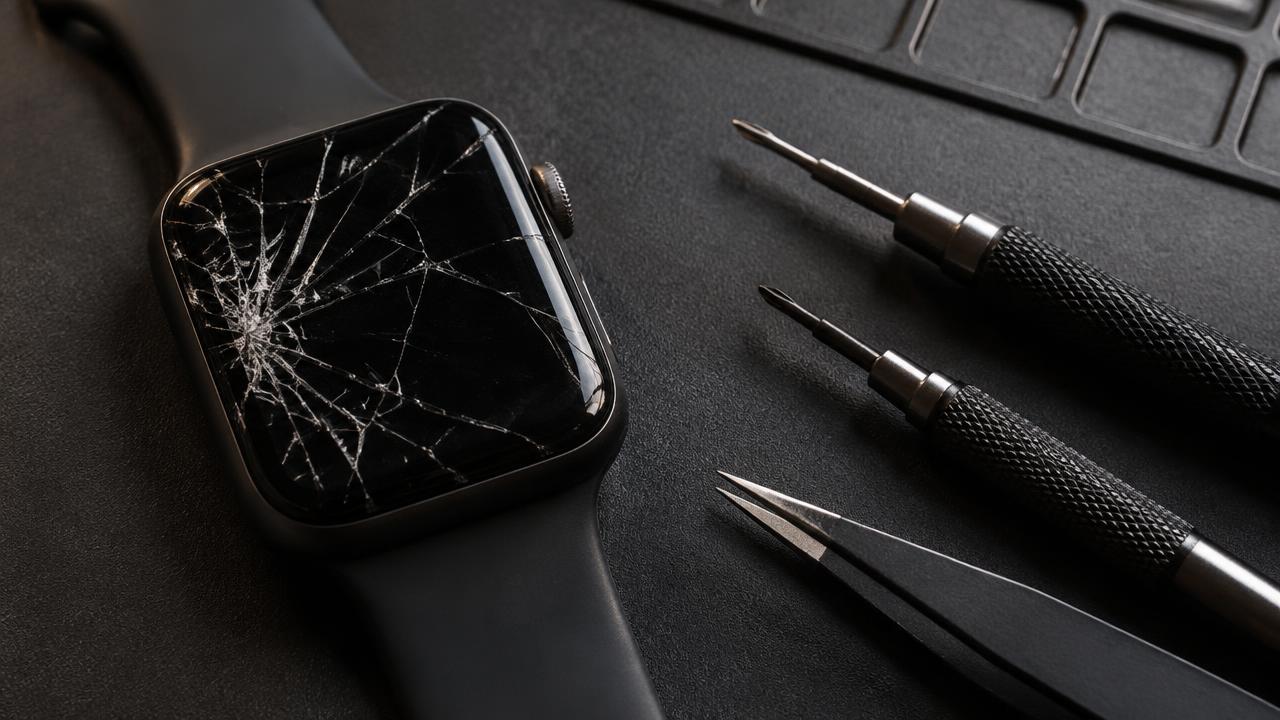
A watch repair means opening a sealed, water-resistant body the size of a matchbox, where the display, battery and heart-rate sensors sit centimetres apart on fragile connectors. Screens are laminated to the aluminium or steel case, so a replacement involves bonding a new display and resealing the body. That is workshop work with the right tools — home attempts almost always end with a second repair needed.
Protecting the watch day to day
A slim bumper case absorbs gym and door-frame knocks, and taking the watch off for contact sports removes the most common impact source. Keep the charging contacts clean and dry, and let the watch cool before charging after a hot outdoor run. Consistent small care keeps both the display and the battery healthy for years.
When to arrange a diagnosis
If the problem continues after safe basic checks, a proper diagnosis is the best next step. It helps separate a replaceable part from a deeper board, power or software issue before any repair is approved.
Common questions
Can an Apple Watch battery be replaced?
Yes, as a specialist workshop repair. The display is opened carefully, the battery is replaced and the body is resealed to keep its water resistance.
Can I swim with a cracked Apple Watch screen?
No. A crack breaks the water seal, and water inside can damage the display, battery and sensors well beyond the original crack.