Wearables guide
Apple Watch Screen Not Responding to Touch?
Fix an Apple Watch touchscreen that ignores taps, from simple restarts to screen faults.
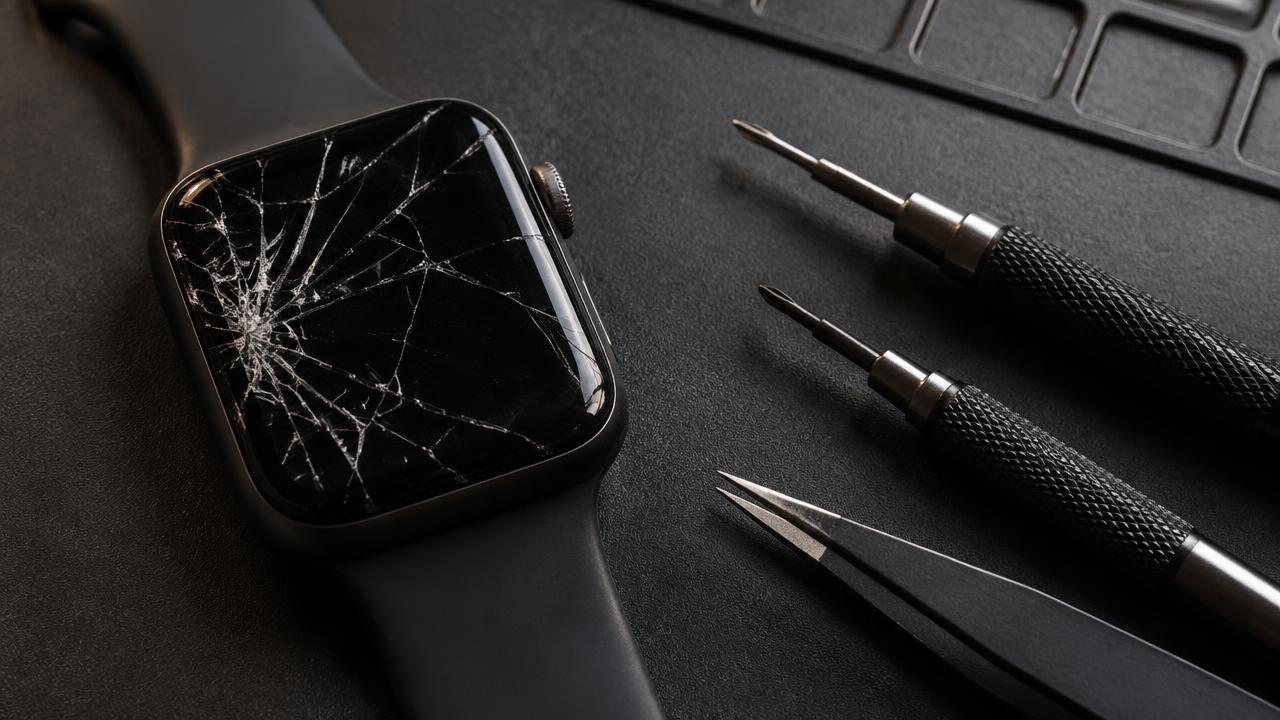
An Apple Watch that ignores taps may have a software freeze, a screen protector interfering, water in the speaker slot or a damaged touch layer.
What the symptoms can mean
Touch that fails after a drop or with a visible crack points to the touch layer. Touch that fails after swimming may be water-related, while a watch frozen on one screen usually just needs a force restart.
What to do next
Force restart by holding the side button and Digital Crown together until the Apple logo appears. Remove any screen protector, dry the watch and clean the glass. Persistent dead zones need a screen diagnosis.
Swelling batteries push the screen
An ageing Apple Watch battery can swell and press the display upward, breaking touch response and sometimes lifting the screen from the case. If the glass looks raised or the case back is gaping, stop wearing and charging the watch — a swollen battery needs prompt, careful replacement.
How touch repairs work
On Apple Watch the touch layer and display are one unit, so touch faults are fixed with a screen replacement. Afterward, touch is tested across the whole face including the edges, and the water-resistance seals are renewed as part of reassembly.
When to arrange a diagnosis
If the problem continues after safe basic checks, a proper diagnosis is the best next step. It helps separate a replaceable part from a deeper board, power or software issue before any repair is approved.
Common questions
Why does my watch screen work only sometimes?
Intermittent touch after a knock usually means a partially damaged touch layer or a loosening display connector. It rarely heals itself — early diagnosis keeps it a simple repair.
Can water cause touch problems?
Yes. Water trapped around the screen can confuse the touch sensor. Dry the watch, use the water-eject feature and avoid charging until fully dry.