Samsung guide
Samsung Screen Damage: Repair or Keep Using It?
Understand Samsung display cracks, touch faults and OLED damage before the problem gets worse.
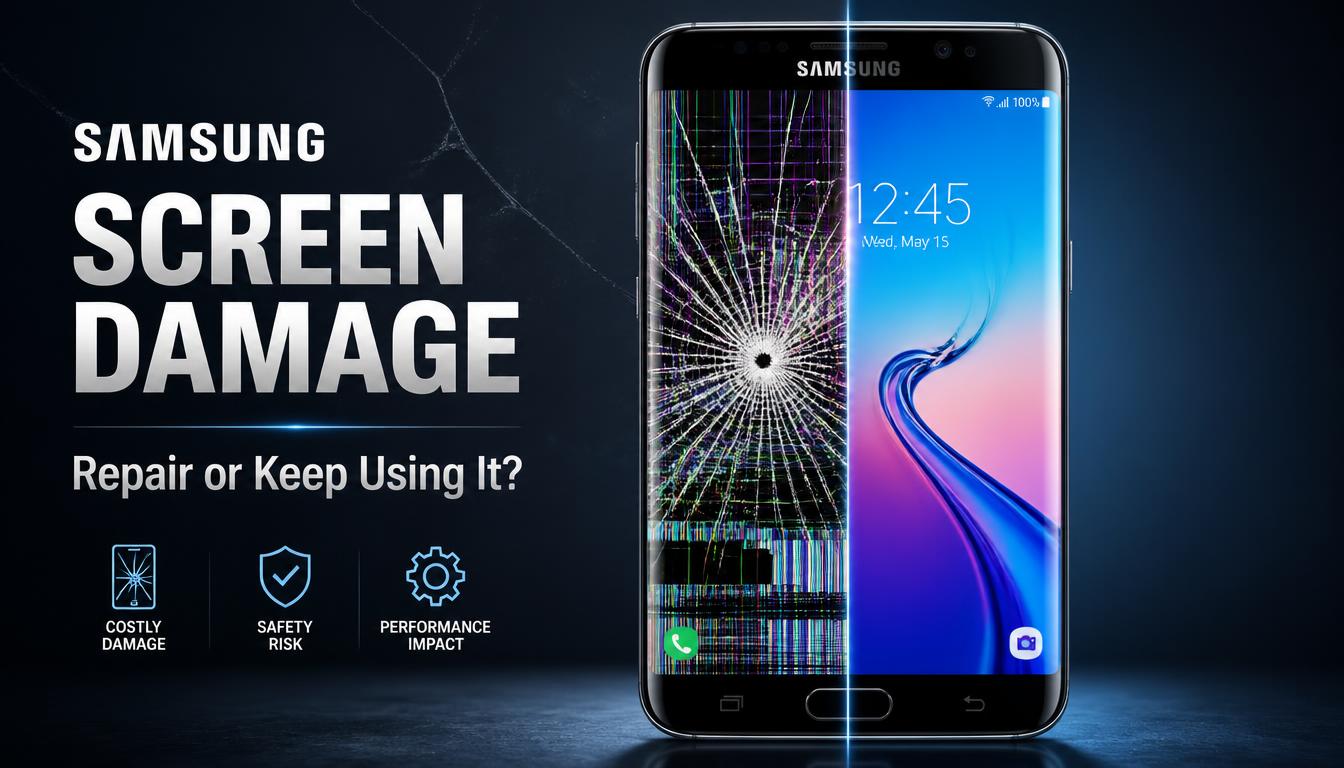
Samsung displays combine touch and image layers in a thin assembly. A small impact can cause cracks, dead touch zones or OLED discolouration.
What the symptoms can mean
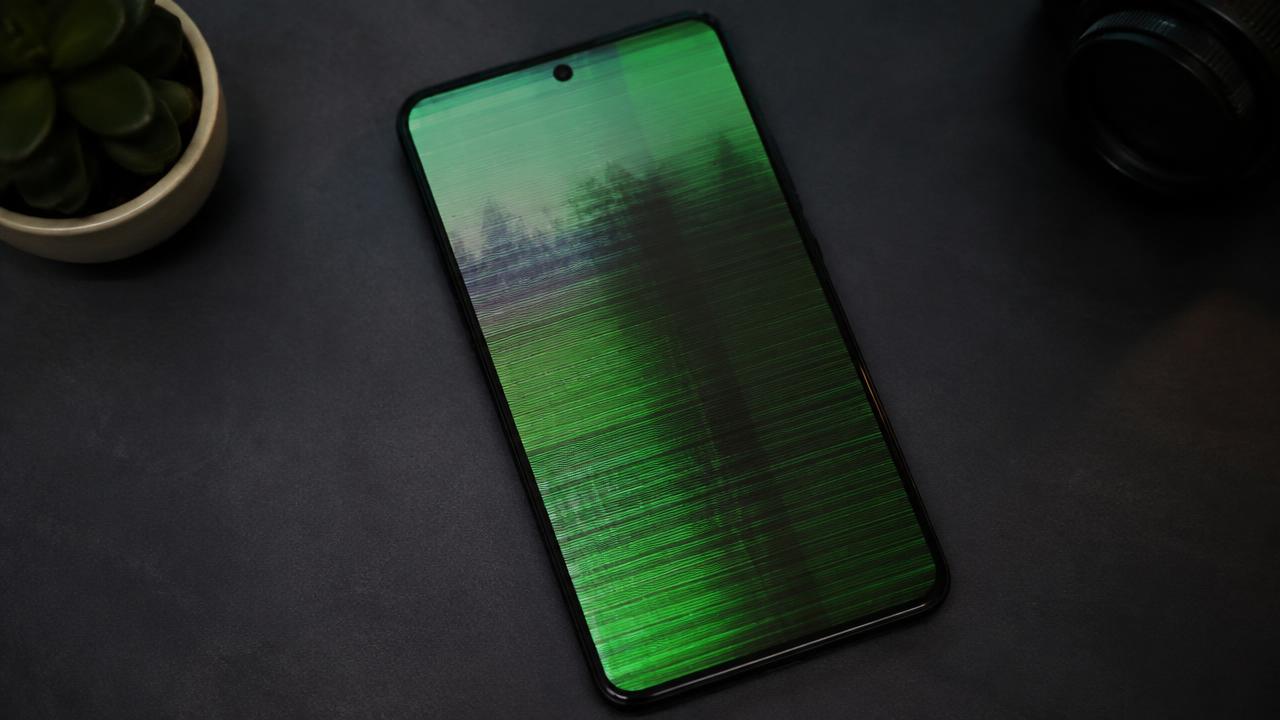
Green lines, ink-like black areas, flicker and unresponsive sections usually mean more than surface glass damage. A bent frame can also affect the replacement fit.
What to do next
Back up the phone, avoid pressure on the panel and use it only if the glass is stable. An inspection should include the display, frame and touch response.
Choosing a replacement display
Samsung screens come as original-service and high-quality compatible assemblies, and the right choice depends on the model and budget. Whichever is fitted, the technician should also check the frame, apply fresh adhesive and test the in-display fingerprint sensor and edge touch zones — the parts most often forgotten in a rushed repair. A properly fitted panel should look and feel like it left the factory.
Keeping a replaced display safe
Curved and edge displays need a case with a raised lip and a protector designed for the screen shape, not a flat generic sheet. Avoid carrying the phone loose in a bag with keys, and be careful setting it down face-first on tables. These habits matter even more after a repair, because the frame has already taken one hit.
When to arrange a diagnosis
If the problem continues after safe basic checks, a proper diagnosis is the best next step. It helps separate a replaceable part from a deeper board, power or software issue before any repair is approved.
Common questions
Can a Samsung screen with green lines be repaired?
Yes. Green lines usually mean OLED or connection damage, and the practical fix is replacing the display assembly rather than trying to live with the lines.
Will the fingerprint sensor work after a screen repair?
It should. With a correct-quality panel and proper calibration, the in-display fingerprint reader and edge touch response work exactly as before.