Samsung guide
Samsung Screen Flickering? Causes and Next Steps
Find out why a Samsung display flickers and when it signals hardware damage.
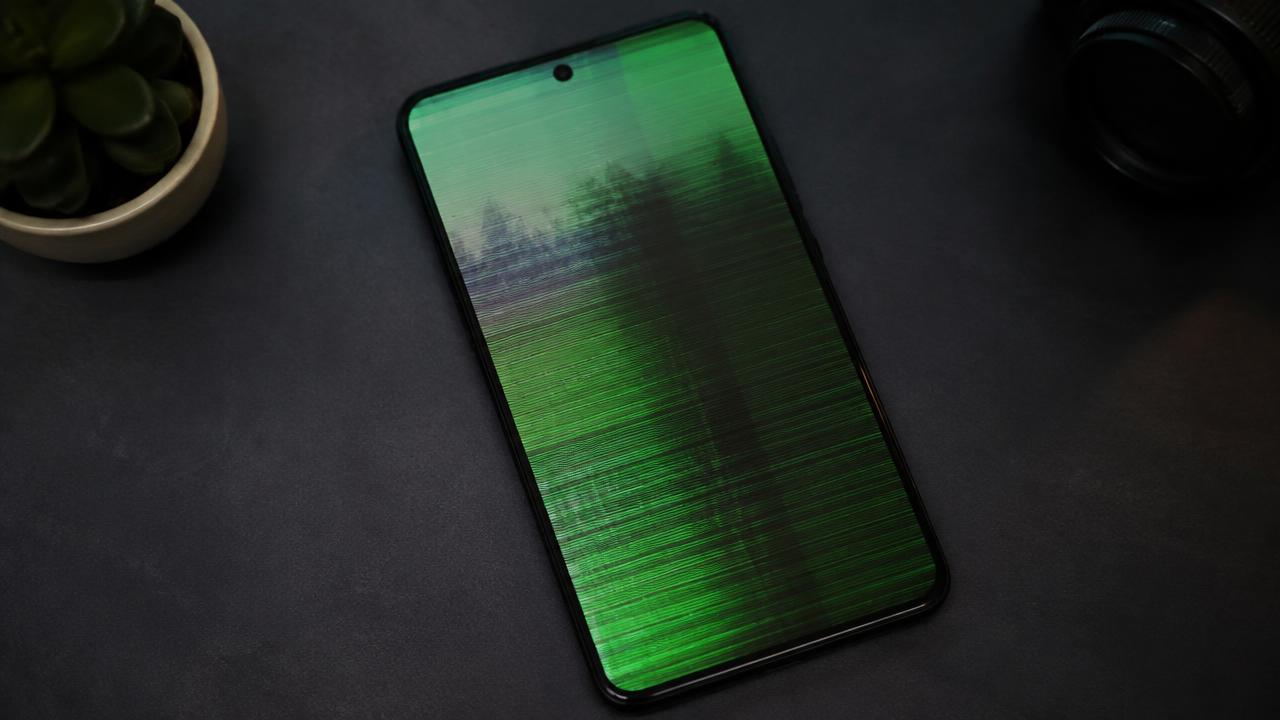
Occasional flicker can come from software, brightness settings or a loose display connection, while constant flicker after a drop usually means panel damage.
What the symptoms can mean
Flicker only at low brightness often relates to display settings. Flicker with green tint, lines or touch faults after an impact points to the OLED panel or its connector.
What to do next
Restart the phone, update the software and test with adaptive brightness off. If flickering continues on the restart logo screen itself, the fault is hardware and needs diagnosis.
Software versus hardware flicker
The restart logo screen is the dividing line: if flicker appears there, before any apps load, the panel or its connection is at fault. Flicker that only appears inside apps or at certain brightness levels is usually settings or software. A technician confirms by testing the display on known-good hardware before quoting a replacement.
When the panel needs replacing
A physically damaged OLED panel cannot be repaired — the fix is a new display assembly fitted with fresh adhesive, with the frame checked for bending and the fingerprint sensor recalibrated. After a quality replacement, brightness, colour and touch should be indistinguishable from new.
When to arrange a diagnosis
If the problem continues after safe basic checks, a proper diagnosis is the best next step. It helps separate a replaceable part from a deeper board, power or software issue before any repair is approved.
Common questions
Is a flickering Samsung screen dangerous to keep using?
Not dangerous, but the underlying damage usually spreads. Flicker after a drop tends to grow into lines or dead areas, so an early diagnosis keeps the repair simpler.
Can a software update fix screen flickering?
Sometimes, when the cause is a display driver bug. Update first; if the logo screen flickers too, no update will help and the panel needs attention.