TV guide
Smart TV Apps Crashing or Wi-Fi Dropping?
Get Netflix, YouTube and streaming apps working smoothly on your smart TV again.
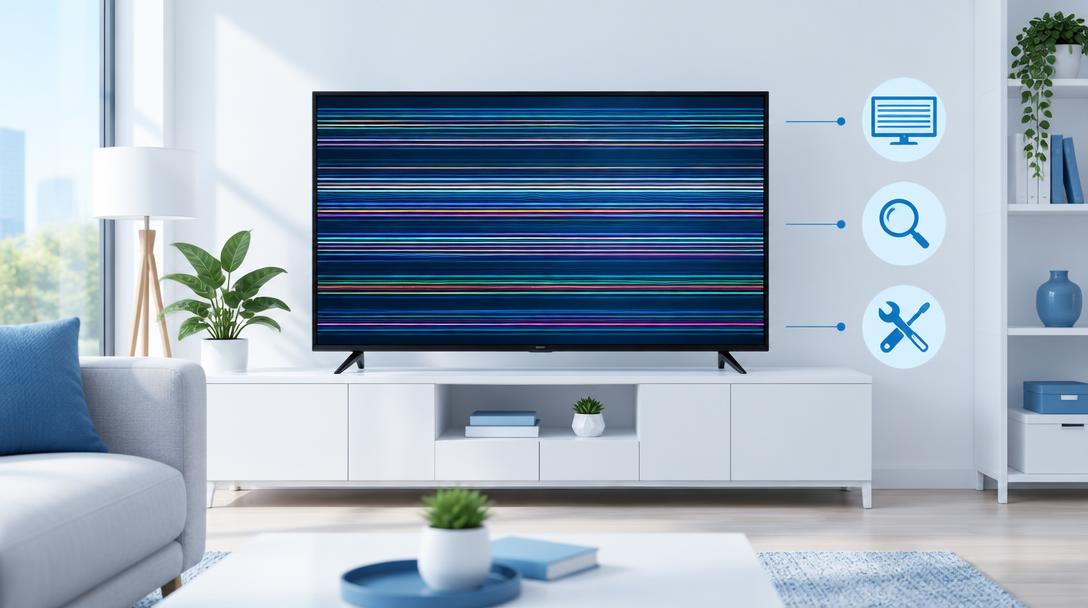
A smart TV where apps freeze, buffer endlessly or lose Wi-Fi usually needs software attention — but persistent faults can point to the TV's main board.
What the symptoms can mean
Apps that crash after a TV software update suggest a corrupted install. Wi-Fi that drops while other devices hold a connection, or apps that fail on every network, point toward the TV's wireless module or main board.
What to do next
Restart the TV by unplugging it for a minute, update the TV software, delete and reinstall the problem app, and test with a phone hotspot to separate the TV from the home network.
The hotspot test
Connecting the TV to a phone's mobile hotspot is the fastest way to split the problem in two: if apps stream perfectly on the hotspot, the home network or router settings are the issue. If apps still fail, the TV itself — software or hardware — needs the attention.
When it is the main board
The main board runs the smart platform, and when it degrades, apps crash, Wi-Fi drops and the TV may forget settings. A diagnosis confirms the board before any replacement, and a new main board typically restores the TV to full smart functionality at a fraction of a new TV's cost.
When to arrange a diagnosis
If the problem continues after safe basic checks, a proper diagnosis is the best next step. It helps separate a replaceable part from a deeper board, power or software issue before any repair is approved.
Common questions
Why does only one app crash?
Usually that app's install is corrupted or its version clashes with the TV's software. Deleting and reinstalling that single app fixes most cases.
Should I factory reset my smart TV?
Only after updates and reinstalling apps fail — a reset clears logins and settings. If faults persist even after a reset, the hardware needs diagnosis.