Gaming guide
Gaming PC Won't Boot? A Step-by-Step Guide
Narrow down power, memory, graphics and storage faults when a gaming PC will not start.
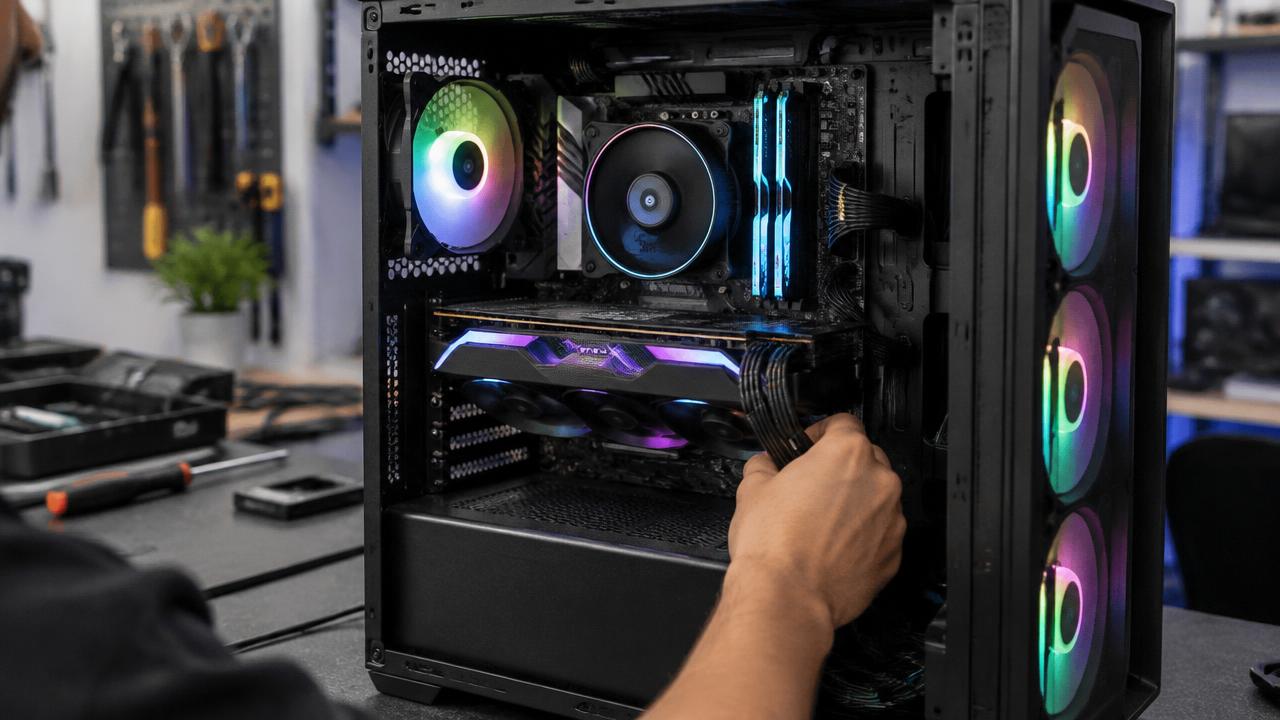
A gaming PC that will not boot may have a power supply, memory, graphics card, storage or motherboard fault, and the lights and beeps it makes are the map to finding it.
What the symptoms can mean
No lights or fans at all points to the power supply or its cable. Fans spinning with no display suggests memory or graphics, while a boot that reaches Windows then crashes points to storage or software.
What to do next
Check the power cable and wall socket, note any beeps or diagnostic lights and try one memory stick at a time if you are comfortable opening the case. Burning smells or repeated clicking mean stop and book a diagnosis.
How a no-boot PC is diagnosed
The power supply is tested under load first, then memory is tried stick by stick and slot by slot, the graphics card is reseated or substituted, and the storage is checked for boot files. Each step eliminates a suspect, and most no-boot faults resolve to one failed part rather than a dead machine.
Protecting your game library and files
A PC that will not boot almost never means lost data — the drive is usually fine. Files and saves can be read out during the repair or moved to a new machine. Cloud saves cover most modern games, but a backup drive for the rest turns any future failure into a minor inconvenience.
When to arrange a diagnosis
If the problem continues after safe basic checks, a proper diagnosis is the best next step. It helps separate a replaceable part from a deeper board, power or software issue before any repair is approved.
Common questions
Is it the power supply or the motherboard?
The diagnostic lights and fan behaviour usually tell. A completely dead PC is most often the power supply; one that starts then dies points elsewhere. Testing settles it in minutes.
Can a failed Windows update stop a PC booting?
Yes, and it looks like hardware failure. Boot recovery tools usually repair it without touching your files — a diagnosis confirms whether it is software or hardware.