iPad guide
Why Is My iPad Battery Draining So Fast?
Find the likely reasons for fast iPad battery drain and know when a battery check is sensible.
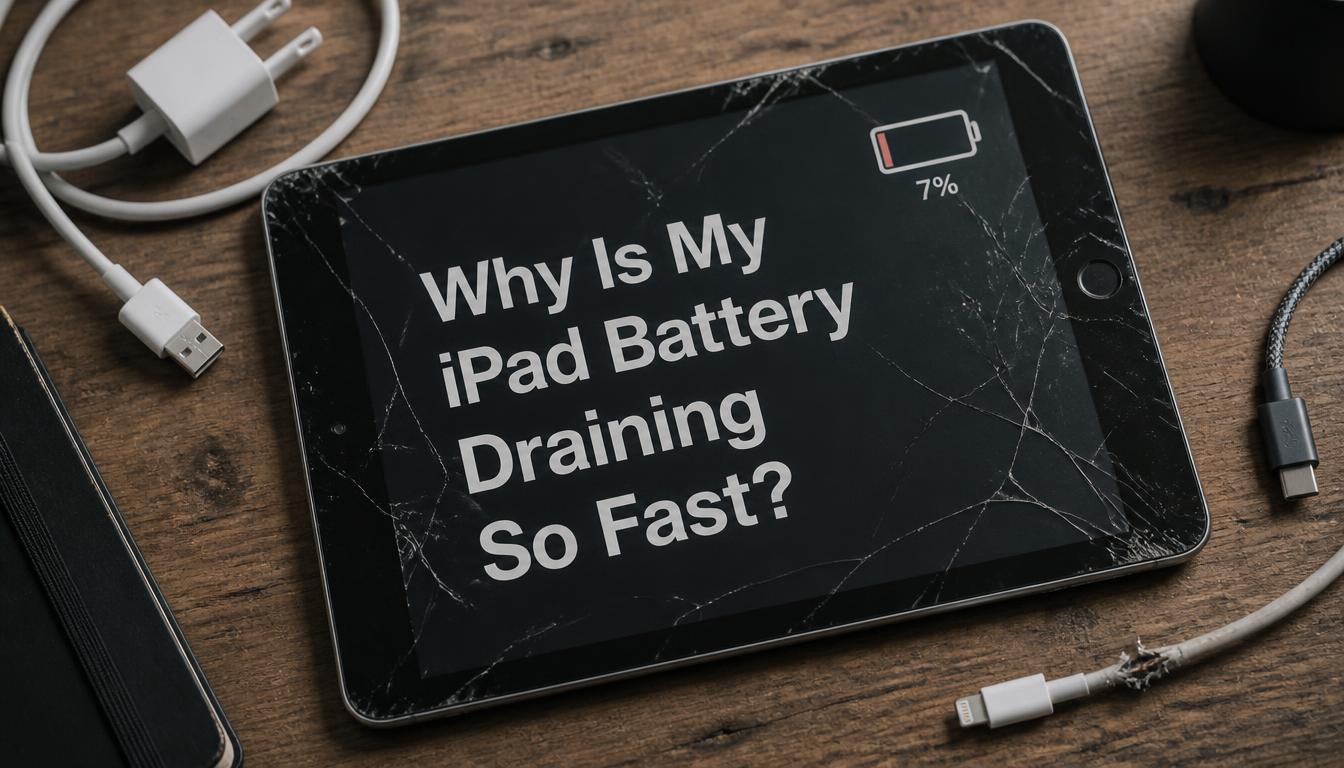
Screen brightness, background apps, weak network signals and battery age can all reduce iPad runtime. A few checks can separate settings from hardware wear.
What the symptoms can mean
Drain while idle, unexpected shutdowns and excessive heat can point to battery deterioration or a software process running continuously.
What to do next
Review battery usage in Settings, install pending updates and test with lower brightness. If the casing or screen is lifting, stop charging and arrange inspection promptly.
What an iPad battery replacement involves
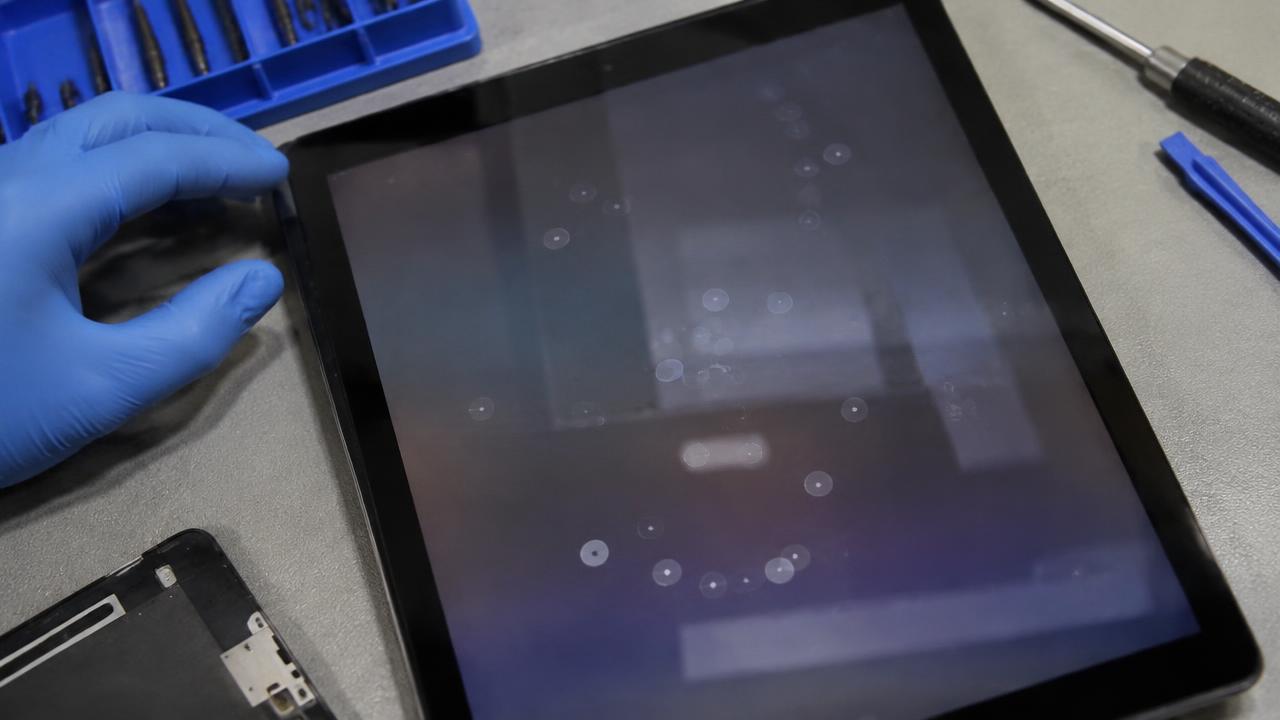
Unlike a phone, most iPads open through the display, so a battery replacement means carefully warming and lifting the screen, disconnecting delicate cables and fitting a new battery with fresh adhesive. It is genuine specialist work — forcing the screen on an iPad cracks it. After the replacement, the iPad is tested for charge acceptance, heat and accurate percentage reporting.
Settings worth checking first
Background App Refresh, screen brightness, a weak Wi-Fi signal that forces the radio to work harder, and a pending software update can all explain fast drain without any hardware fault. Checking the battery usage chart in Settings shows which app is responsible. Only when idle drain stays high after these checks does a battery test make sense.
When to arrange a diagnosis
If the problem continues after safe basic checks, a proper diagnosis is the best next step. It helps separate a replaceable part from a deeper board, power or software issue before any repair is approved.
Common questions
How long should an iPad battery last?
With normal use, several years. Batteries lose capacity with every charge cycle, so an iPad used heavily every day will need a battery sooner than one used occasionally.
Why does my iPad drain even when I am not using it?
Idle drain usually comes from a background process, a stuck app or a worn battery. Check the battery usage chart first; if nothing obvious appears, a battery test will tell you.