iPad guide
iPad Not Charging? Checks Before You Book a Repair
Work through safe iPad charging checks to rule out cables, ports and power sources.
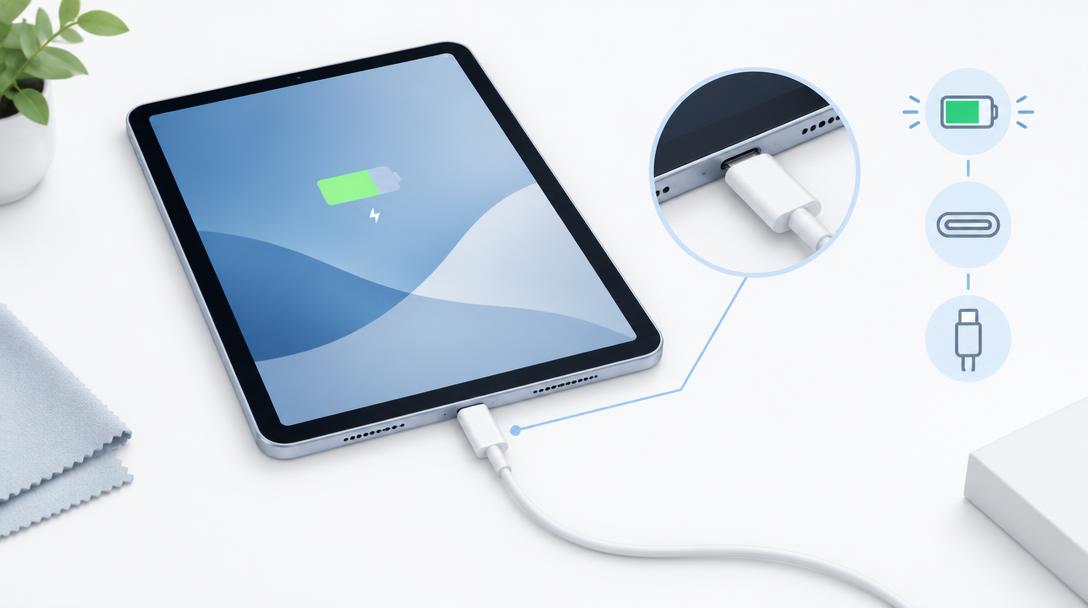
An iPad may refuse to charge because of the cable, adapter, wall socket, port debris, software or the battery itself. Testing one thing at a time avoids guesswork.
What the symptoms can mean
Charging only at an angle, a loose cable fit or a port that stops responding after movement can indicate debris or port wear. No response at all needs deeper diagnosis.
What to do next
Try a certified cable and adapter, inspect the port under good light and restart the iPad. Never clean the port with metal objects or force the connector.
Debris and safe port cleaning
iPad USB-C and Lightning ports collect lint at the very bottom, where it presses the connector pins just far enough apart to break charging. A bright light reveals the compacted grey fuzz; the safe fix is a gentle professional clean with proper tools. Metal pins, needles and paperclips are the fastest way to turn a cleaning job into a port replacement.
When the battery is the cause
A battery at the end of its life can behave exactly like a charging fault — refusing charge, jumping percentages or dying while plugged in. Diagnostics read the battery's actual capacity and charge acceptance, which cleanly separates battery wear from a port or circuit problem. If the iPad's back or screen is lifting, stop charging it and bring it in immediately.
When to arrange a diagnosis
If the problem continues after safe basic checks, a proper diagnosis is the best next step. It helps separate a replaceable part from a deeper board, power or software issue before any repair is approved.
Common questions
Why does my iPad say 'accessory not supported'?
That message usually means a worn cable, a non-certified adapter, or debris or damage in the port. Swap accessories first; if it persists with known-good ones, the port needs checking.
Can I charge an iPad with a phone charger?
It will charge, but slowly. iPads need higher-wattage chargers to charge properly, so always test with a rated iPad charger before suspecting a fault.