iPad guide
Cracked iPad Screen: Repair Options and Preparation
Know what to check when an iPad has broken glass, touch faults or display damage.
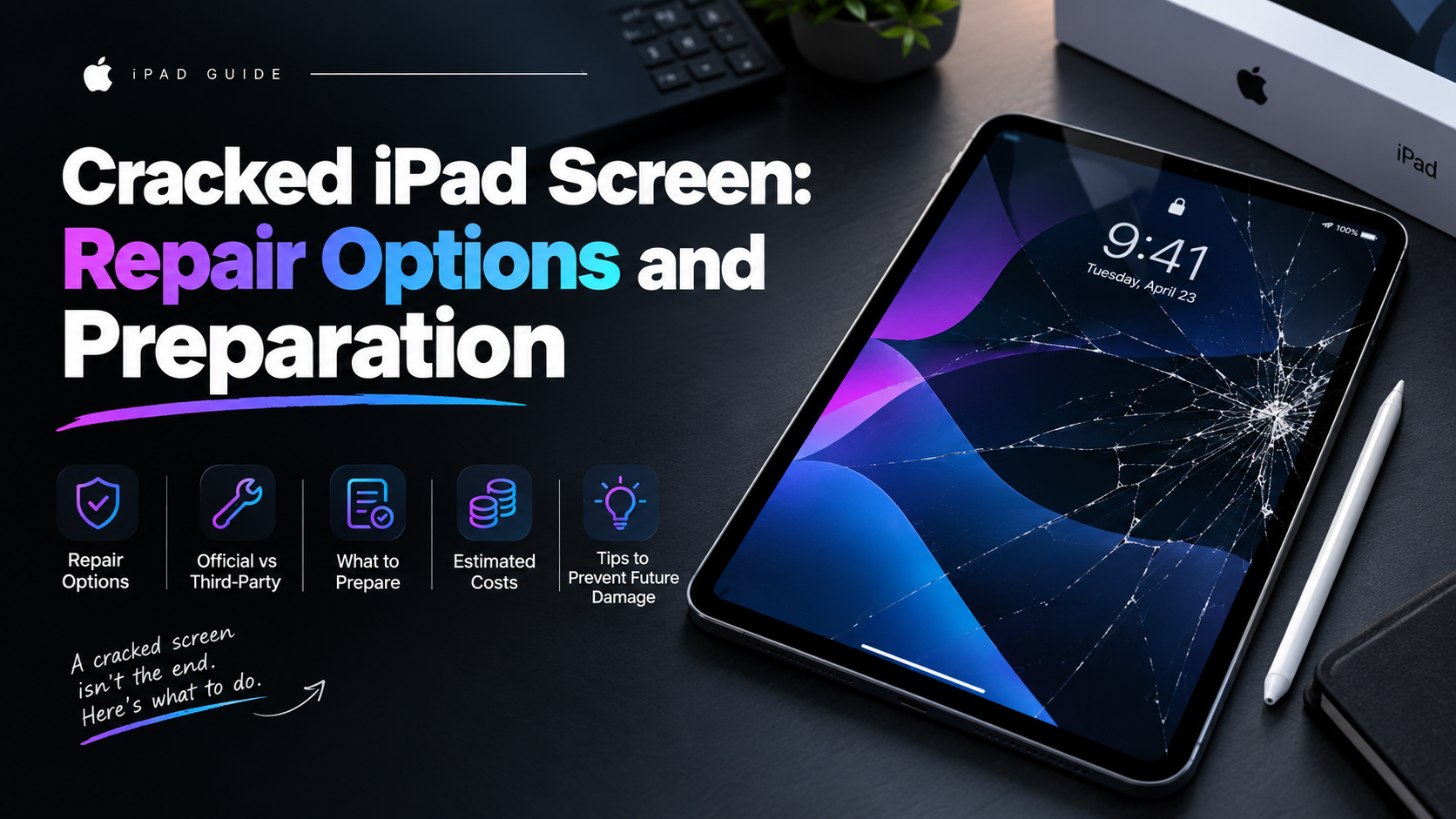
An iPad impact can damage the outer glass, touch layer, LCD or frame. The repair approach depends on the model and which layers are affected.
What the symptoms can mean
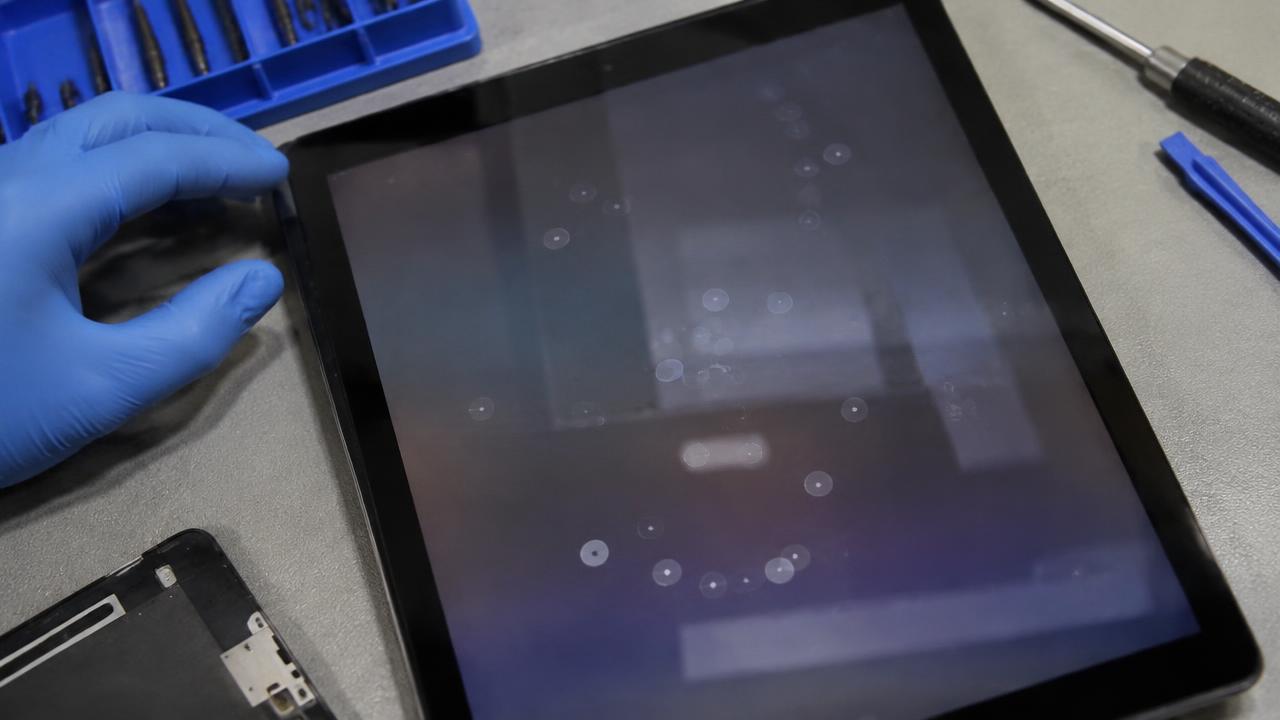
Ghost touches, dead areas, lines or dark patches point to damage beyond a simple crack. A distorted frame can prevent a new screen from sitting correctly.
What to do next
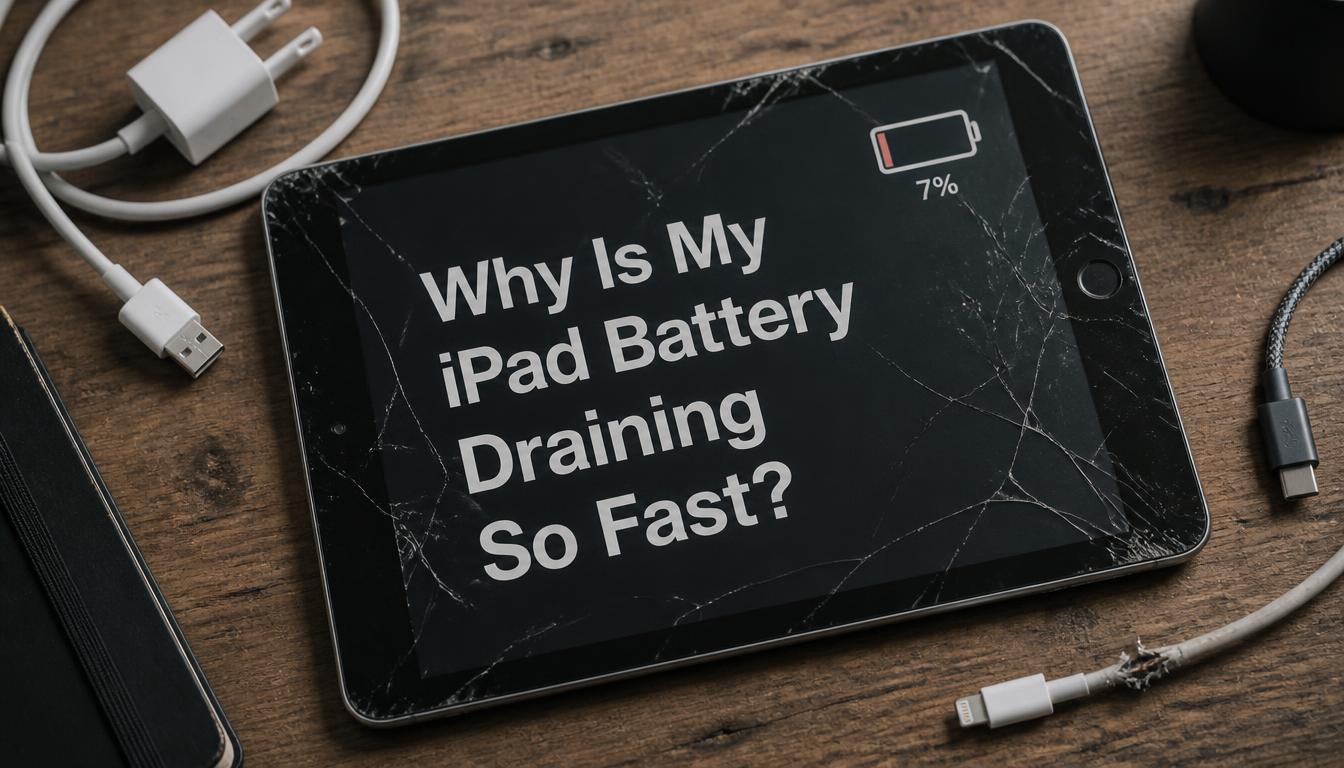
Avoid using a badly shattered panel, back up the iPad and note whether Apple Pencil or touch input still works. Bring the charger if power behaviour has also changed.
Why iPad repairs are model-specific
On some iPad models only the glass and digitiser layer are replaced; on laminated displays the glass and panel come as one bonded assembly. Choosing the correct part matters for Apple Pencil precision and True Tone behaviour, which is why the exact model number is checked before any work is quoted. Frame condition is inspected too, since a bent corner will stop a new screen from sitting flush.
Preparing your iPad for service
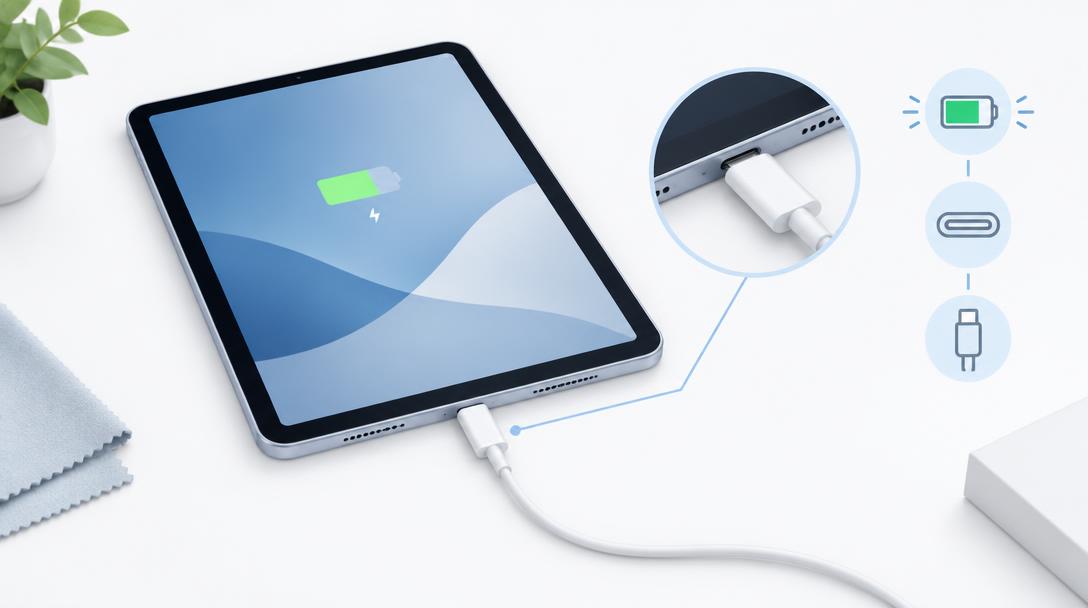
Back up through iCloud or a computer, note your passcode and turn off Find My iPad so the repair can proceed without delays. Test the touchscreen across every corner and note where input fails — that record helps the technician confirm the fault is fixed before handover. If the iPad also behaves oddly on the charger, bring the cable and adapter along.
When to arrange a diagnosis
If the problem continues after safe basic checks, a proper diagnosis is the best next step. It helps separate a replaceable part from a deeper board, power or software issue before any repair is approved.
Common questions
Can an iPad screen be repaired the same day?
Often yes, depending on the model and the part needed. Laminated assemblies that require bonding take a little longer than simple glass replacements.
Is it safe to keep using an iPad with cracked glass?
Not for long. Loose shards can cut fingers, and cracks let dust and moisture reach the display and battery. Cover the glass with tape or a case as a temporary measure and book a repair.