iPad guide
iPad Ghost Touch and Flickering: What It Means
Understand phantom touches and flicker on an iPad and when the screen needs service.
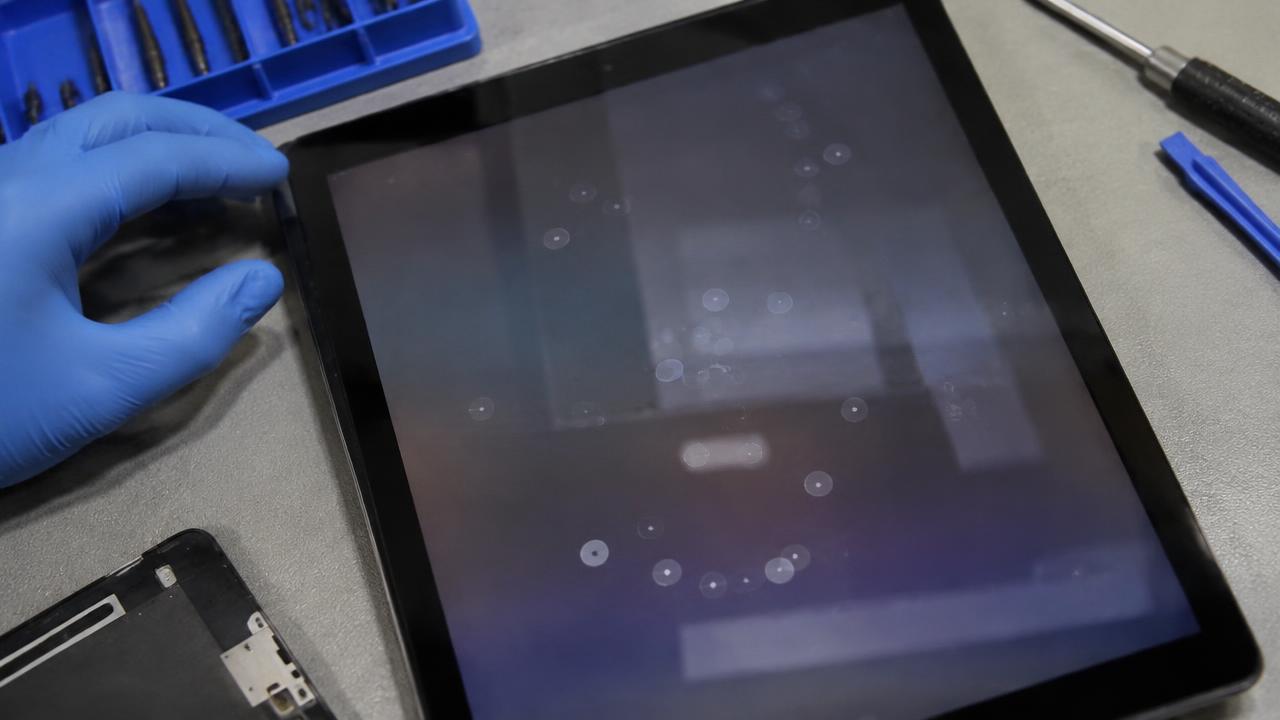
An iPad that types, scrolls or opens apps by itself has a touch-layer fault, while flickering points to the display or its connection — both deserve prompt attention.
What the symptoms can mean
Ghost touches in one area often follow a drop or pressure on that spot. Flicker with lines suggests display damage, and faults that appear while charging can indicate a poor-quality charger.
What to do next
Remove any screen protector and case pressing on the glass, test with the original charger and restart the iPad. Persistent phantom touches need a screen diagnosis before they cause accidental purchases or deletions.
Why ghost touch should not wait
A faulty touch layer acts on its own — sending messages, opening apps, entering wrong passcodes. Enough wrong passcode attempts can lock or erase the iPad, which turns a screen repair into a data problem. Backing up early and booking a diagnosis promptly is the safe sequence.
How the repair is done
Depending on the model, the touch digitiser or the full laminated display is replaced, the frame is checked for the bend or pressure point that caused the fault, and touch is retested across every corner of the screen. Apple Pencil accuracy is verified too on supported models, since pencil precision is the most sensitive test of a good repair.
When to arrange a diagnosis
If the problem continues after safe basic checks, a proper diagnosis is the best next step. It helps separate a replaceable part from a deeper board, power or software issue before any repair is approved.
Common questions
Can a screen protector cause ghost touch?
Yes — a poorly fitted or cracked protector pressing on the glass is a common cause. Removing it is the first free check before suspecting the iPad itself.
Is ghost touch a sign of a virus?
No. iPads do not get that kind of malware. Phantom touches are almost always a hardware fault in the touch layer or pressure on the screen.