iPhone guide
iPhone Face ID Not Working? Causes and Checks
Find out why Face ID may stop working and which safe checks can narrow down the cause.
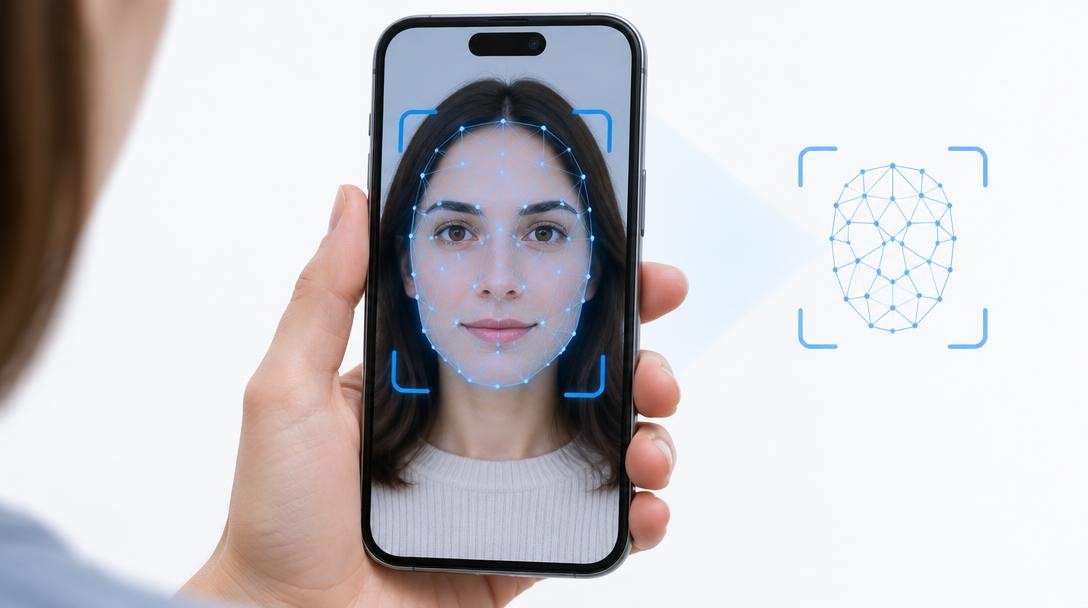
Face ID depends on a precisely aligned camera system, so drops, screen repairs and internal faults can all interrupt it. Some causes are simple; others need workshop equipment.
What the symptoms can mean
A 'Face ID has been disabled' message, errors after a screen change or failure only in low light can each point to different causes. Water inside the camera area can also interrupt the sensors.
What to do next
Clean the TrueDepth area, restart the phone and re-enrol your face in settings. If errors continue after a screen repair or a drop, arrange a camera-system diagnosis.
Why Face ID repairs need calibration
The TrueDepth camera modules are paired to each individual phone and aligned to fractions of a millimetre, which is why Face ID faults are not fixed by swapping parts blindly. A proper repair keeps the original paired components wherever possible, reseats their connectors and verifies alignment with test enrolments. Repairs done without this care often 'work' for a week and then fail again.
Information that helps the technician
Note when Face ID stopped — immediately after a drop, after a screen repair elsewhere, after swimming, or gradually over time. Each history points somewhere different: an impacted sensor module, a disturbed connector, moisture, or ageing hardware. Bringing the error message text, or a screenshot of it, makes the diagnosis faster and more accurate.
When to arrange a diagnosis
If the problem continues after safe basic checks, a proper diagnosis is the best next step. It helps separate a replaceable part from a deeper board, power or software issue before any repair is approved.
Common questions
Can Face ID be fixed after a screen repair elsewhere?
Often yes. The front sensor flex may have been disturbed or damaged during the screen replacement, and it can frequently be repaired or replaced without touching the paired modules.
Why did Face ID stop after a drop with no screen damage?
The TrueDepth sensors sit right at the top of the display, and a jolt can shift or crack them even when the glass looks perfect. A camera-system diagnosis confirms which part is affected.