iPhone guide
iPhone Screen Repair: What to Do After a Crack
A practical guide to protecting your iPhone, checking damage and deciding when the screen needs professional repair.
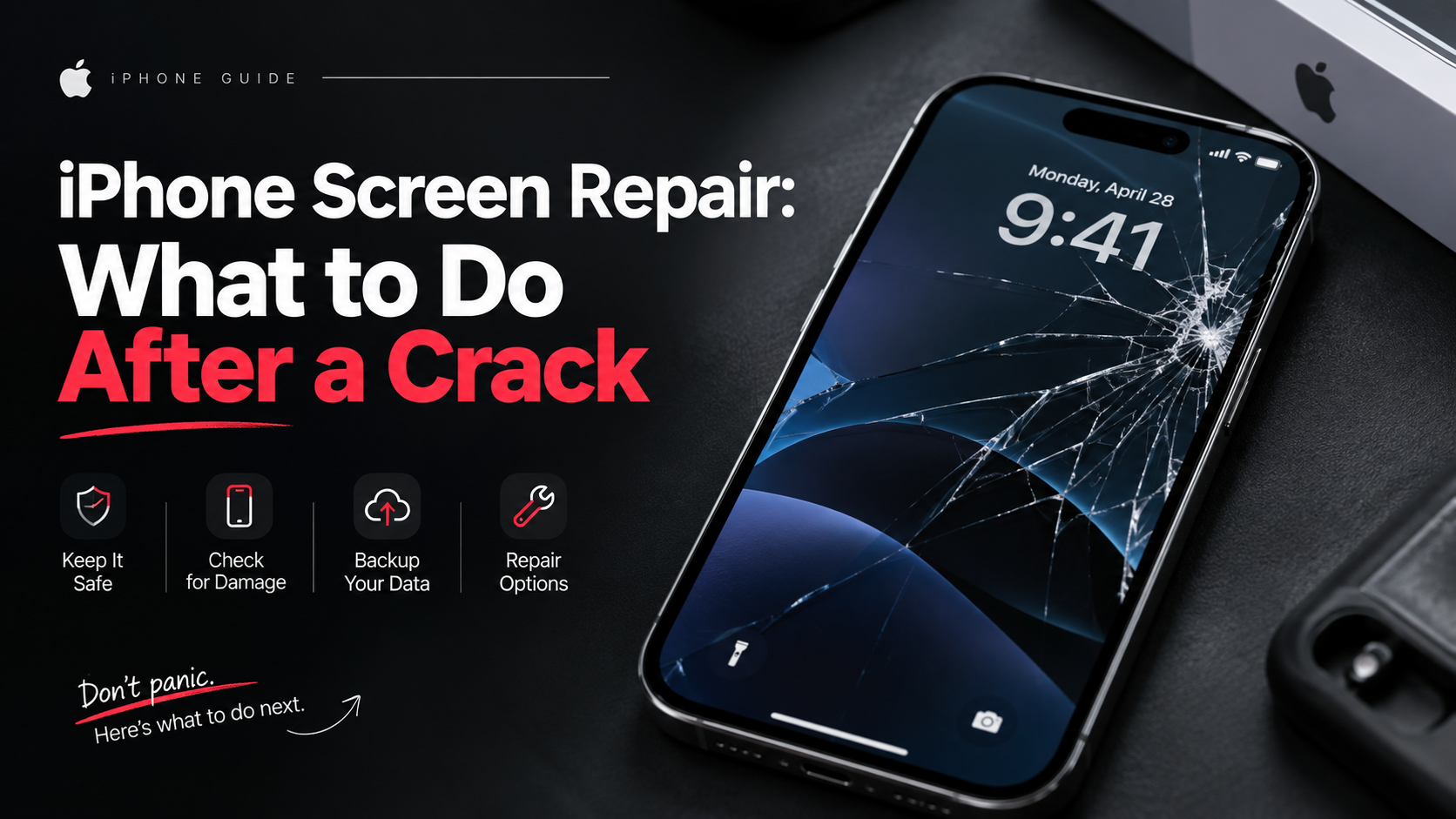
A cracked iPhone screen can be more than a cosmetic problem. Loose glass, missed touches and display lines can make the device harder to use and may allow dust or moisture inside.
What the symptoms can mean
Surface cracks may affect only the outer glass, while black patches, coloured lines or flickering often point to display damage. Touch problems can indicate damage to the digitiser beneath the glass.
What to do next
Back up the phone if it still responds, avoid pressing damaged areas and keep it dry. Do not peel away loose glass. A technician can inspect the display, frame and touch response together.
What a professional screen repair involves
A proper iPhone screen repair replaces the full display assembly — glass, touch layer and panel together — rather than gluing a new sheet over the crack. The technician also inspects the frame for bending, checks the earpiece and front camera seating, and tests touch response across the whole panel, True Tone behaviour and the front sensors before handing the phone back. Most screen repairs are completed the same day in our Abu Dhabi workshop.
Protecting a repaired screen
A fitted case and a good tempered-glass protector absorb most everyday drops and keep keys and coins away from the glass. Clean the screen with a soft, slightly damp microfibre cloth rather than household sprays, and avoid leaving the phone face-down on rough surfaces. These small habits are the difference between a screen that lasts years and one that needs another visit.
When to arrange a diagnosis
If the problem continues after safe basic checks, a proper diagnosis is the best next step. It helps separate a replaceable part from a deeper board, power or software issue before any repair is approved.
Common questions
Will a small crack spread on its own?
Yes. Temperature changes and everyday pressure let cracks creep across the glass, and each new crack increases the chance of touch faults or moisture reaching the display.
How long does an iPhone screen repair take?
Most iPhone screen repairs are completed the same day, often within a couple of hours, depending on the model and parts availability.