iPhone guide
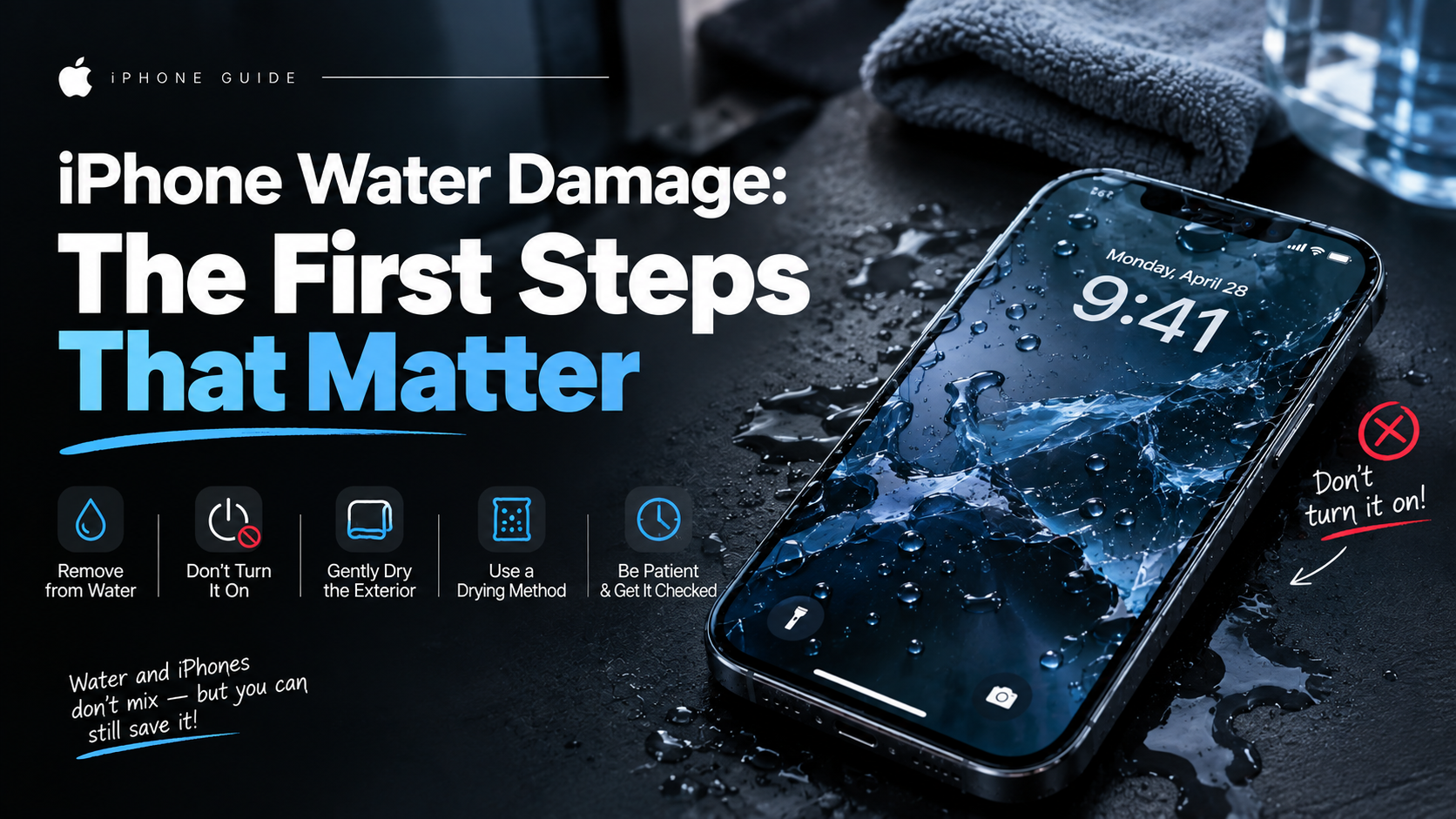
iPhone Water Damage: The First Steps That Matter
What to do—and avoid—after an iPhone gets wet to reduce the chance of further damage.
Liquid can reach connectors and internal components even when the phone looks normal outside. Corrosion may continue after the surface has dried.
What the symptoms can mean
A blank screen, camera fog, muffled audio, charging warnings or heat after liquid exposure can signal moisture inside. Symptoms may appear hours later.
What to do next
Disconnect power, switch the phone off when safe, remove the case and do not charge it. Avoid rice, hairdryers and heat. Arrange internal inspection as soon as practical.
What happens during liquid-damage treatment
The phone is opened, the battery is disconnected and the board is inspected under magnification for corrosion and moisture residue. Affected areas are cleaned with professional solutions, connectors are treated, and parts such as the screen, battery or cameras are replaced where they have been damaged. Sometimes a thorough clean is all that is needed; other cases call for component-level work on the board itself.
Why acting quickly matters
Corrosion keeps spreading even when the phone is switched off, and every day of delay lowers the chance of a full recovery. Leaving the phone in a bag of rice does nothing to remove mineral deposits already on the board — it only wastes the time that matters most. An internal inspection within the first day or two gives the best outcome.
When to arrange a diagnosis
If the problem continues after safe basic checks, a proper diagnosis is the best next step. It helps separate a replaceable part from a deeper board, power or software issue before any repair is approved.
Common questions
Does rice really help a wet iPhone?
No. Rice does not draw moisture out of the sealed inside of the phone, and dust from the rice can enter the ports. Disconnecting power and getting an internal inspection does far more good.
Can my photos survive water damage?
Very often yes — the storage chip is frequently unaffected even when other parts fail. Technicians handle liquid-damaged phones with data preservation in mind.