iPhone guide
iPhone Wi-Fi or Bluetooth Keeps Dropping? Here's Why
Trace iPhone connection dropouts from settings glitches to antenna and board faults.
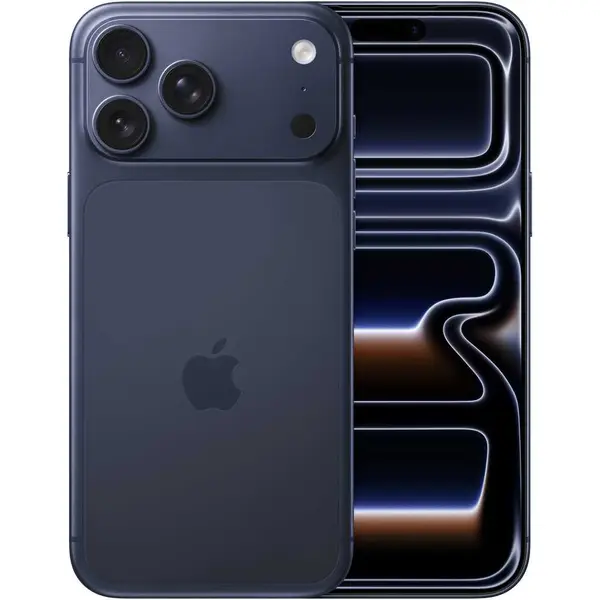
An iPhone that keeps losing Wi-Fi or Bluetooth may have a software glitch, a failing antenna connection or a board-level fault — and the pattern of the dropouts tells you which.
What the symptoms can mean
Dropouts on one network only point to the router. Dropouts everywhere, greyed-out Wi-Fi or Bluetooth toggles, or connections that fail after a drop point to the phone's antenna or wireless chip.
What to do next
Restart the iPhone, forget and rejoin the network, and reset network settings as a safe first pass. If Wi-Fi or Bluetooth is greyed out entirely, the fault is hardware and needs diagnosis.
The greyed-out toggle test
A Wi-Fi or Bluetooth switch that is greyed out and cannot be turned on is the clearest hardware sign: the wireless chip is not responding. No settings reset will fix that. A technician tests the antenna connections and the chip itself to find whether the fault is a simple reconnection or a board repair.
After a drop or repair
The antennas in an iPhone connect through small contacts and cables that can shift in a fall. If dropouts started after an impact, the fix is often reseating or replacing an antenna flex — a modest repair compared with the frustration of an unreliable phone.
When to arrange a diagnosis
If the problem continues after safe basic checks, a proper diagnosis is the best next step. It helps separate a replaceable part from a deeper board, power or software issue before any repair is approved.
Common questions
Will resetting network settings delete my data?
No — it only removes saved Wi-Fi networks, passwords and Bluetooth pairings. Photos, apps and messages are untouched.
Why does Wi-Fi drop only when the phone is warm?
Heat-sensitive faults in the wireless chip or its solder joints show up exactly this way. It is a hardware symptom worth diagnosing before it fails completely.