Laptop guide
Windows Laptop Blue Screen? What the Errors Mean
Decode blue screen crashes and learn when they signal failing hardware.

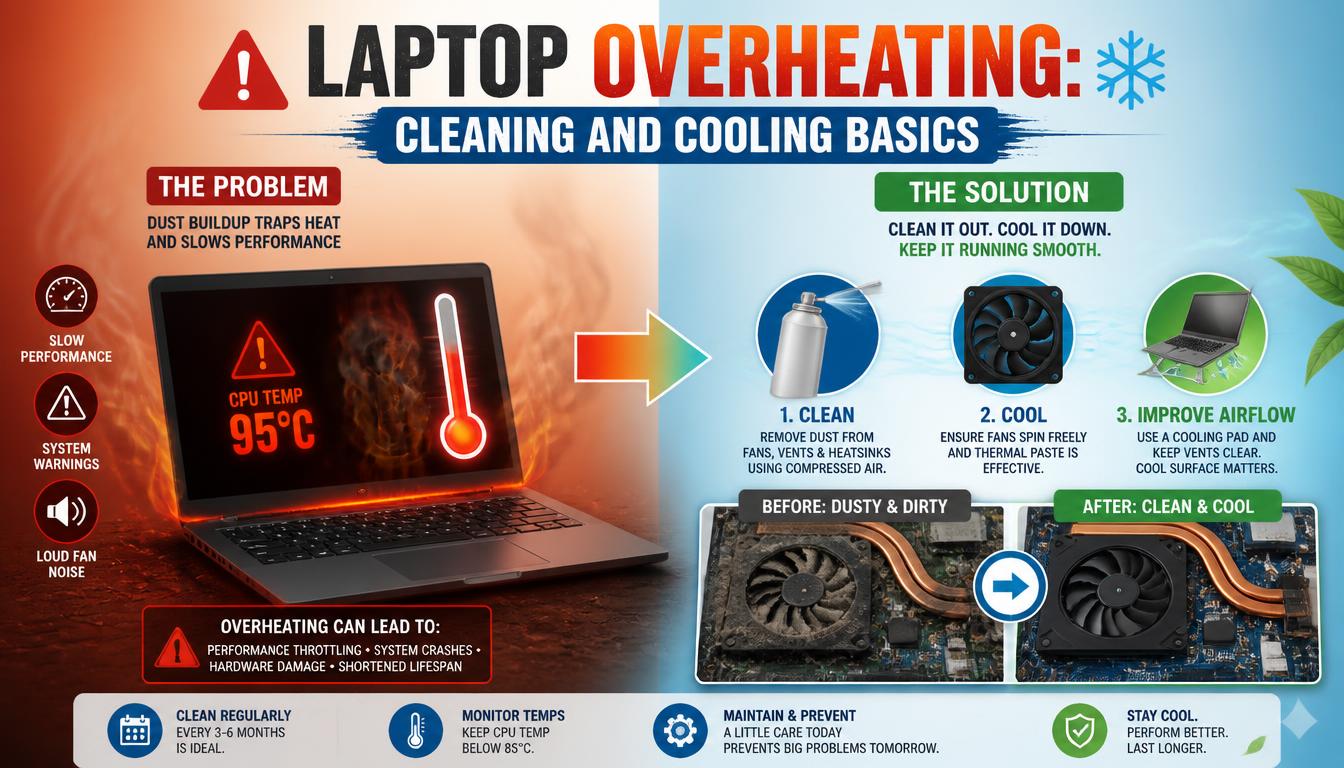
An occasional blue screen can be a driver hiccup, but repeated crashes — especially with different error codes — often point to failing memory, storage or overheating.
What the symptoms can mean
One blue screen after a new driver or update is usually software. Repeated crashes with varying codes, crashes under load, or crashes with clicking or whirring sounds suggest RAM, SSD or cooling faults.
What to do next
Note the stop code shown on the blue screen, uninstall recently added software or drivers, and run Windows' built-in memory and disk checks. Frequent crashes deserve hardware testing before data is at risk.
Patterns that point to hardware
Different error codes each time, crashes that worsen over weeks, or failures during heavy tasks like gaming classically indicate failing RAM or a degrading SSD. Technicians test memory and storage directly, which pinpoints the failing part instead of replacing components by trial and error.
Protect your data first
A laptop that crashes repeatedly may be warning of a dying drive. Before any troubleshooting marathon, copy irreplaceable files to external storage or the cloud. If the drive is indeed failing, every crash risks further corruption — backup first, diagnose second.
When to arrange a diagnosis
If the problem continues after safe basic checks, a proper diagnosis is the best next step. It helps separate a replaceable part from a deeper board, power or software issue before any repair is approved.
Common questions
Can a virus cause blue screens?
Rarely on modern Windows. Most blue screens are drivers, updates or failing hardware. A malware scan is still a reasonable quick check.
Should I reset Windows to fix crashes?
Only after hardware is ruled out. Resetting Windows on a laptop with a failing drive or RAM brings the crashes straight back and risks your files in the process.