
Laptop guide
Laptop Overheating: Cleaning and Cooling Basics
Reduce Windows laptop heat safely and recognise when internal cleaning or fan service is needed.
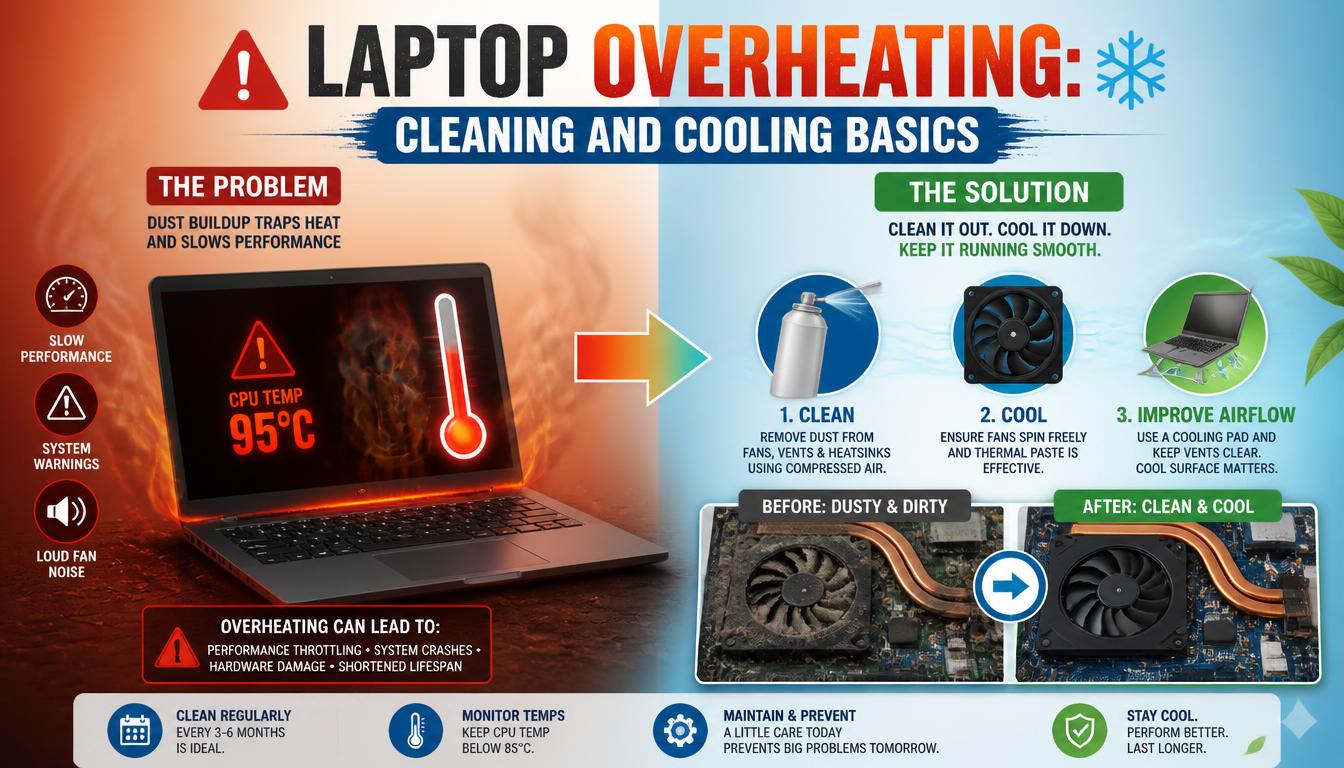
Dust, restricted airflow and demanding background tasks can make a laptop run hot. Persistent heat can also cause throttling and sudden shutdowns.
What the symptoms can mean
A fan running loudly at idle, a hot keyboard area or shutdowns under load can indicate ineffective cooling. A failed fan may produce silence despite rising temperatures.
What to do next
Use the laptop on a hard surface, clear external vents and review Task Manager. Internal cleaning should be handled carefully to avoid damaging fan cables or components.
What internal cleaning involves
The laptop is opened, the fan and heatsink fins are cleared of the dust blanket that blocks airflow, and the fan is tested across its full speed range. On machines more than a couple of years old, the dried-out thermal compound between the processor and heatsink is replaced at the same time. Together these two steps restore cooling to close to original performance.
Everyday habits that help
Work on a desk rather than a bed or sofa, leave the vents unobstructed, and glancing at Task Manager now and then catches runaway apps before they cook the machine. In dusty environments, keeping the area around the laptop clean slows the dust build-up inside it. None of this replaces internal cleaning, but it stretches the intervals.
When to arrange a diagnosis
If the problem continues after safe basic checks, a proper diagnosis is the best next step. It helps separate a replaceable part from a deeper board, power or software issue before any repair is approved.
Common questions
Can I clean my laptop fans myself?
Blowing out the vents from outside is safe. Opening the case is where people snap fan cables and plastic clips — internal cleaning is best left to a workshop.
Why does my laptop overheat only while gaming?
Games push the processor and graphics chip to sustained maximum load, which is exactly where a dusty or degraded cooling system falls short. A thermal service usually removes the limit.