Laptop guide
Can an SSD Upgrade Make Your Laptop Faster?
Learn when an SSD upgrade can improve laptop startup and responsiveness—and when it cannot.
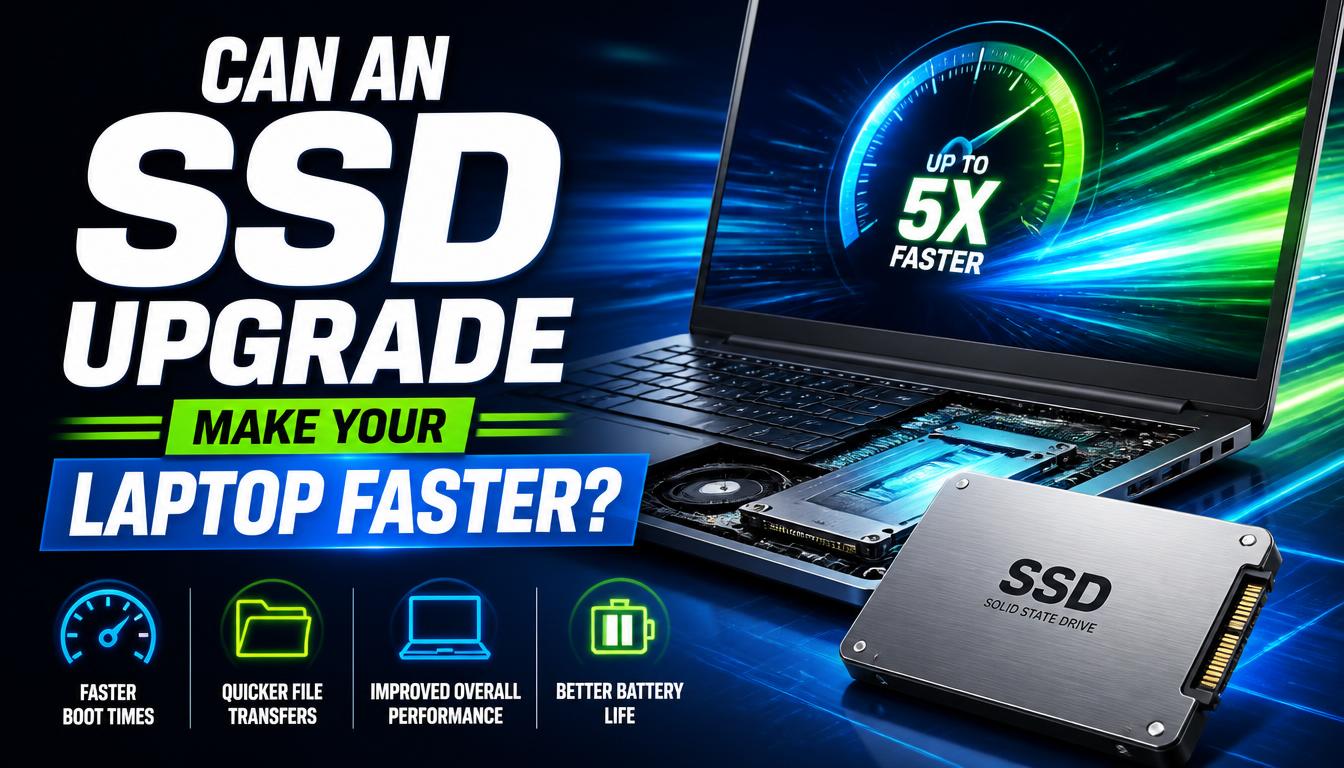
Replacing a mechanical hard drive with a compatible solid-state drive can improve startup, app loading and file access on supported laptops.
What the symptoms can mean
Slow storage often shows as long boot times and constant disk activity. An SSD will not fix insufficient memory, overheating, malware or a failing processor.
What to do next
Confirm the laptop supports the drive type, back up all files and plan whether to clone or reinstall the system. A compatibility check prevents buying the wrong format.
Choosing the right SSD
Laptops take different drive formats — older machines use 2.5-inch SATA drives, while newer ones take slim M.2 sticks in SATA or faster NVMe form, and the wrong format simply will not fit. Capacity is the other decision: enough for your files plus comfortable headroom. A quick compatibility check of the exact model before buying avoids the most common mistake.
Cloning versus a fresh install
Cloning copies your existing system, programs and files onto the new drive exactly as they were — nothing to reinstall. A fresh install puts a clean system on the new drive, which also clears out years of accumulated clutter, at the cost of reinstalling your programs. Both are offered; the right one depends on how tidy the old system is.
When to arrange a diagnosis
If the problem continues after safe basic checks, a proper diagnosis is the best next step. It helps separate a replaceable part from a deeper board, power or software issue before any repair is approved.
Common questions
How much faster will my laptop feel?
Dramatically. Startup drops from minutes to seconds and programs open instantly — an SSD upgrade is the single biggest speed improvement an older laptop can get.
Will an SSD fix all my speed problems?
No. If the laptop is also short on memory, overheating or carrying malware, those limits remain. A diagnosis confirms what the SSD will and will not change.