Laptop guide
Why Is My Computer So Slow? Practical Fixes
Identify the software and hardware reasons a computer slows down and what actually helps.
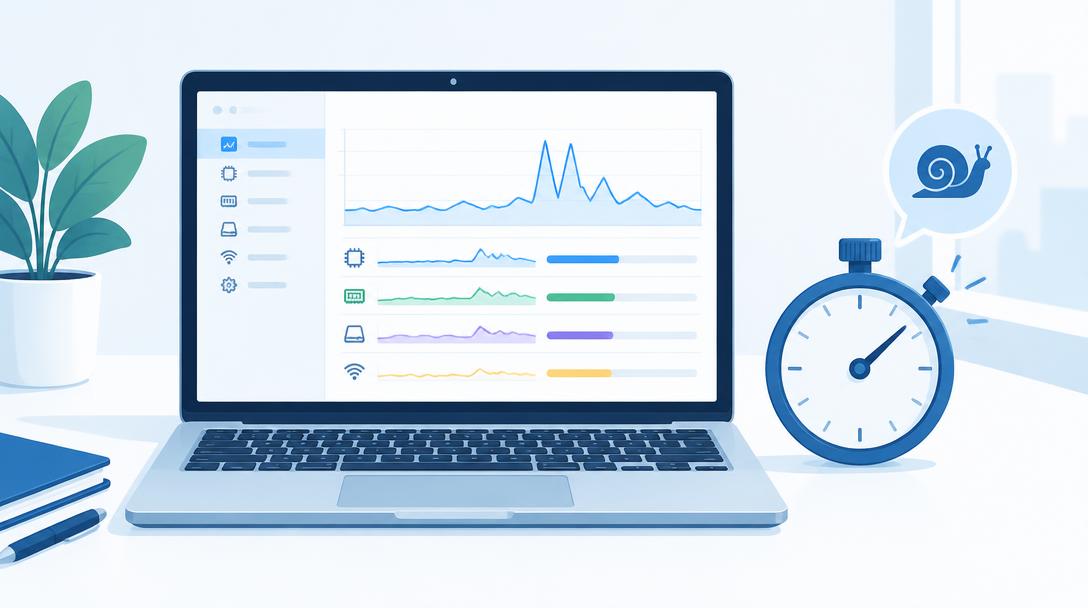
Slowness usually comes from overloaded storage, too many startup programs, insufficient memory or an ageing hard drive rather than one single fault.
What the symptoms can mean
Long boot times, spinning loaders during simple tasks and heavy disk activity point to storage. Fan noise with slowness can indicate overheating or background tasks.
What to do next
Check startup programs, free up disk space and install updates. On older machines, an SSD or memory upgrade often restores speed more effectively than reinstalling the system.
Upgrades that make the biggest difference
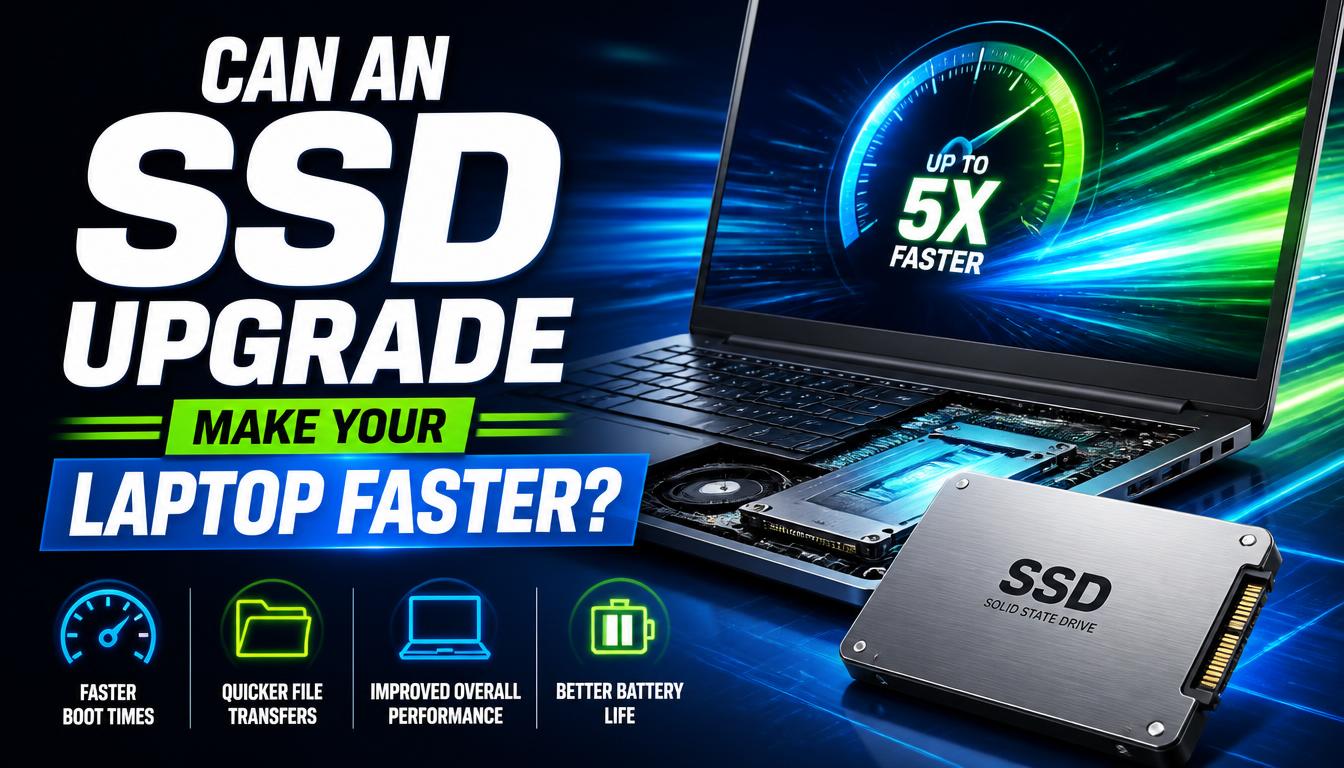
Moving from a mechanical hard drive to an SSD transforms a computer more than any other single change — startup falls from minutes to seconds and programs open instantly. Memory is the second lever: machines with 4 or 8 GB struggle with modern browsers and video calls. Together, an SSD and a memory bump usually cost a fraction of a new computer and deliver most of its speed.
Software habits that keep a computer quick
Trim the startup list so only essentials launch at boot, keep a fifth of the drive free as working space, install updates rather than postponing them, and restart properly once a week instead of leaving the machine asleep for months. These habits prevent the slow creep back that follows even the best upgrade.
When to arrange a diagnosis
If the problem continues after safe basic checks, a proper diagnosis is the best next step. It helps separate a replaceable part from a deeper board, power or software issue before any repair is approved.
Common questions
How much memory do I actually need?
8 GB is the practical minimum today and 16 GB is comfortable for browsing with many tabs, video calls and office work. Creators and gamers need more.
Will reinstalling Windows make my computer fast again?
It helps when the slowdown is software clutter, but an old hard drive remains slow after any reinstall. On ageing machines, an SSD beats a reinstall every time.