Gaming guide
PS5 Wi-Fi Keeps Disconnecting? Fix Unstable Connections
Solve PS5 dropouts, slow downloads and lag with the right checks in the right order.
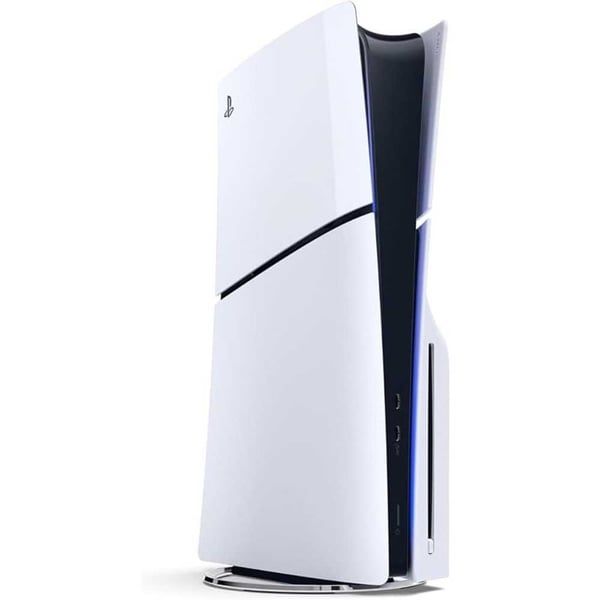
A PS5 that drops Wi-Fi mid-game or downloads slowly may be fighting a weak signal, a congested channel or a console-side network fault.
What the symptoms can mean
Dropouts that affect every device point to the router. Problems only on the PS5 — slow downloads next to a fast phone on the same network — point to console placement, band selection or the console's Wi-Fi hardware.
What to do next
Restart the router and console, move the PS5 away from walls and other electronics, and try the 5GHz band if the router offers it. A wired connection is the most reliable test of whether Wi-Fi itself is the problem.
The wired test
Connecting the PS5 by ethernet, even temporarily, is the most informative single test: if downloads and online play become perfect, the console hardware is fine and the issue is Wi-Fi signal or settings. If problems continue on ethernet, the router, internet plan or the console's network port needs a closer look.
When the console is at fault
A PS5 that loses Wi-Fi while a phone beside it holds a strong signal may have a failing Wi-Fi antenna or module, sometimes after a knock or liquid exposure. The repair involves testing and replacing the antenna or module — straightforward once diagnosed properly.
When to arrange a diagnosis
If the problem continues after safe basic checks, a proper diagnosis is the best next step. It helps separate a replaceable part from a deeper board, power or software issue before any repair is approved.
Common questions
Why are downloads slow on fast internet?
Wi-Fi interference, distance from the router and peak-hour congestion all cap real speeds. A wired connection or moving the console closer usually reveals the true speed.
Does rebuilding the database help connections?
It helps system sluggishness more than network issues, but it is safe and worth trying if the console also feels slow in menus.